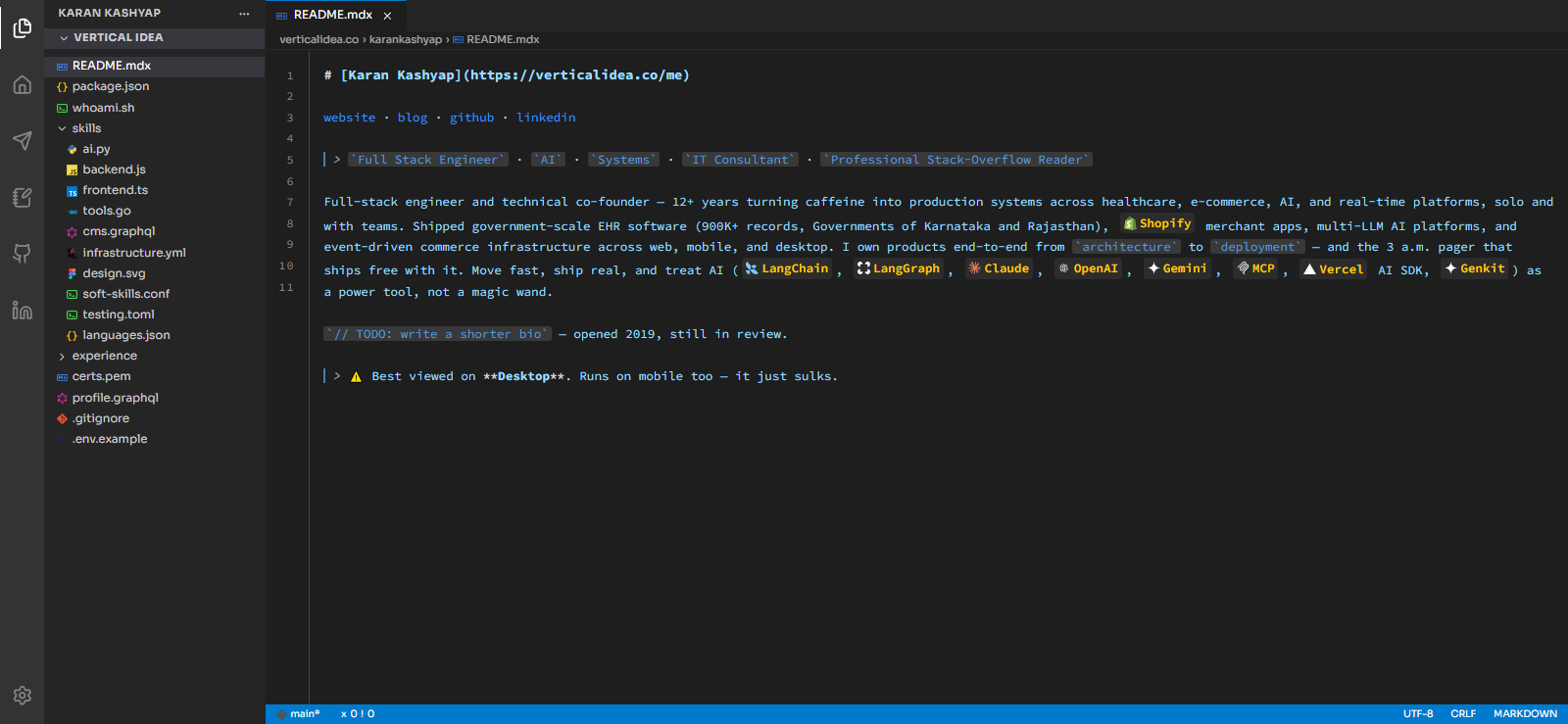
An interactive portfolio site styled as a VSCode clone — your bio, skills, and projects live as "files" in a fake file tree, syntax-highlighted and clickable, in a UI visitors already know how to use.
Built with Next.js (App Router), TypeScript, Tailwind CSS v4, and prism-react-renderer.
Live building-it-in-public write-up: Let's Build a VSCode-Style Interactive Portfolio (4-part series, linked from each part below) — read it if you want the why behind each file, not just the what.
git clone git@github.com:karankashyap/VSCodePortfolio.git
cd vscode-portfolio
npm install
npm run dev
Open http://localhost:3000.
Everything you need to change lives in two files:
lib/data.ts— the file tree. Swap thecontentstrings for your own README, skills, and project write-ups. Add or remove nodes freely; nothing else in the app needs to know about them.lib/config.ts— your name and the social links in the activity bar.
Nothing else needs to change to reskin this into your own portfolio.
| File | Responsibility |
|---|---|
lib/data.ts |
The FileNode tree — your content, typed. |
lib/config.ts |
Name + social links shown in the sidebar. |
components/vscode-portfolio/VSCodeWorkspace.tsx |
Owns open-tabs/active-file state, wires Sidebar + Editor together. |
components/vscode-portfolio/Sidebar.tsx |
Activity bar + accordion file explorer. |
components/vscode-portfolio/FileIcon.tsx |
Per-language icon, via lucide-react — no image assets needed. |
components/vscode-portfolio/Editor.tsx |
Tabs, Prism syntax highlighting, and the markdown-link fix. |
- Part 1 — The data model and project setup
- Part 2 — The file explorer sidebar
- Part 3 — The code editor and syntax highlighting
- Part 4 — Clickable markdown links, and shipping it
MIT — see LICENSE. Use it, fork it, ship your own.