An in-shell reminder to make your daily commit
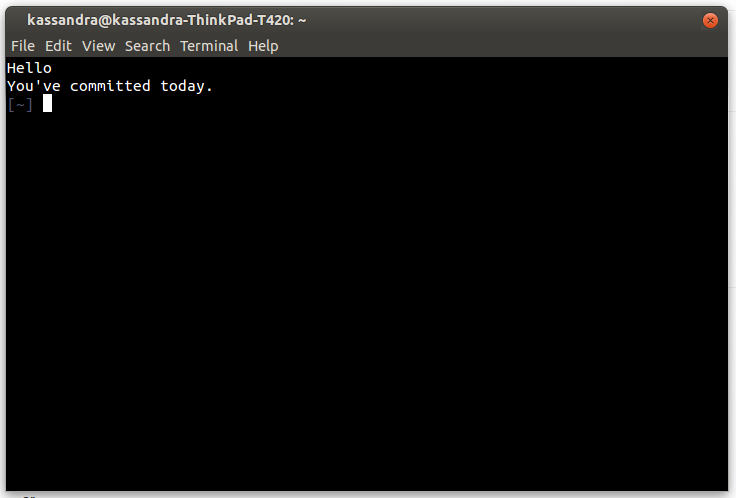
- Unix-based operating system (OS X or Linux)
- git
- Tested in Zsh
Clone the repository
git clone https://github.com/kassandrasmith/ACommitADay.git ~/.ACommitADay
cd into the repository and make the setup script executable
cd ~/.ACommitADay/scripts
chmod +x setup.sh
run the setup script
./setup.sh
Respond as prompted.
If you wish to change the message you see, you can:
- (recommended) re-run setup.sh and input the message you'd like to see
- Manually update ~/.Message.txt where the first line is the message you'll see if you HAVE committed and the second line is the message you'll see if you HAVE NOT
If you have created a new repository and would like to see if you've committed in it, you have two options.
- (recommended) Re-run the setup script and when prompted to update the repository directory, say "y"
- Manually add the path to RepositoryDirectory.txt