A scale-equivariant CNN-based method for estimating human weight and height from multi-view clinic silhouette images
This repository contains the algorithm developed for estimating human weight and height using multi-view images. The code supports training both Wide ResNet and Scale-Equivariant WideResnet models.
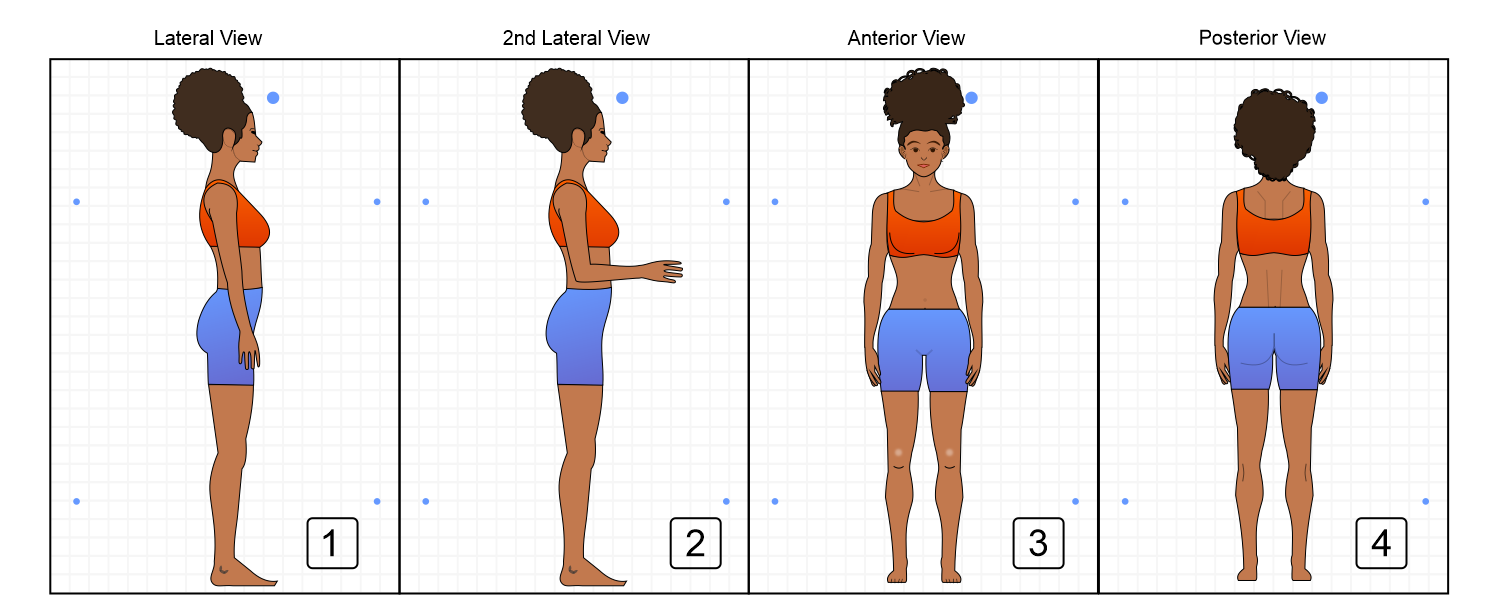
- 📖 Introduction
- 🛠️ Tools
- ⚙️ Installation
- 🚀 Usage
- ✨ Features
- 📦 Dependencies
- 📝 Configuration
- 🔍 Examples
- ❓ Troubleshooting
- 📰 Our Published Article
- 👥 Contributors
- 📜 License
- 📧 Contact
This project presents a deep learning approach to estimate human weight and height from clinic images taken from multiple views. Leveraging advanced neural network architectures, this method provides accurate and reliable estimations, potentially aiding various clinical and health-related applications.
- Python 3.10
- Cuda 11.7
- Conda 23.3
-
Download and Install Anaconda
Visit the Anaconda website to download and install Anaconda. -
Clone the Repository
Clone the project repository from GitHub:git clone https://github.com/lucasdblucas/wh_model.git cd wh_model -
Create a Virtual Environment
Create a virtual environment using the providedenvironment.ymlfile:conda env create -f environment.yml
-
Activate the Conda Environment
Activate the newly created environment:conda activate env_name
-
Navigate to the Execution Folder
Change directory to thesrc/bashsfolder:cd src/bashs -
Run Experiments
Execute the experiment scripts using the appropriate configuration files found insrc/config.- WideResnet Experiment:
bash execute_wh_21.sh
- Scale-Equivariant WideResnet Experiment:
bash execute_wh_22.sh
- WideResnet Experiment:
- Supports training of Wide ResNet and Scale-Equivariant WideResnet models.
- Utilizes multi-view clinic images for enhanced estimation accuracy.
- Configuration-driven execution for flexible experimentation.
The project dependencies are managed using Conda and specified in the environment.yml file. Ensure to create and activate the conda environment as described in the installation steps.
The configuration files for running experiments are located in the src/config folder. These files define the parameters and settings used during training and evaluation.
Examples of running the experiments are provided in the usage section. Additional example configurations and results can be added to this section as needed.
For common issues and troubleshooting steps, please open an issue on the project's GitHub page.
- Lucas Daniel Batista Lima
- Ariel Teles Soares
This project is licensed under the MIT License. See the LICENSE file for more details.

For any questions or inquiries, please contact:


Feel free to contribute to the project or reach out with any suggestions or improvements.