User Guide
To install TekkenLearningPlatform, simply download tlp_win64.zip from the latest release.
Double click start_webapp.bat to start up TekkenLearningPlatform's web application. It should show a command line similiar to this:
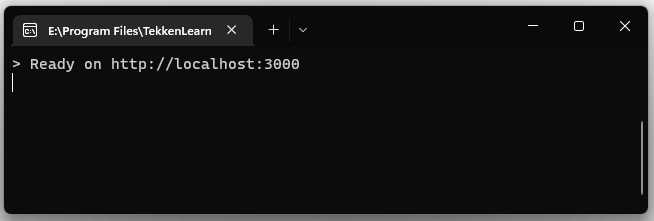
It should open the web application in your browser automatically. If it does not, please visit http://localhost:3000 manually. Navigate to the Settings page and choose which functionalities you would like to enable:
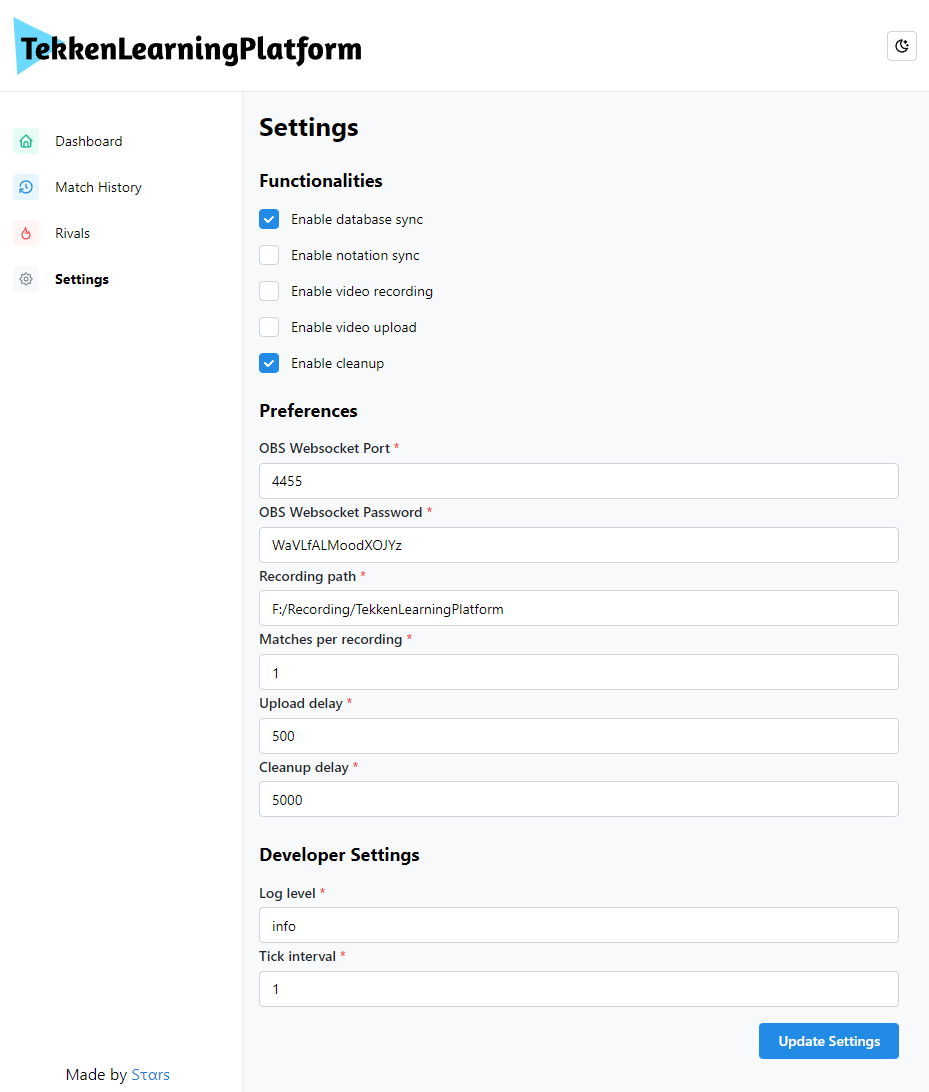
If you only want to keep track of your matches and not create any video recordings, no changes need to be made here.
If you want to enable the functionalities notation sync or video recording, you will have to set up OBS Studio first. Please refer to OBS Studio Setup. If you want to enable the functionality video upload, please refer to YouTube Upload Setup.
For a more detailed explanation of the available settings, please refer to Configuration.
To keep track of any matches played, please start up Tekken 7 first and then double click on start_recorder.bat. By default, this will keep track of your matches without creating video recordings or uploading them. If you enabled these functionalities in the previous step, please note that the recorder application will refuse to start up if any prerequisites are not met, such as when OBS Studio is not running or not set up properly. Please follow the respective instructions to set up these functionalities properly.
You do not have to start up the web application unless you want to view your statistics. Any matches played should show up automatically in the web application. You can use start_all.bat to automatically start up both the recorder and the web application.
Simply download the newest release and overwrite the included database.db with your existing database.db file. Unless specified otherwise in the release, overwrite the included config.yaml with your existing config.yaml file to keep your settings.
Careful: Do not overwrite your existing database.db file if you have already played and saved matches, or they will be lost permanently!