


A Chrome extension that allows you to block PostHog analytics and recordings on specific domains of your choice.
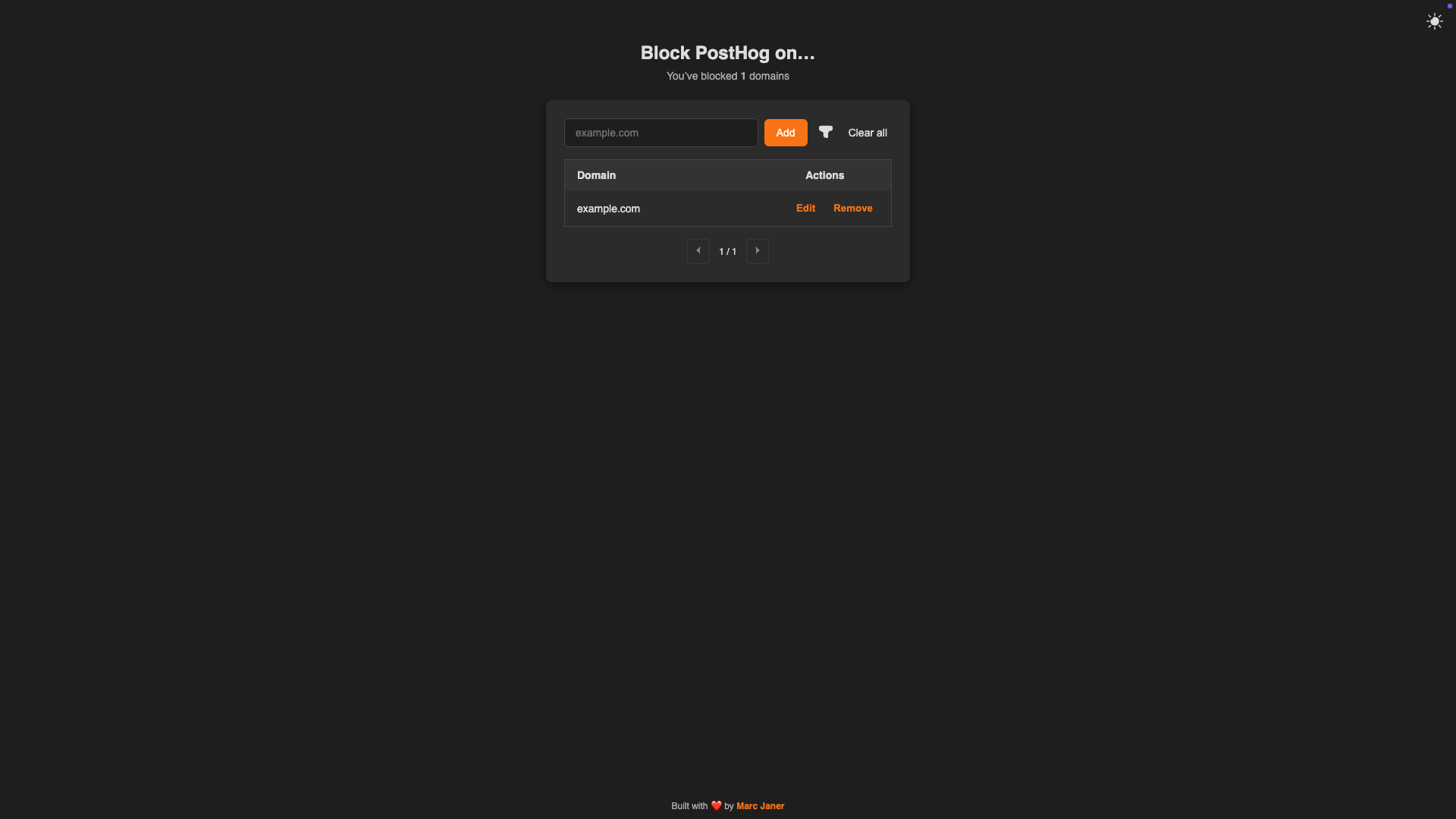
- 🔒 Block PostHog analytics and recordings on selected domains
- 🌐 Support for both exact domain matches and subdomains
- 🎨 Clean, modern UI with dark mode support
- 🔍 Domain filtering and search
- 📱 Responsive design
- 🔄 Real-time blocking without page reload
- Download the latest release from the Chrome Web Store
- Or install manually:
- Download the repository
- Open Chrome and go to
chrome://extensions/ - Enable "Developer mode"
- Click "Load unpacked" and select the extension directory
- Click the extension icon to open the options page
- Add domains where you want to block PostHog (e.g.,
example.com) - The extension will automatically block PostHog on:
- The exact domain (e.g.,
example.com) - All subdomains (e.g.,
app.example.com,api.example.com)
- The exact domain (e.g.,
The extension uses multiple techniques to ensure PostHog is completely blocked:
- Network Blocking: Blocks requests to PostHog's servers
- JavaScript Interception: Replaces PostHog's JavaScript API with a no-op stub
- Storage Sync: Your blocked domains list syncs across Chrome browsers
manifest.json- Extension configurationcontent_script.js- Main blocking logicoptions.html- User interfaceoptions.js- UI logic and domain managementrules.json- Network blocking rules
- Clone the repository
- Make your changes
- Load the extension in Chrome using "Load unpacked"
Compress by running
zip -r posthog-self-blocker.zip manifest.json content_script.js options.html options.js icon128.png icon128_white.png rules.json background.js
Contributions are welcome! Please feel free to submit a Pull Request.
MIT License - see LICENSE for details.
Built with ❤️ by Marc Janer