




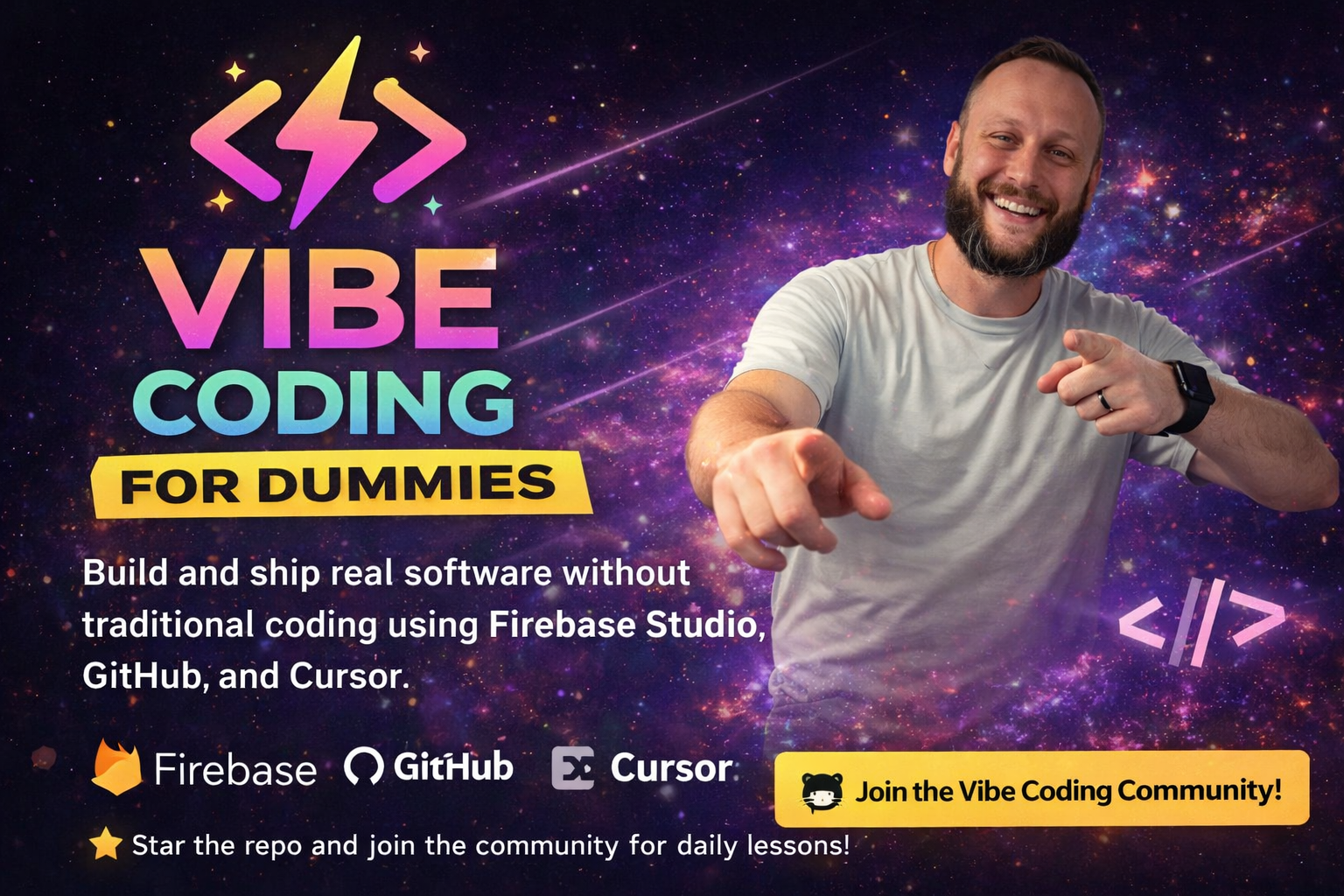
Build real software without being a "coder"
Everything you need to build and ship your first app is right here in this GitHub repo. No paywall. No gatekeeping. Just the complete vibe coding workflow.
This course teaches you the basics. The Vibe Coding with Chris Skool community shows you the secrets.
Inside, you'll see exactly how I build projects that generate passive income, my real workflow for turning simple apps into money-makers, advanced strategies I don't share publicly, and how to scale from one app to a portfolio of income-generating projects.
$15/month gets you access to everything I know about building software that makes money.
No gatekeeping. No fluff. Just building.
This course shows you how to build and ship real software using AI, without traditional coding education. You'll learn how to think, build, and ship using vibe coding.
| 🎓 Learn | 🛠️ Build | 🚀 Ship | 💰 Monetize |
|---|---|---|---|
| Clear path from idea to app | Exact stack that works | Real deployment | Turn apps into money |
| No tutorial hell | Firebase + GitHub + Cursor | Ship something real | SaaS, tools, communities |
- ✅ A clear path from idea to deployed app (no tutorial hell)
- ✅ The exact stack that works (Firebase Studio + GitHub + Cursor)
- ✅ Real building, not theory (you'll ship something by the end)
- ✅ How to turn this into money (SaaS, micro tools, paid communities)
- 🧠 Mindset Reset → Start with Section 0: Before You Start
- 🛠️ Learn the Stack → Work through Sections 1-3 (Tools, GitHub, Cursor)
- 🔥 Build Your First App → Section 4 (Your First Real Build)
- 🚢 Ship It → Section 5 (Deployment)
- 💰 Monetize → Section 6 (Turn It Into Money)
⏱️ Time commitment: Work through this at your own pace. Most people finish in 1-2 weeks.
- Lesson 0.1 — What "Vibe Coding" Actually Means
- Lesson 0.2 — What You Will (and Won't) Learn Here
- Lesson 1.1 — The Only Tools You Need to Start (Free)
- Lesson 1.2 — Why Firebase Studio Is Perfect for Beginners
- Lesson 2.1 — GitHub Explained Like You're 5
- Lesson 2.2 — Creating Your First Repo (No Stress)
- Lesson 3.1 — What Cursor Does Differently
- Lesson 3.2 — How to Talk to AI Like a Builder
- Lesson 4.1 — Picking a "Stupid Simple" Idea
- Lesson 4.2 — Scaffolding the App with AI
- Lesson 4.3 — Connecting Firebase (High Level)
- Lesson 5.1 — What "Shipping" Actually Means
- Lesson 5.2 — Deploying with Firebase Studio
- Lesson 6.1 — How Vibe Coders Actually Make Money
- Lesson 6.2 — Why Speed Matters More Than Perfection
- Lesson 7.1 — Why This GitHub Course Is Only the Beginning
- Lesson 7.2 — Join the Vibe Coding Community
- Common Firebase issues
- Common Cursor issues
- Common GitHub issues
- How to ask for help
Vibe coding means:
- Focusing on what the app should do, not how to code it perfectly
- Letting modern tools handle the heavy lifting
- Learning by building, not by memorizing
- Shipping imperfect work and improving it
It's NOT:
- Traditional coding education
- Memorizing syntax
- Building perfect code on the first try
- Waiting until you're "ready" to ship
- Firebase Studio — Backend, auth, database, and hosting in one place
- GitHub — Your source of truth and project history
- Cursor — AI-powered code editor that understands your project
You don't need $300/month in tools. You need these three.
Here's how you'll actually use them:
- Build project bones in Firebase Studio — Use prompts to create the basic structure
- Publish from Firebase Studio — Creates your project in Firebase Console
- Enable services in Firebase Console — Enable Auth, Firestore, Hosting (makes everything easier later)
- Sync to GitHub — Firebase Studio creates your GitHub repo automatically (removes GitHub setup friction)
- Clone to Cursor — Build fast with AI (all services already configured)
- Sync back and deploy — Deploy from Firebase Studio (one-click deployment)
Build bones → Publish → Enable services → Sync to GitHub → Build in Cursor → Deploy. Repeat.
Key points:
- Build project bones first (the structure)
- Publish before syncing to GitHub (enables services)
- Enable all services early (makes Cursor work easier)
- Firebase Studio creates your GitHub repo automatically
- Keep repos private and don't commit secret keys
Each tool does what it's best at. You don't fight the tools.
This course gives you the foundation. Real progress happens with daily reps.
Inside the Vibe Coding with Chris Skool community, you get:
- Daily lessons and build walkthroughs
- Real-world projects broken down step-by-step
- Feedback on your builds
- Shipping accountability
- How to turn simple apps into things people pay for
The goal: Go from idea → deployed app → first customers in ~30 days.
I don't gatekeep, I don't overload you with theory, and I don't expect you to become a "real developer" before you ship something.
This is the exact workflow I use to build and ship software that makes money.
Built by: Chris Porter

- Read each lesson — Don't skip ahead
- Do the exercises — Actually build, don't just read
- Ship something — Even if it's ugly (especially if it's ugly)
- Use the quick reference — Quick Reference Guide for when you need a reminder
- Level up — Join the Skool Community to see the secrets and passive income strategies
Head to Section 0: Before You Start and let's reset your mindset about what building software actually means.
Remember: If you can explain what you want, you can build it.
For daily lessons, real builds, and passive income strategies, join the Vibe Coding with Chris Skool community.