A local development tool for Cosense (Scrapbox) UserScripts.
Write Cosense UserScripts in TypeScript, build and serve them locally, and see changes auto-reloaded in the browser.
- TypeScript — Write Cosense UserScripts in TypeScript
- Hot reload — Edit in your editor, save, and changes are reflected in the browser automatically
- Zero config — Just put
.tsfiles inscripts/and runbunx cosense-userscript-dev
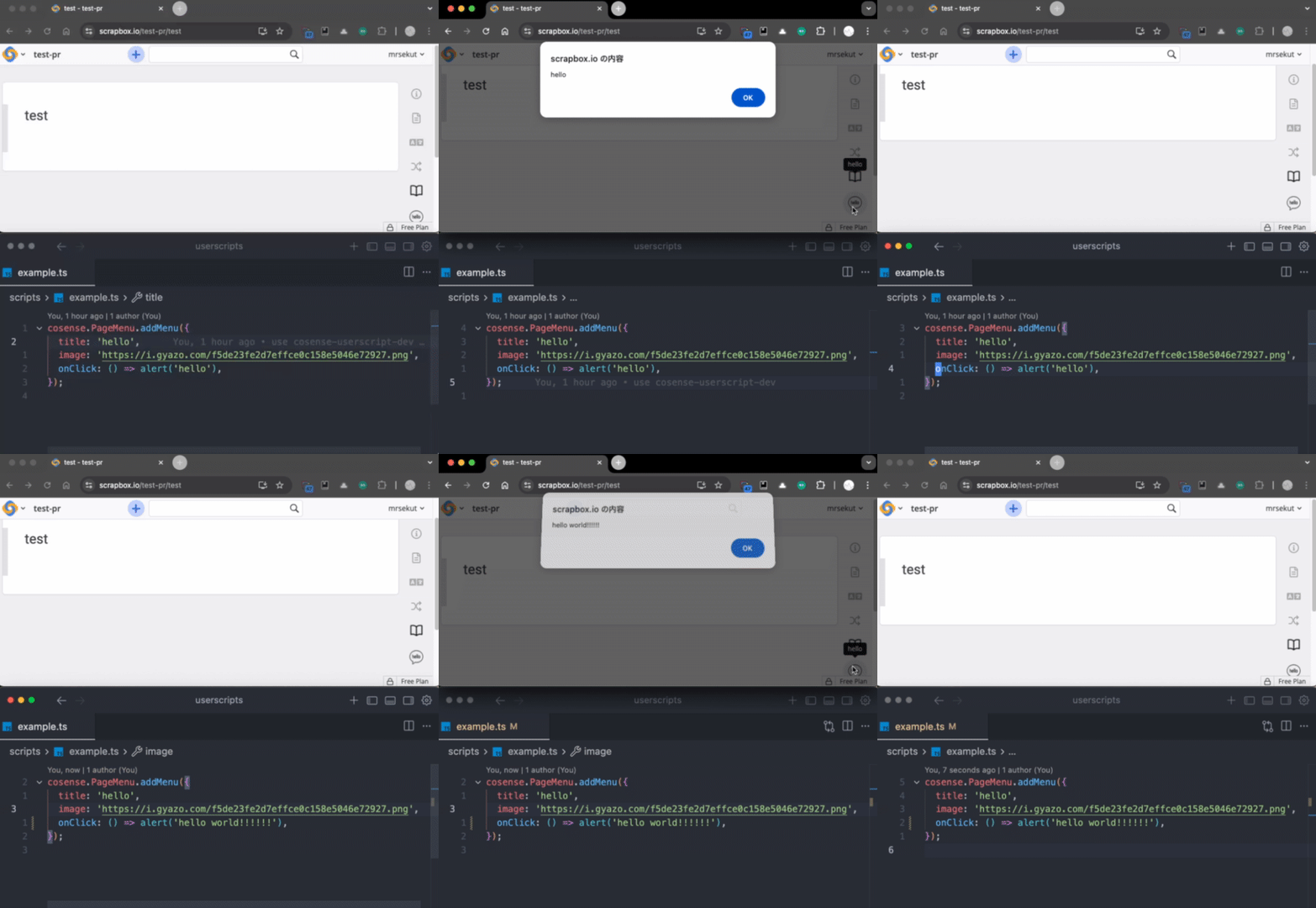
No install required — use bunx to run directly:
bunx cosense-userscript-devOptionally, add it as a dev dependency for defineConfig type support in cosense-dev.config.ts:
bun add -d cosense-userscript-devSee TUTORIAL-ja.md for a detailed step-by-step walkthrough. For a working example, see mrsekut/userscripts.
- Generate the Tampermonkey bootstrap (one-time):
bunx cosense-userscript-dev loader- Create a
scripts/directory and write Cosense UserScripts in TypeScript:
my-userscripts/
  scripts/
    foo.ts    ← uses cosense.PageMenu.addMenu(), etc.
    bar.ts
  package.json
- Start the dev server:
bunx cosense-userscript-dev- Copy the contents of
loader.user.jsinto Tampermonkey. This is a one-time setup — the bootstrap is stable and does not need to be updated when you add scripts or update the library.
- Builds
scripts/*.ts→dist/*.js - Serves
dist/via HTTP with CORS headers - Watches
scripts/for changes, auto-rebuilds, and triggers browser reload
- One-shot build of
scripts/*.ts→dist/*.js
- Generates
loader.user.js— a thin Tampermonkey bootstrap - Only needs to be run once (or when
port/matchconfig changes)
No configuration is needed if you follow the default conventions. To customize, create a cosense-dev.config.ts file:
import { defineConfig } from 'cosense-userscript-dev';

// default values are used if not specified
export default defineConfig({
  scriptsDir: 'scripts',
  outDir: 'dist',
  port: 3456,
  match: ['https://scrapbox.io/*'],
});my-userscripts/
scripts/ … Cosense UserScripts (TypeScript)
foo.ts
bar.ts
dist/ … build output (add to .gitignore)
loader.user.js … Tampermonkey bootstrap (generated once by `loader` command)
cosense-dev.config.ts … optional config
package.json
MIT