Sublime Text 2/3 plugin for folding (hiding) comments
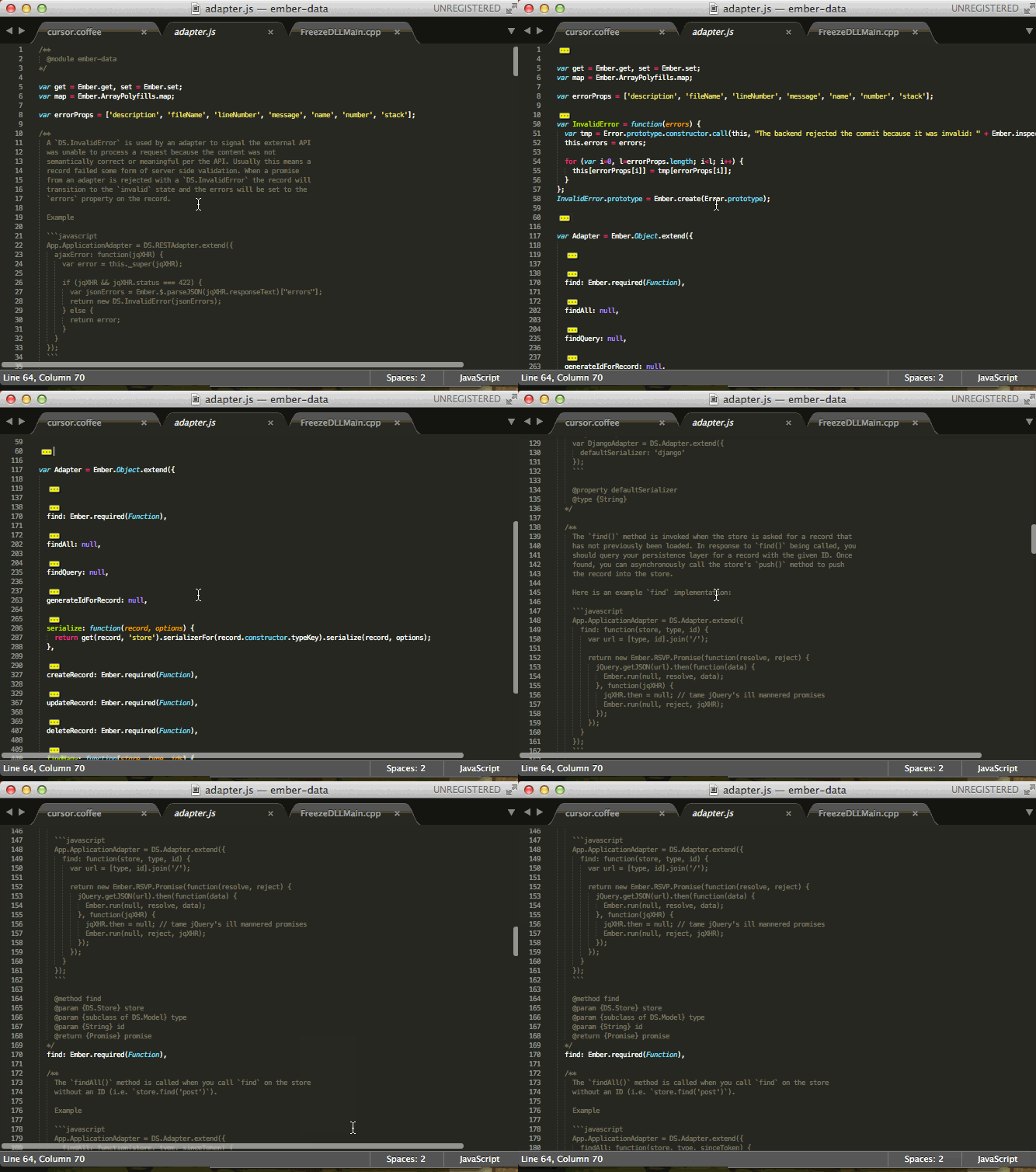

As of version 0.2.0 there is also an option of folding only the selected comments! In order to do this ctrl+click as many comments as you would like to fold. Then press the correct keys (as shown in the keybinds section).
You can install via Sublime Package Manager where the plugin is called "Fold Comments"
Toggle Comments Folding: Command + Shift + C Toggle Selected Comments Folding: Command + Alt + C
Toggle Comments Folding: Ctrl + Shift + C Toggle Selected Comments Folding: Ctrl + Alt + C
Toggle Folding CommentsFold CommentsUnfold CommentsToggle Folding Selected Comments
This plugin builds on the work of