Workshops around Google AI specifically on Building AI Agents with Google's Agent Development Kit (ADK) and Google Live APIs
- A collection of ready-to-run Jupyter notebooks for learning and experimenting with Deep Learning.

Check out the latest notebooks that show how to optimize and deploy popular models on Intel CPU and GPU.
| Notebook / Workshop | Description | Complementary Materials | Quiz / Exercise / Labs |
|---|---|---|---|
| Unlocking the power of Generative AI with Gemini Campus Connect - CUEA  |
The hands-on session was based on Generative AI. Beginning with an introduction to Deep Learning and the foundational principles of neural networks using Keras and TensorFlow, participants gained insight into the building blocks of modern AI. I then transitioned into Large Language Models (LLMs), neural networks trained on massive datasets, unleashing capabilities for content generation. Developers were then introduced to the landscape of available foundational models, with a special focus on Gemini. Through live demonstrations, developers were guided through the practical application of Gemini, both within Google AI Studio and through APIs in VS Code and Colab. |  |
Blog - How to get YOLOv8 Over 1000 fps with Intel GPUs? |
| Building Agentic Solutions with Gemini and ReACT Kisumu |
This live-coding session will explore the powerful Gemini API and walk through the best practices for function calling. You will learn how to write simple Python functions as tools, and build a ReAct agent that can choose the right tool for a task, including scraping websites or generating content. We will also get an intro into prompt engineering, a new state-of-the-art practice to transform raw data, and how to create a conversational assistant with LlamaIndex. | |
Blog - How to get YOLOv8 Over 1000 fps with Intel GPUs? |
| Unlocking the power of Generative AI with Gemini Campus Connect - CUEA |
The hands-on session was based on Generative AI. Beginning with an introduction to Deep Learning and the foundational principles of neural networks using Keras and TensorFlow, participants gained insight into the building blocks of modern AI. I then transitioned into Large Language Models (LLMs), neural networks trained on massive datasets, unleashing capabilities for content generation. Developers were then introduced to the landscape of available foundational models, with a special focus on Gemini. Through live demonstrations, developers were guided through the practical application of Gemini, both within Google AI Studio and through APIs in VS Code and Colab. | |
Blog - How to get YOLOv8 Over 1000 fps with Intel GPUs? |
| Keras 3 - A Spectrum of Workflows Zindi |
The workshop will explore the powerful Keras 3 API and walk through deep learning best practices, how to write a simple model, and run it with a backend of your choice, including PyTorch, TensorFlow, or JAX. We will also got an intro into Gemma, the new state-of-the-art open models and how to install it and manage the LLM with Keras 3. | |
Blog - How to get YOLOv8 Over 1000 fps with Intel GPUs? |
| Working with Gemini Pro and LangChains Buld With AI |
This tutorial offers an exploration of Gemini and LangChains. Our primary goal is to demystify complex concepts, help you learn how to effectively load & store documents using LangChain and build a question-answering Gemini bot that answers questions based on your documents. | |
Blog - How to get YOLOv8 Over 1000 fps with Intel GPUs? |
| Creating beautiful art with Stable Diffusion AMLD Africa - Nairobi Lab 2 Lab 3 |
The hands-on session was based on Generative AI. Beginning with an introduction to Deep Learning and the foundational principles of neural networks using Keras and TensorFlow, participants gained insight into the building blocks of modern AI. I then transitioned into Large Language Models (LLMs), neural networks trained on massive datasets, unleashing capabilities for content generation. Developers were then introduced to the landscape of available foundational models, with a special focus on Gemini. Through live demonstrations, developers were guided through the practical application of Gemini, both within Google AI Studio and through APIs in VS Code and Colab. | |
Blog - How to get YOLOv8 Over 1000 fps with Intel GPUs? |
| Unlocking the power of Generative AI with Gemini Campus Connect - CUEA |
The hands-on session was based on Generative AI. Beginning with an introduction to Deep Learning and the foundational principles of neural networks using Keras and TensorFlow, participants gained insight into the building blocks of modern AI. I then transitioned into Large Language Models (LLMs), neural networks trained on massive datasets, unleashing capabilities for content generation. Developers were then introduced to the landscape of available foundational models, with a special focus on Gemini. Through live demonstrations, developers were guided through the practical application of Gemini, both within Google AI Studio and through APIs in VS Code and Colab. | |
Blog - How to get YOLOv8 Over 1000 fps with Intel GPUs? |
- 🚀 AI Trends - Notebooks
- Table of Contents
- 📝 Installation Guide
- 🚀 Getting Started
- ⚙️ System Requirements
- 💻 Run the Notebooks
- 🧹 Cleaning Up
⚠️ Troubleshooting- 🧑💻 Contributors
- ❓ FAQ
OpenVINO Notebooks require Python and Git. To get started, select the guide for your operating system or environment:
| Windows | Ubuntu | macOS | Red Hat | CentOS | Azure ML | Docker | Amazon SageMaker |
|---|
The Jupyter notebooks are categorized into four classes, select one related to your needs or give them all a try. Good Luck!
NOTE: The main branch of this repository was updated to support the new OpenVINO 2023.3 release. To upgrade to the new release version, please run pip install --upgrade -r requirements.txt in your openvino_env virtual environment. If you need to install for the first time, see the Installation Guide section below. If you wish to use the previous release version of OpenVINO, please checkout the 2023.2 branch. If you wish to use the previous Long Term Support (LTS) version of OpenVINO check out the 2022.3 branch.
If you need help, please start a GitHub Discussion.
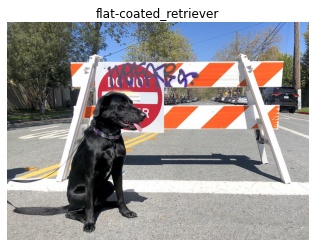
Brief tutorials that demonstrate how to use OpenVINO's Python API for inference.
001-hello-world |
002-openvino-api |
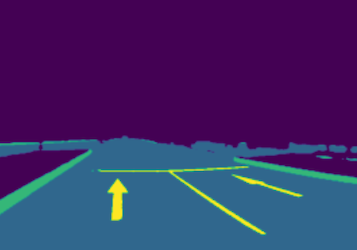
003-hello-segmentation |
004-hello-detection |
|---|---|---|---|
| Classify an image with OpenVINO | Learn the OpenVINO Python API | Semantic segmentation with OpenVINO | Text detection with OpenVINO |
 |
 |
 |
 |
Tutorials that explain how to optimize and quantize models with OpenVINO tools.
| Notebook | Description |
|---|---|
| 101-tensorflow-classification-to-openvino |
Convert TensorFlow models to OpenVINO IR |
| 102-pytorch-to-openvino |
Convert PyTorch models to OpenVINO IR |
| 103-paddle-to-openvino |
Convert PaddlePaddle models to OpenVINO IR |
| 104-model-tools |
Download, convert and benchmark models from Open Model Zoo |
| 105-language-quantize-bert |
Optimize and quantize a pre-trained BERT model |
| 106-auto-device |
Demonstrate how to use AUTO Device |
| 107-speech-recognition-quantization |
Quantize speech recognition models using NNCF PTQ API |
| 108-gpu-device | Working with GPUs in OpenVINO™ |
| 109-performance-tricks | Performance tricks in OpenVINO™ |
| 110-ct-segmentation-quantize |
Quantize a kidney segmentation model and show live inference |
| 112-pytorch-post-training-quantization-nncf | Use Neural Network Compression Framework (NNCF) to quantize PyTorch model in post-training mode (without model fine-tuning) |
| 113-image-classification-quantization |
Quantize Image Classification model |
| 115-async-api |
Use Asynchronous Execution to Improve Data Pipelining |
| 116-sparsity-optimization |
Improve performance of sparse Transformer models |
| 117-model-server | Introduction to model serving with OpenVINO™ Model Server (OVMS) |
| 118-optimize-preprocessing |
Improve performance of image preprocessing step |
| 119-tflite-to-openvino |
Convert TensorFlow Lite models to OpenVINO IR |
| 120-tensorflow-object-detection-to-openvino |
Convert TensorFlow Object Detection models to OpenVINO IR |
| 121-convert-to-openvino |
Learn OpenVINO model conversion API |
| 122-quantizing-model-with-accuracy-control | Quantizing with Accuracy Control using NNCF |
| 123-detectron2-to-openvino |
Convert Detectron2 models to OpenVINO IR |
| 124-hugging-face-hub |
Load models from Hugging Face Model Hub with OpenVINO™ |
| 125-torchvision-zoo-to-openvino Classification Semantic Segmentation |
Convert torchvision classification and semantic segmentation models to OpenVINO IR |
| 126-tensorflow-hub |
Convert TensorFlow Hub models to OpenVINO IR |
Demos that demonstrate inference on a particular model.
| Notebook | Description | Preview |
|---|---|---|
| 201-vision-monodepth |
Monocular depth estimation with images and video | 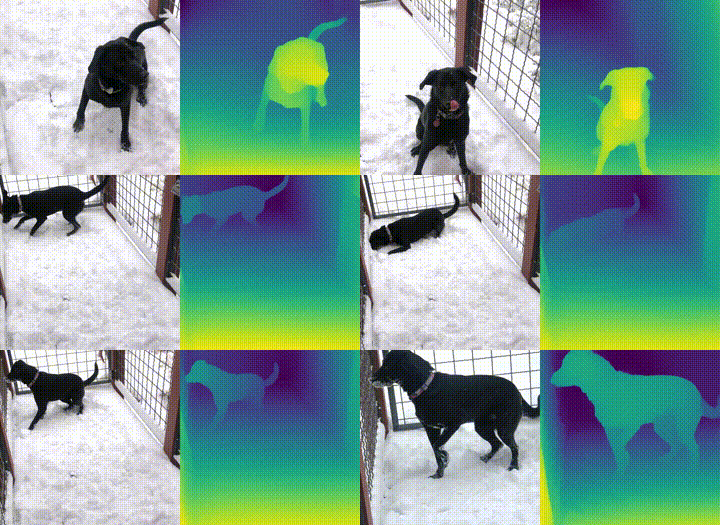 |
| 202-vision-superresolution-image |
Upscale raw images with a super resolution model |  → → |
| 202-vision-superresolution-video |
Turn 360p into 1080p video using a super resolution model |  → → |
| 203-meter-reader |
PaddlePaddle pre-trained models to read industrial meter's value |  |
| 204-segmenter-semantic-segmentation |
Semantic Segmentation with OpenVINO™ using Segmenter |  |
| 205-vision-background-removal |
Remove and replace the background in an image using salient object detection |  |
| 206-vision-paddlegan-anime |
Turn an image into anime using a GAN |  → → |
| 207-vision-paddlegan-superresolution |
Upscale small images with superresolution using a PaddleGAN model | |
| 208-optical-character-recognition |
Annotate text on images using text recognition resnet |  |
| 209-handwritten-ocr |
OCR for handwritten simplified Chinese and Japanese |  的人不一了是他有为在责新中任自之我们 |
| 210-slowfast-video-recognition |
Video Recognition using SlowFast and OpenVINO™ |  |
| 211-speech-to-text |
Run inference on speech-to-text recognition model | 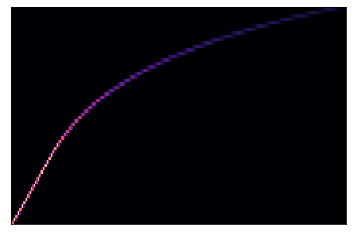 |
| 212-pyannote-speaker-diarization |
Run inference on speaker diarization pipeline |  |
| 213-question-answering |
Answer your questions basing on a context | 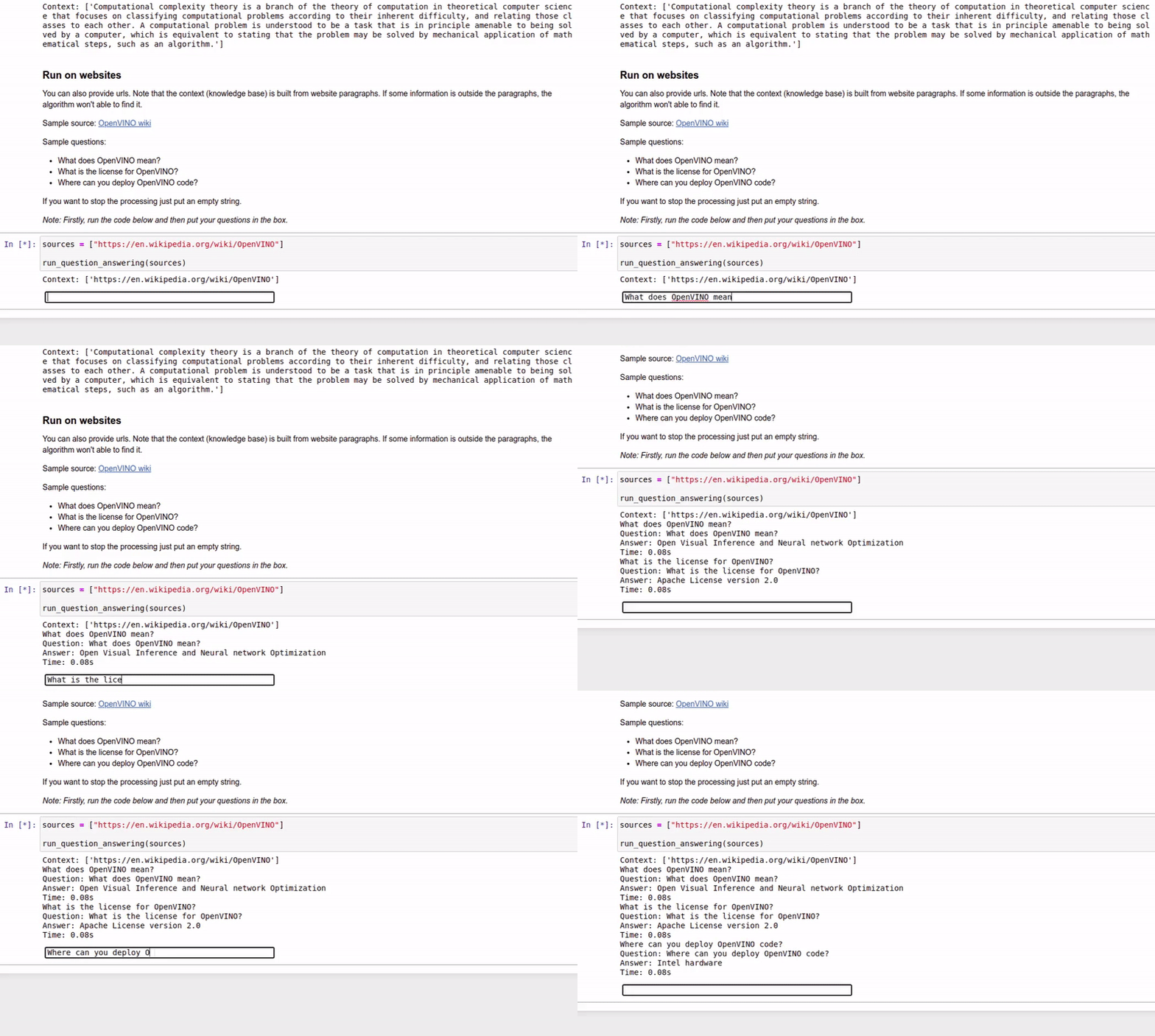 |
| 214-grammar-correction | Grammatical Error Correction with OpenVINO | Input text: I'm working in campany for last 2 yeas. Generated text: I'm working in a company for the last 2 years. |
| 215-image-inpainting |
Fill missing pixels with image in-painting | 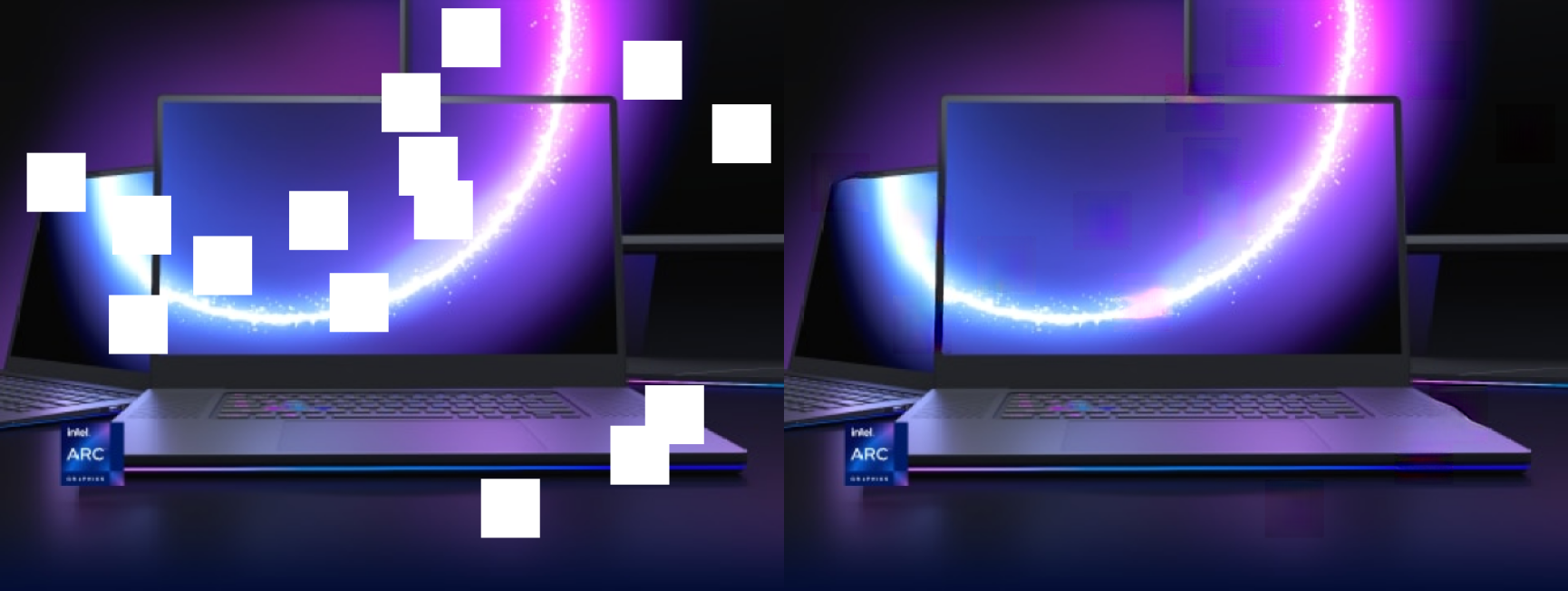 |
| 216-attention-center |
The attention center model with OpenVINO™ | |
| 217-vision-deblur |
Deblur Images with DeblurGAN-v2 | 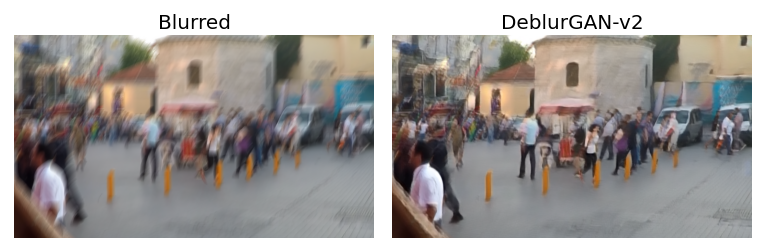 |
| 218-vehicle-detection-and-recognition |
Use pre-trained models to detect and recognize vehicles and their attributes with OpenVINO | 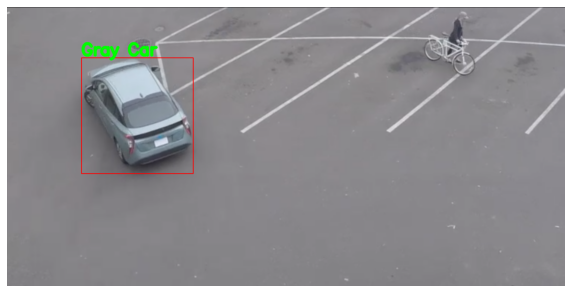 |
| 219-knowledge-graphs-conve |
Optimize the knowledge graph embeddings model (ConvE) with OpenVINO | |
| 220-books-alignment-labse |
Cross-lingual Books Alignment With Transformers and OpenVINO™ | |
| 221-machine-translation |
Real-time translation from English to German | |
| 222-vision-image-colorization |
Use pre-trained models to colorize black & white images using OpenVINO |  |
| 223-text-prediction |
Use pretrained models to perform text prediction on an input sequence |  |
| 224-3D-segmentation-point-clouds |
Process point cloud data and run 3D Part Segmentation with OpenVINO |  |
| 225-stable-diffusion-text-to-image |
Text-to-image generation with Stable Diffusion method |  |
| 226-yolov7-optimization |
Optimize YOLOv7 using NNCF PTQ API | 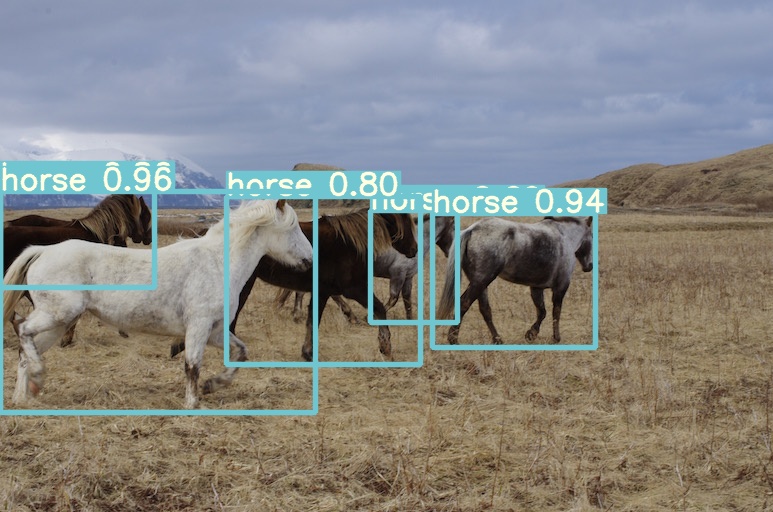 |
| 227-whisper-subtitles-generation |
Generate subtitles for video with OpenAI Whisper and OpenVINO | 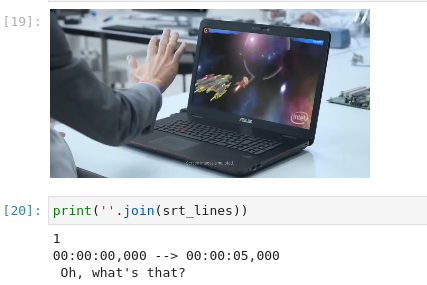 |
| 228-clip-zero-shot-image-classification |
Perform Zero-shot Image Classification with CLIP and OpenVINO | 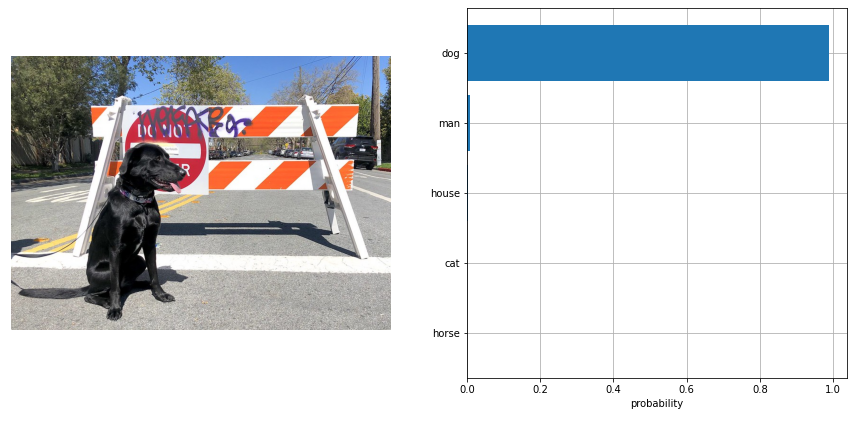 |
| 229-distilbert-sequence-classification |
Sequence Classification with OpenVINO |  |
| 230-yolov8-object-detection |
Optimize YOLOv8 object detection using NNCF PTQ API | |
| 230-yolov8-instance-segmentation |
Optimize YOLOv8 instance segmentation using NNCF PTQ API |  |
| 230-yolov8-keypoint-detection |
Optimize YOLOv8 keypoint detection using NNCF PTQ API |  |
| 231-instruct-pix2pix-image-editing |
Image editing with InstructPix2Pix |  |
| 232-clip-language-saliency-map |
Language-Visual Saliency with CLIP and OpenVINO™ |  |
| 233-blip-visual-language-processing |
Visual Question Answering and Image Captioning using BLIP and OpenVINO™ |  |
| 234-encodec-audio-compression |
Audio compression with EnCodec and OpenVINO™ |  |
| 235-controlnet-stable-diffusion |
A Text-to-Image Generation with ControlNet Conditioning and OpenVINO™ | 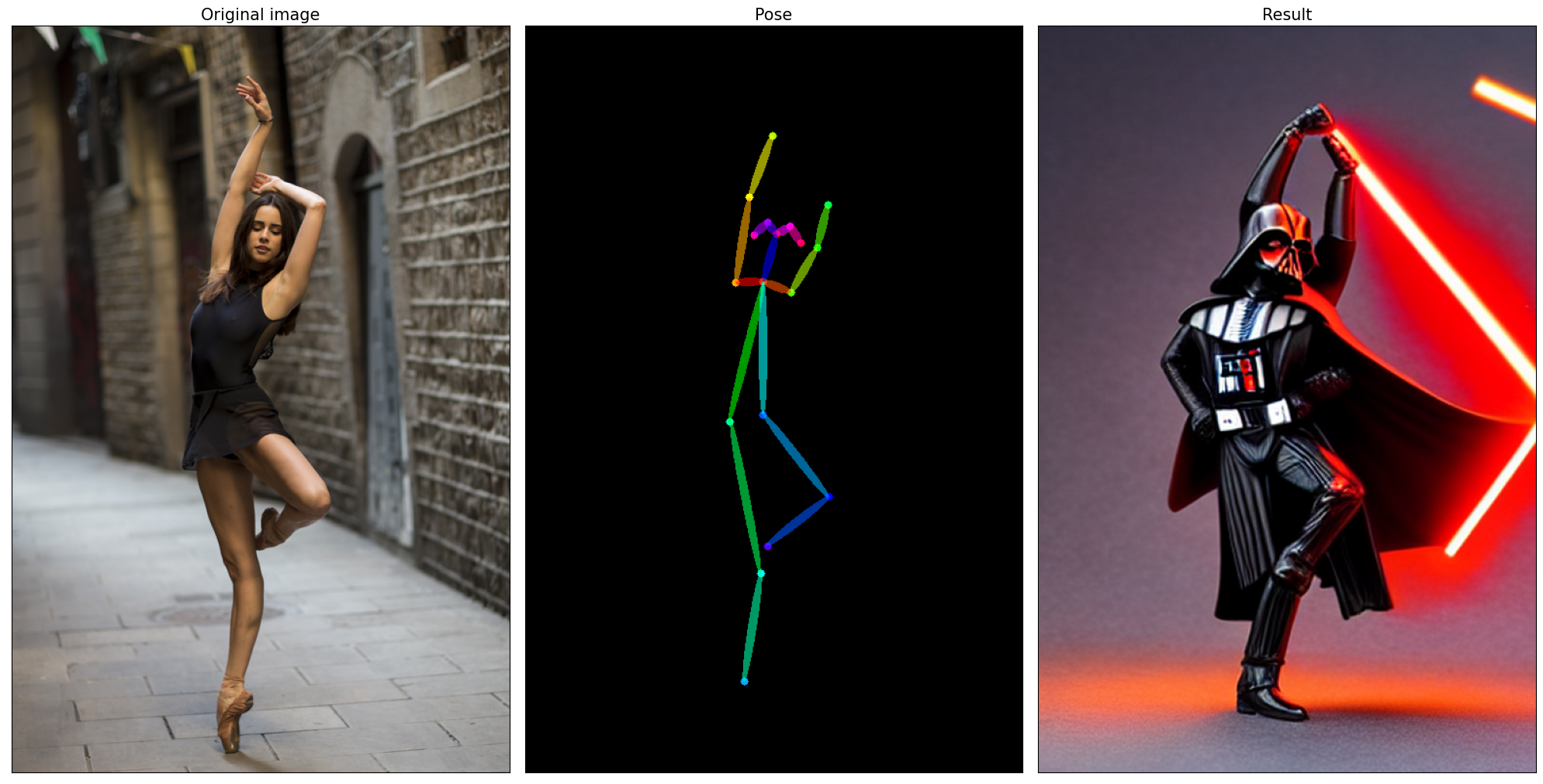 |
| 236-stable-diffusion-v2 |
Text-to-Image Generation and Infinite Zoom with Stable Diffusion v2 and OpenVINO™ |  |
| 237-segment-anything |
Prompt based segmentation using Segment Anything and OpenVINO™. | 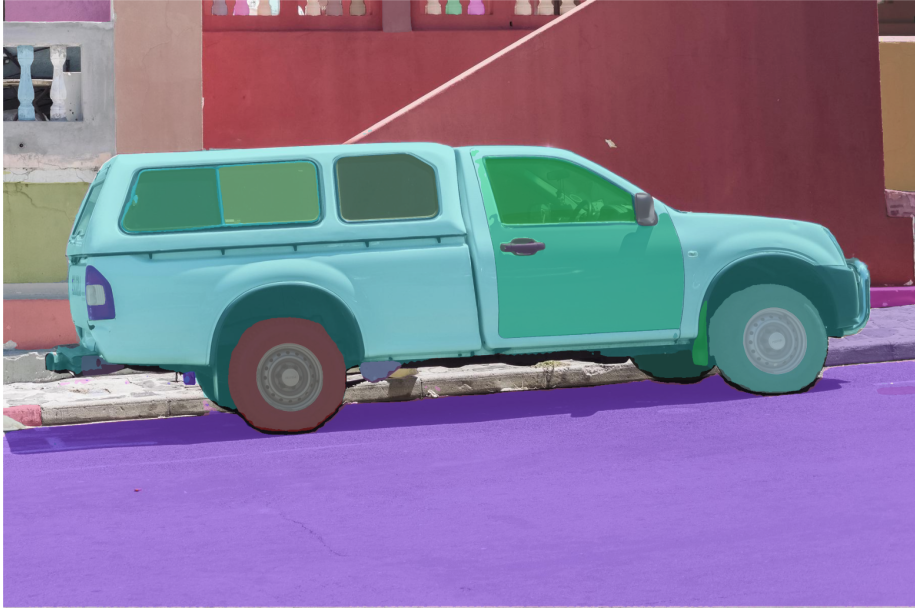 |
| 238-deep-floyd-if |
Text-to-Image Generation with DeepFloyd IF and OpenVINO™ |  |
| 239-image-bind |
Binding multimodal data using ImageBind and OpenVINO™ |  |
| 240-dolly-2-instruction-following |
Instruction following using Databricks Dolly 2.0 and OpenVINO™ |  |
| 241-riffusion-text-to-music |
Text-to-Music generation using Riffusion and OpenVINO™ |  |
| 242-freevc-voice-conversion |
High-Quality Text-Free One-Shot Voice Conversion with FreeVC and OpenVINO™ | |
| 243-tflite-selfie-segmentation |
Selfie Segmentation using TFLite and OpenVINO™ |  |
| 244-named-entity-recognition |
Named entity recognition with OpenVINO™ | |
| 245-typo-detector |
English Typo Detection in sentences with OpenVINO™ |  |
| 246-depth-estimation-videpth |
Monocular Visual-Inertial Depth Estimation with OpenVINO™ | 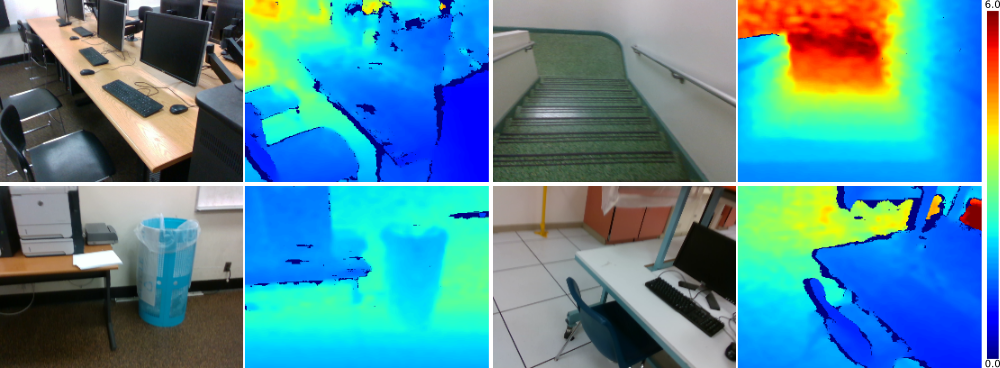 |
| 247-code-language-id |
Identify the programming language used in an arbitrary code snippet | |
| 248-stable-diffusion-xl |
Image generation with Stable Diffusion XL and OpenVINO™ |  |
| 249-oneformer-segmentation |
Universal segmentation with OneFormer and OpenVINO™ |  |
| 250-music-generation |
Controllable Music Generation with MusicGen and OpenVINO™ | 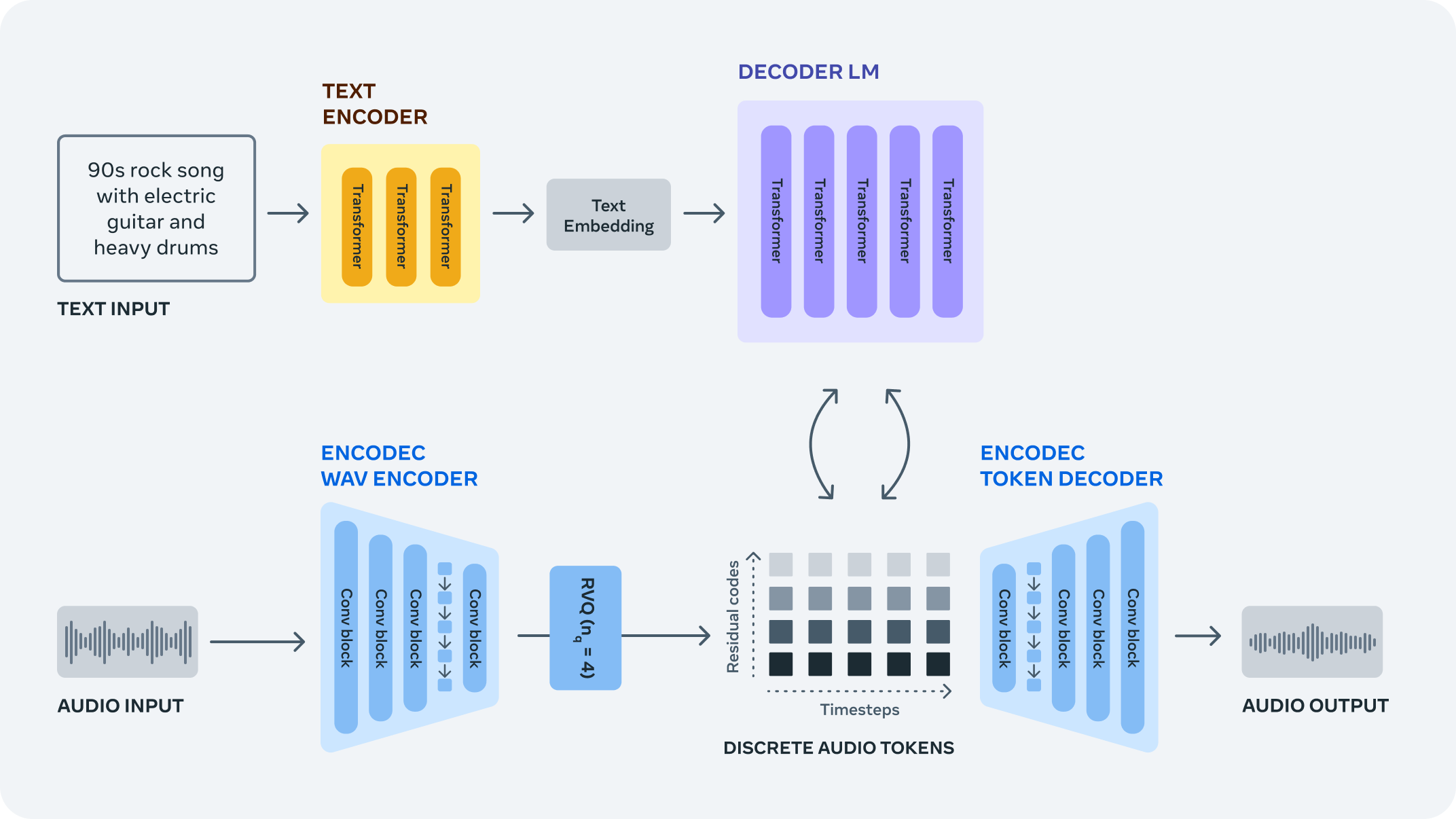 |
| 251-tiny-sd-image-generation |
Image Generation with Tiny-SD and OpenVINO™ |  |
| 252-fastcomposer-image-generation |
Image generation with FastComposer and OpenVINO™ | |
| 253-zeroscope-text2video |
Text-to-video synthesis with ZeroScope and OpenVINO™ | A panda eating bamboo on a rock  |
| 254-llm-chatbot |
Create LLM-powered Chatbot using OpenVINO™ |  |
| 255-mms-massively-multilingual-speech |
MMS: Scaling Speech Technology to 1000+ languages with OpenVINO™ | |
| 256-bark-text-to-audio |
Text-to-Speech generation using Bark and OpenVINO™ |  |
| 257-llava-multimodal-chatbot |
Visual-language assistant with LLaVA and OpenVINO™ | 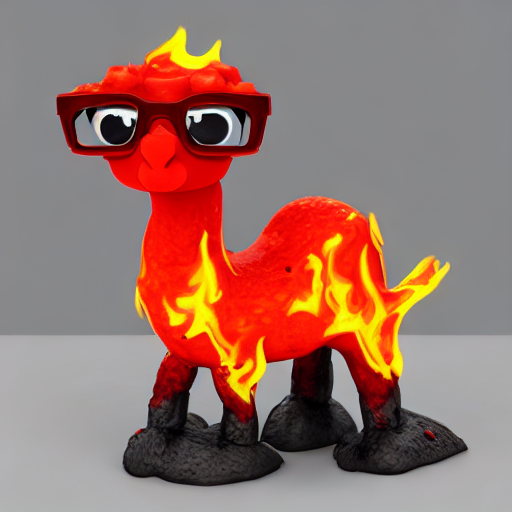 |
| 258-blip-diffusion-subject-generation |
Subject-driven image generation and editing using BLIP Diffusion and OpenVINO™ |  |
| 259-decidiffusion-image-generation |
Image generation with DeciDiffusion and OpenVINO™ |  |
| 260-pix2struct-docvqa |
Document Visual Question Answering using Pix2Struct and OpenVINO™ |  |
| 261-fast-segment-anything |
Object segmentations with FastSAM and OpenVINO™ | 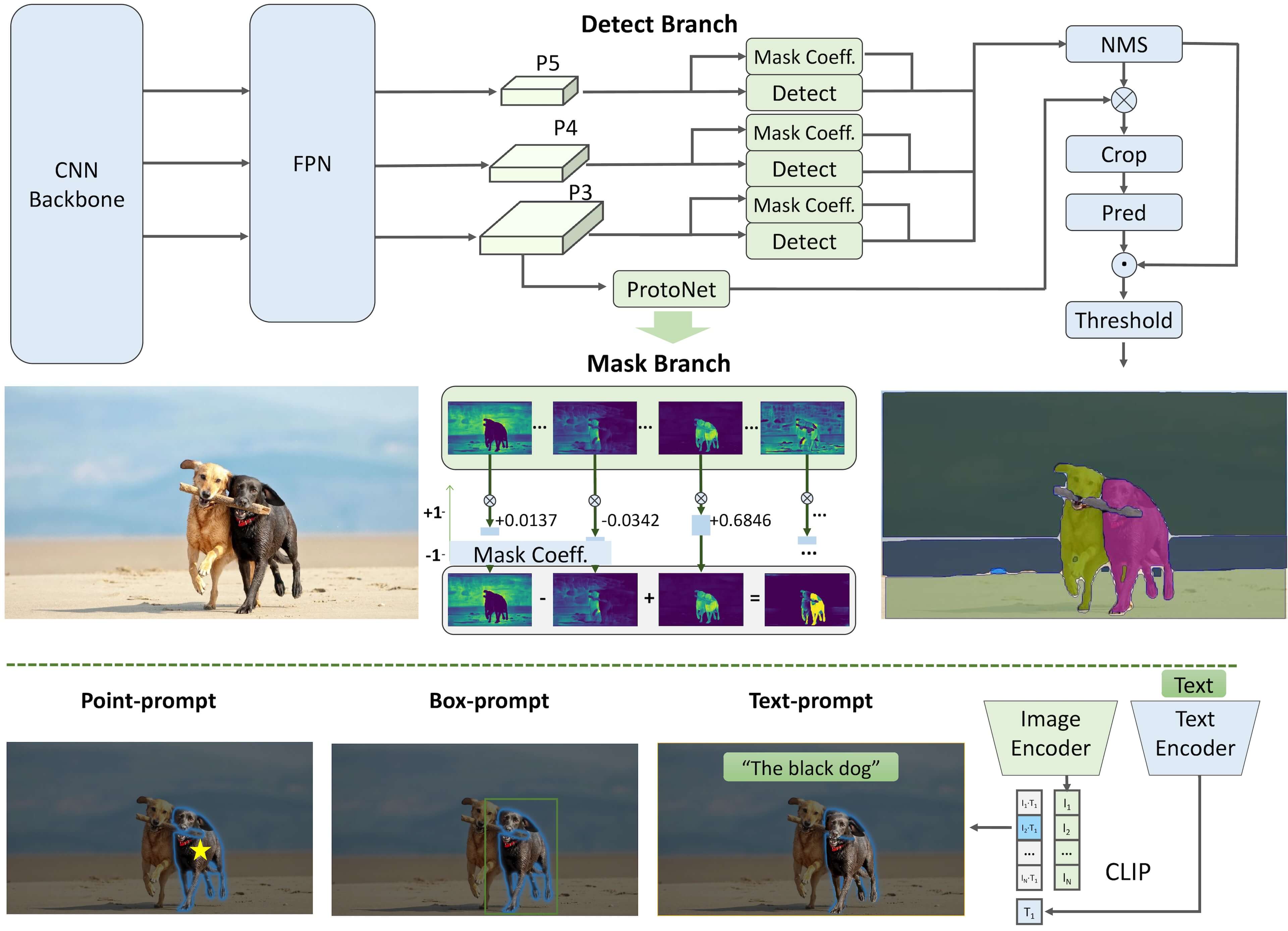 |
| 262-softvc-voice-conversion |
SoftVC VITS Singing Voice Conversion and OpenVINO™ | |
| 263-latent-consistency-models-image-generation |
Image generation with Latent Consistency Models (LCM) and OpenVINO™ |  |
| 264-qrcode-monster |
Generate creative QR codes with ControlNet QR Code Monster and OpenVINO™ |  |
| 265-wuerstchen-image-generation |
Text-to-image generation with Würstchen and OpenVINO™ |  |
| 266-speculative-sampling |
Text Generation via Speculative Sampling, KV Caching, and OpenVINO™ |  |
| 267-distil-whisper-asr |
Automatic speech recognition using Distil-Whisper and OpenVINO™ | |
| 268-table-question-answering |
Table Question Answering using TAPAS and OpenVINO™ | |
| 269-film-slowmo |
Frame interpolation with FILM and OpenVINO™ |  |
| 270-sound-generation-audioldm2 |
Sound Generation with AudioLDM2 and OpenVINO™ |  |
| 271-sdxl-turbo |
Single-step image generation using SDXL-turbo and OpenVINO |  |
| 272-paint-by-example |
Exemplar based image editing using diffusion models, Paint-by-Example, and OpenVINO™ |  |
| 273-stable-zephyr-3b-chatbot |
Use Stable-Zephyr as chatbot assistant with OpenVINO |  |
| 274-efficient-sam |
Object segmentation with EfficientSAM and OpenVINO™ |  |
| 275-llm-question-answering |
LLM Instruction following pipeline |  |
| 276-stable-diffusion-torchdynamo-backend |
Image generation with Stable Diffusion and OpenVINO™ torch.compile feature |
 |
| 277-amused-lightweight-text-to-image |
Lightweight image generation with aMUSEd and OpenVINO™ | 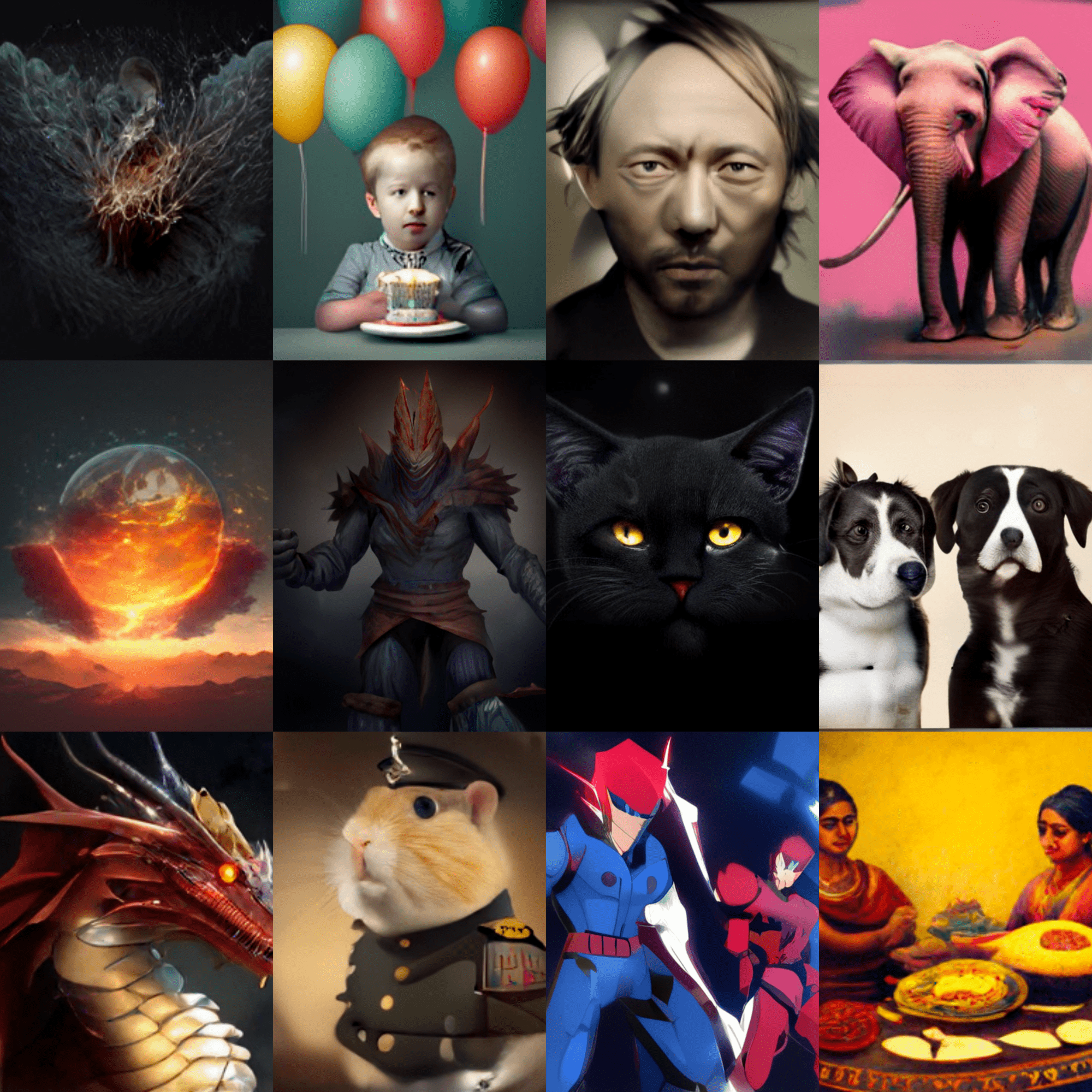 |
| 278-stable-diffusion-ip-adapter |
Image conditioning in Stable Diffusion pipeline using IP-Adapter |  |
| 279-mobilevlm-language-assistant |
Mobile language assistant with MobileVLM and OpenVINO | |
| 280-depth-anything |
Monocular Depth Estimation with DepthAnything and OpenVINO |  |
| 281-kosmos2-multimodal-large-language-model |
Kosmos-2: Multimodal Large Language Model and OpenVINO™ | 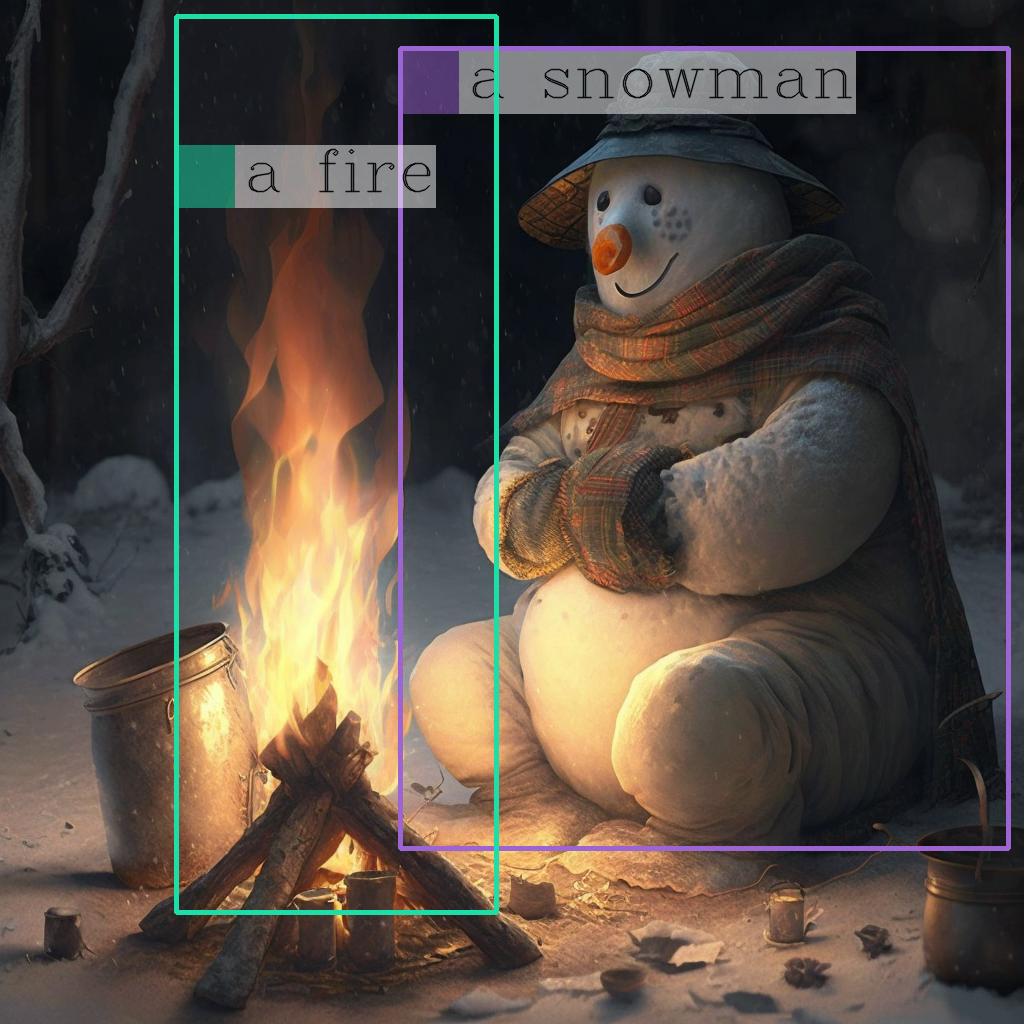 |
| 282-siglip-zero-shot-image-classification |
Zero-shot Image Classification with SigLIP |  |
| 283-photo-maker |
Text-to-image generation using PhotoMaker and OpenVINO |  |
Tutorials that include code to train neural networks.
| Notebook | Description | Preview |
|---|---|---|
| 301-tensorflow-training-openvino | Train a flower classification model from TensorFlow, then convert to OpenVINO IR |  |
| 301-tensorflow-training-openvino-nncf | Use Neural Network Compression Framework (NNCF) to quantize model from TensorFlow | |
| 302-pytorch-quantization-aware-training | Use Neural Network Compression Framework (NNCF) to quantize PyTorch model | |
| 305-tensorflow-quantization-aware-training |
Use Neural Network Compression Framework (NNCF) to quantize TensorFlow model |
Live inference demos that run on a webcam or video files.
| Notebook | Description | Preview |
|---|---|---|
| 401-object-detection-webcam |
Object detection with a webcam or video file | 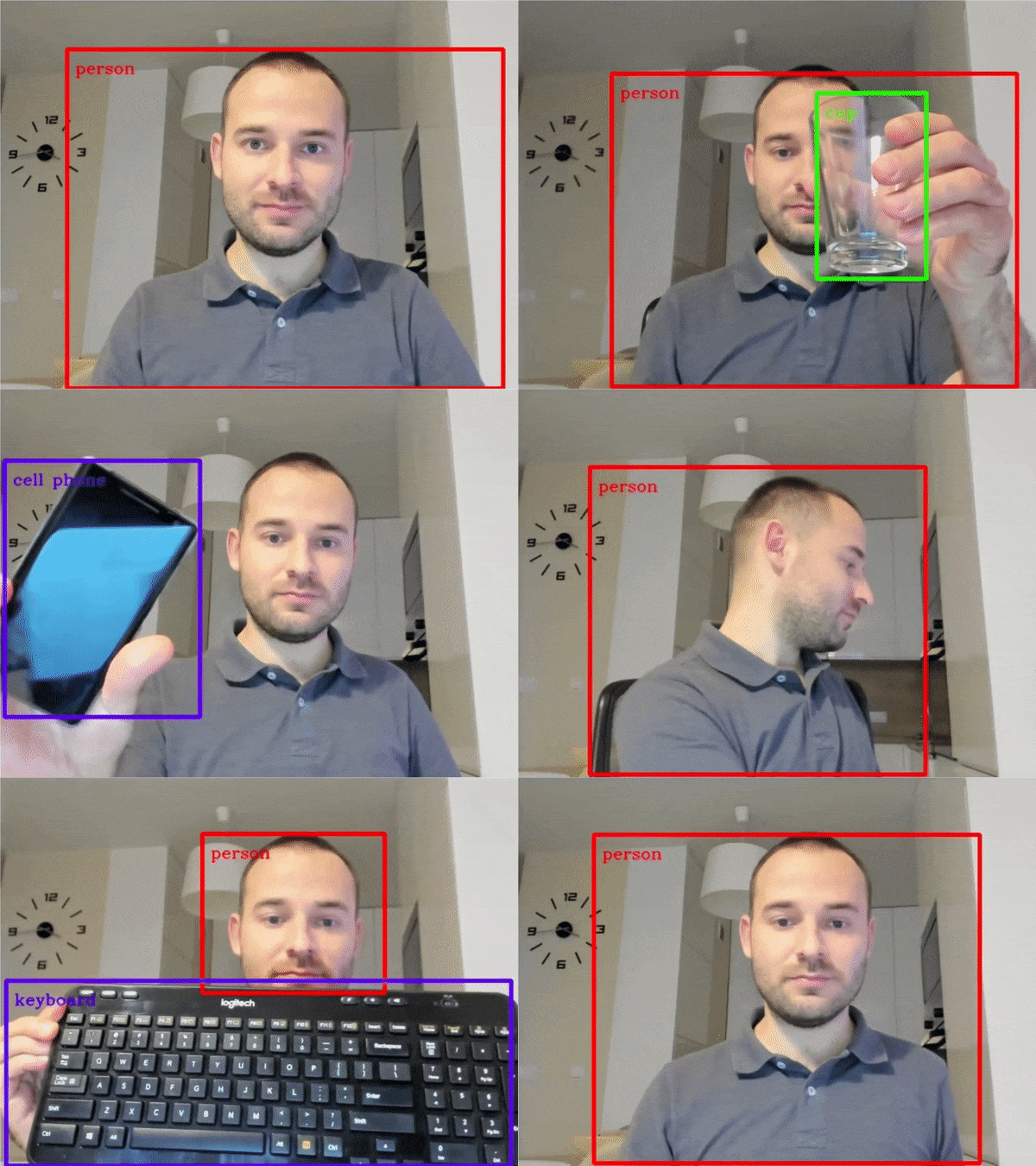 |
| 402-pose-estimation-webcam |
Human pose estimation with a webcam or video file | 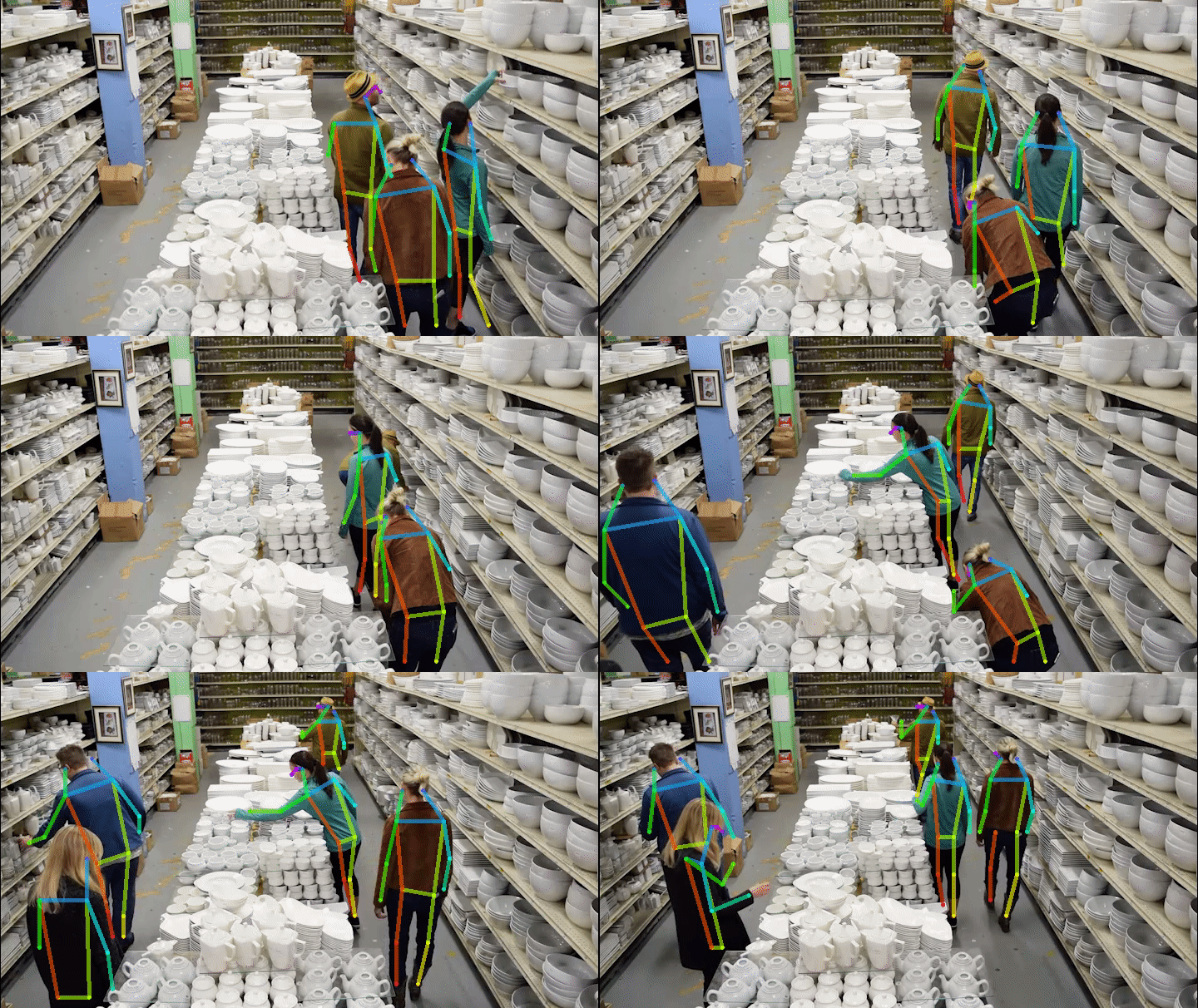 |
| 403-action-recognition-webcam |
Human action recognition with a webcam or video file |  |
| 404-style-transfer-webcam |
Style Transfer with a webcam or video file | 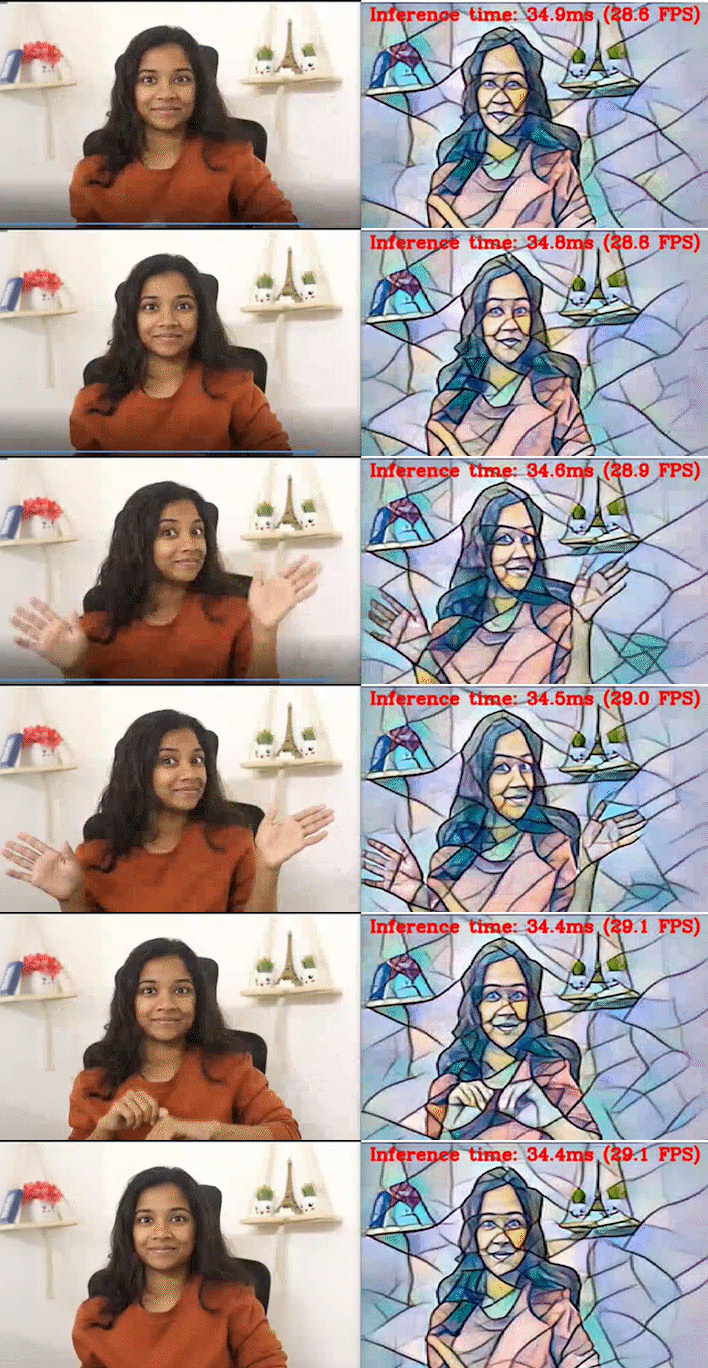 |
| 405-paddle-ocr-webcam |
OCR with a webcam or video file | 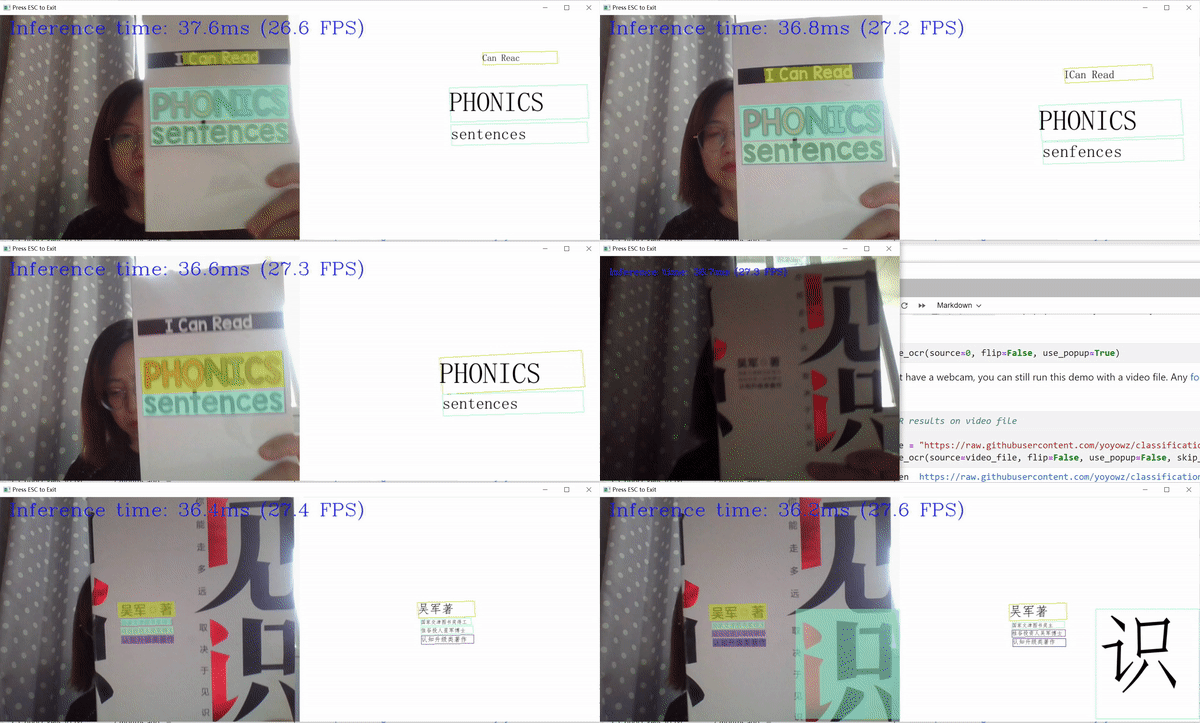 |
| 406-3D-pose-estimation-webcam |
3D display of human pose estimation with a webcam or video file |  |
| 407-person-tracking-webcam |
Person tracking with a webcam or video file | 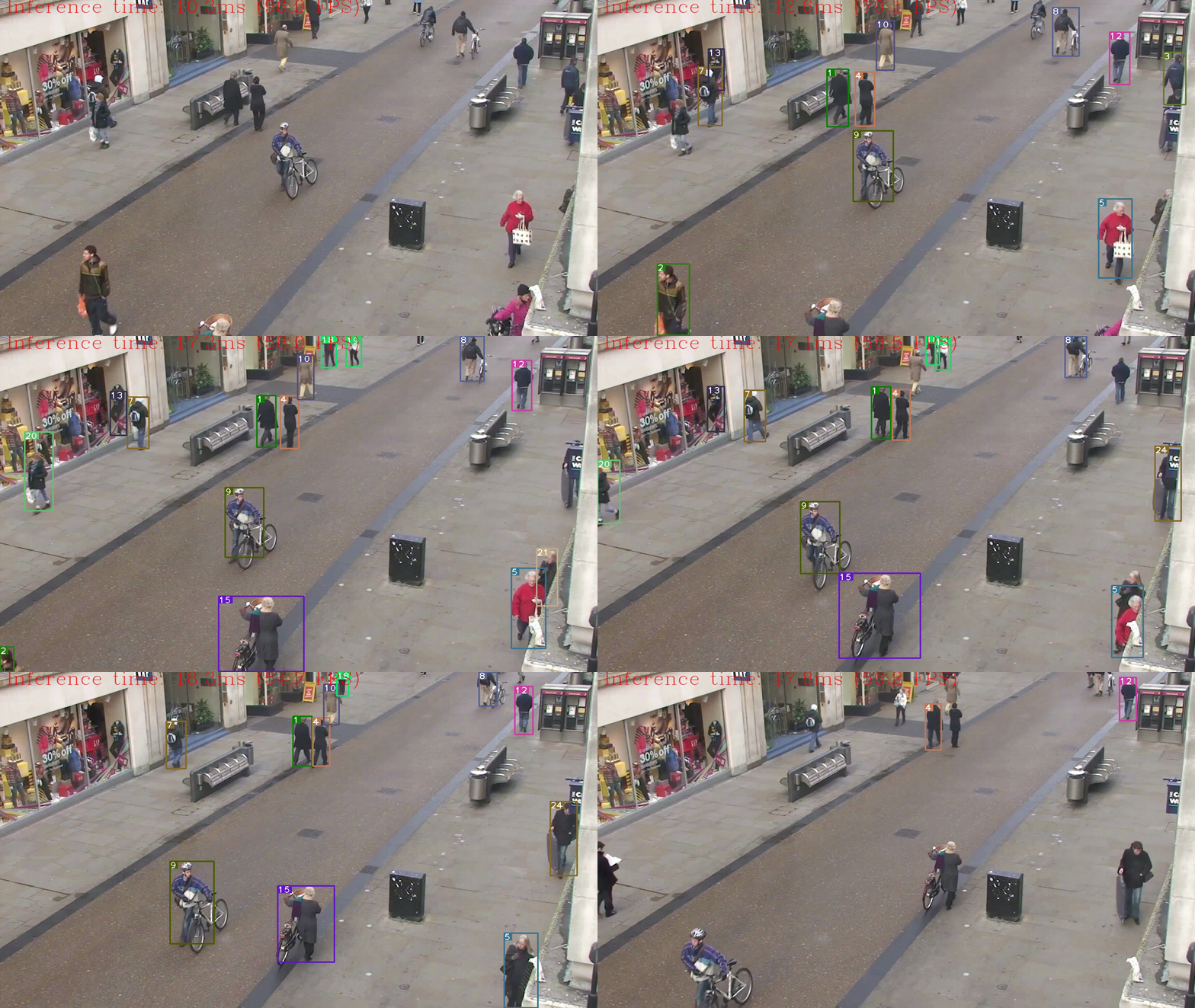 |
If you run into issues, please check the troubleshooting section, FAQs or start a GitHub discussion.
Notebooks with
The notebooks run almost anywhere — your laptop, a cloud VM, or even a Docker container. The table below lists the supported operating systems and Python versions.
| Supported Operating System | Python Version (64-bit) |
|---|---|
| Ubuntu 20.04 LTS, 64-bit | 3.8 - 3.10 |
| Ubuntu 22.04 LTS, 64-bit | 3.8 - 3.10 |
| Red Hat Enterprise Linux 8, 64-bit | 3.8 - 3.10 |
| CentOS 7, 64-bit | 3.8 - 3.10 |
| macOS 10.15.x versions or higher | 3.8 - 3.10 |
| Windows 10, 64-bit Pro, Enterprise or Education editions | 3.8 - 3.10 |
| Windows Server 2016 or higher | 3.8 - 3.10 |
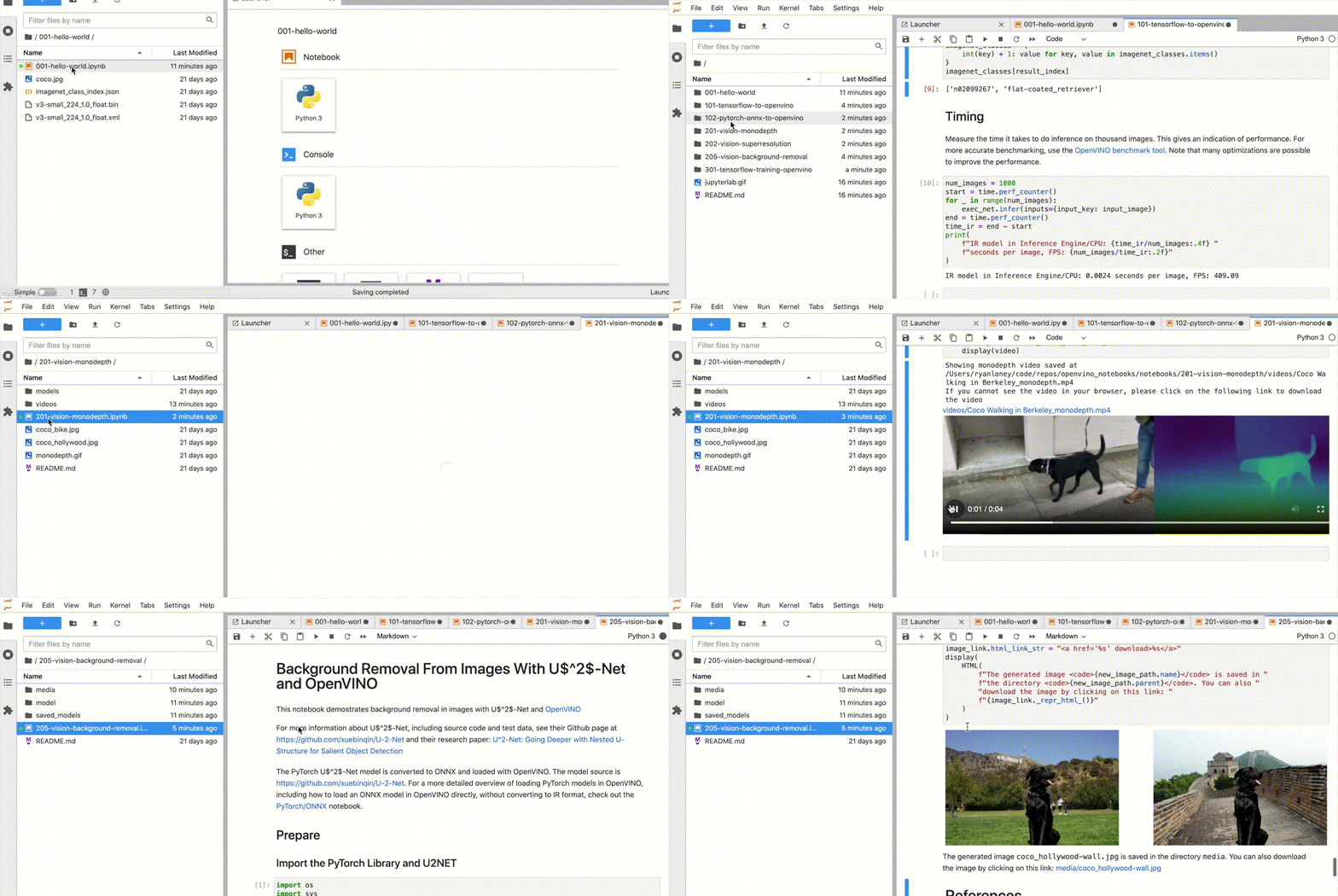
If you wish to launch only one notebook, like the Monodepth notebook, run the command below.
jupyter 201-vision-monodepth.ipynbjupyter lab notebooksIn your browser, select a notebook from the file browser in Jupyter Lab using the left sidebar. Each tutorial is located in a subdirectory within the notebooks directory.
If these tips do not solve your problem, please open a discussion topic or create an issue!
- To check some common installation problems, run
python check_install.py. This script is located in the openvino_notebooks directory. Please run it after activating theopenvino_envvirtual environment. - If you get an
ImportError, double-check that you installed the Jupyter kernel. If necessary, choose theopenvino_envkernel from the Kernel->Change Kernel menu in Jupyter Lab or Jupyter Notebook. - If OpenVINO is installed globally, do not run installation commands in a terminal where
setupvars.batorsetupvars.share sourced. - For Windows installation, it is recommended to use Command Prompt (
cmd.exe), not PowerShell.
Made with contrib.rocks.
- Which devices does OpenVINO support?
- What is the first CPU generation you support with OpenVINO?
- Are there any success stories about deploying real-world solutions with OpenVINO?
* Other names and brands may be claimed as the property of others.