
See the theme component discussion here on Discourse
Hello 👋 This theme component is created from https://meta.discourse.org/t/guest-gate-sign-up-popup-plugin/56625/. It can lock topics for anon visitors with a modal and force them to Sign Up or Login. The component can be use for an alert modal, encouraging visitors to sign up but allowing them to close the modal (for this, leave the dismissable false setting unchecked). Options include changing the number of topics that can be viewed before the modal is displayed.
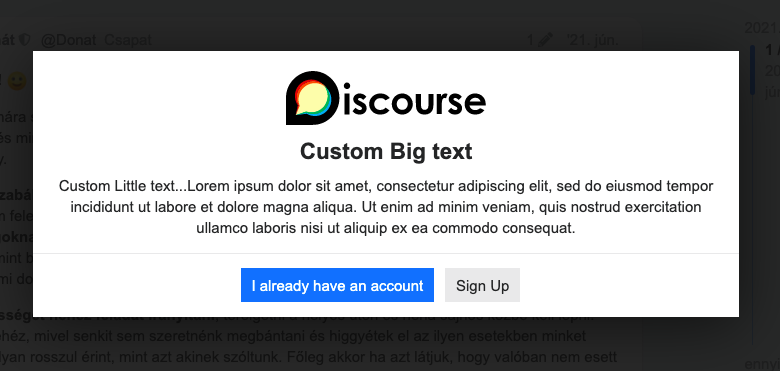
Tip: If you use the "custom gate" option and want to hide the modal header (as on the image above) you have to delete the guest_gate.title field and hit a space. It will remove the modal title, so that you instead can use a title below the image.
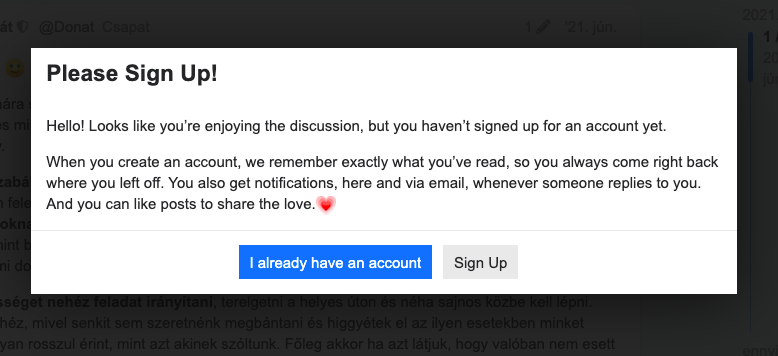
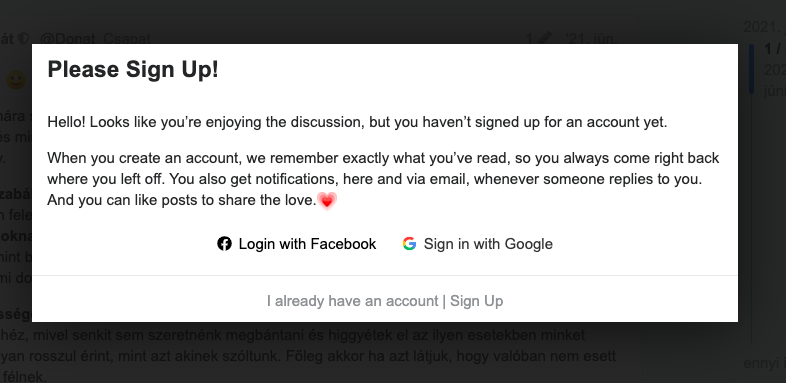
You have two main gate options:
-
Generic gate (default: it will use the Discourse Signup CTA text in modal). It uses these texts:
js.signup_cta.introandjs.signup_cta.value_prop -
Custom gate (you can customize the modal: add image, custom text and colors).
And there are lot of other settings
Guest Gate modal global settings
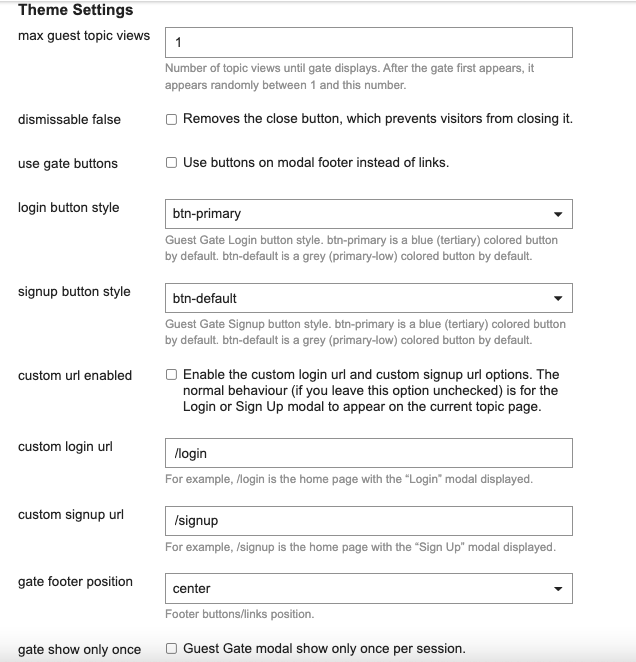
max guest topic viewsNumber of topic views until gate displays. After the gate first appears, it appears randomly between 1 and this number.dismissable falseRemoves the close button, which prevents visitors from closing it.use gate buttonsUse buttons on modal footer instead of links.custom url enabledEnable the custom login url and custom signup url options. The normal behaviour (if you leave this option unchecked) is for the Login or Sign Up modal to appear on the current topic page.custom login urlFor example, /login is the home page with the “Login” modal displayed.custom signup urlFor example, /signup is the home page with the “Sign Up” modal displayed.gate footer positionFooter buttons/links position.gate show only onceGuest Gate modal show only once per session.
Custom Gate settings
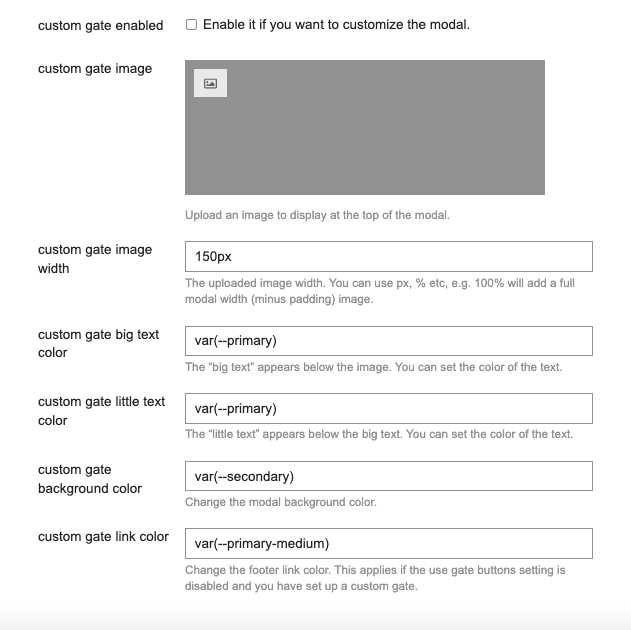
custom gate enabledEnable it if you want to customize the modal.custom gate imageUpload an image to display at the top of the modal.custom gate image widthThe uploaded image width. You can use px, % etc, e.g. 100% will add a full modal width (minus padding) image.custom gate big text colorThe "big text" appears below the image. You can set the color of the text.custom gate little text colorThe "little text" appears below the big text. You can set the color of the text.custom gate background colorChange the modal background color.custom gate link colorChange the footer link color. This applies if theuse gate buttonssetting is disabled and you have set up a custom gate.
Credit ❤️ Huge thanks to the plugin authors, maintainers and contributors: @vinothkannans, @jgujgu and @michaeld