Default Prefix: ?
Thread Manager is a Discord Bot written in python which uses discord.py 2.0.0a. It is used for logging thread activities within a discord server. in addition to logging, it also informs the staff of the server if a bad word/profane language is found in the name of the thread, however doesn't directly moderate it due to obvious reasons. It's also fully customizable, a specific role can be set to be pinged if slurs are found within thread name. Users can also set the channel they want the logs to be directed to.
This bot was written with python 3.8.5, A higher version of python shouldn't pose a problem normally. If you do face an issue however, feel free to DM me on discord! Pizerite#5648
- ?bind <#channel> - Setting logging channel
- ?setprefix` - Setting prefix of the bot
- ?emergencyrole <@role> - Setting emergency role to be pinged (can be set to None)
- ?invite - Invite for the bot (is generated automatically)
- ?help - help for bot
Thread Manager runs on python (if you couldn't tell) and it uses the following pip packages
aiosqlite profanity discord.py
To install aiosqlite:
simply go to your cmd prompt or your virtual environment and type python3 -m pip install aiosqlite or pip install aiosqlite
To install profanity:
simply go to your cmd prompt or your virtual environment and type python3 -m pip install profanity or pip install profanity
To install discord.py: (Note, thread manager uses discord.py 2.0.0 which is currently in alpha)
simply go to your cmd prompt or your virtual environment and type python3 -m pip install -U git+https://github.com/Rapptz/discord.py or pip install git+https://github.com/Rapptz/discord.py
Confused about something? Feel free to DM me on discord and I would be happy to guide you through the bot's setup! Pizerite#5648
There are pre-requisites you need to fulfill in order to set it up.
Discord Developer Portal|Bot Application|Bot Token|Enabling Intents
Navigate to Discord Developer Portal and login there. You should see something like the picture below but unlike my portal page, your page should be probably empty

Click on the applications button in the right corner of your screen
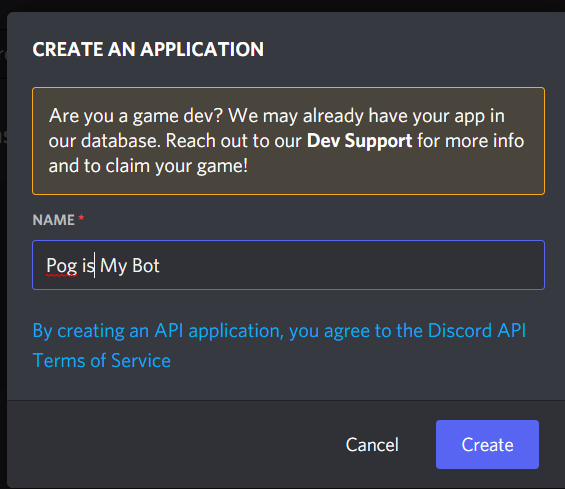
A window will pop up asking for name, enter the name of your bot
Now you should be directed to this page:

In the settings bar, navigate to Bot
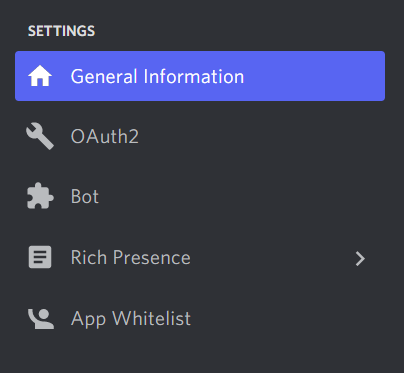
You should now see this page
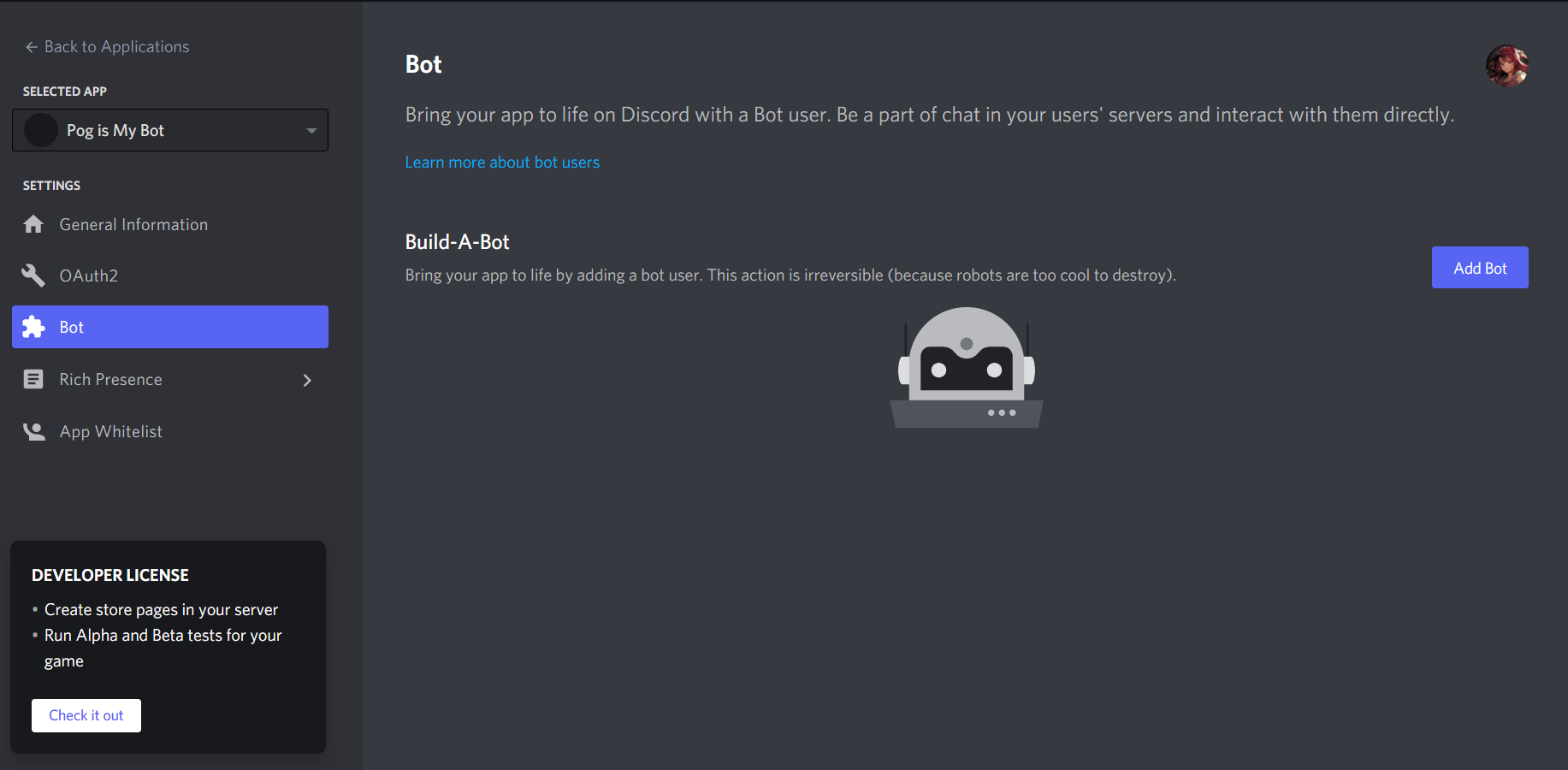
Click add bot and hit confirm when it asks "are you sure?" and you should see something like this
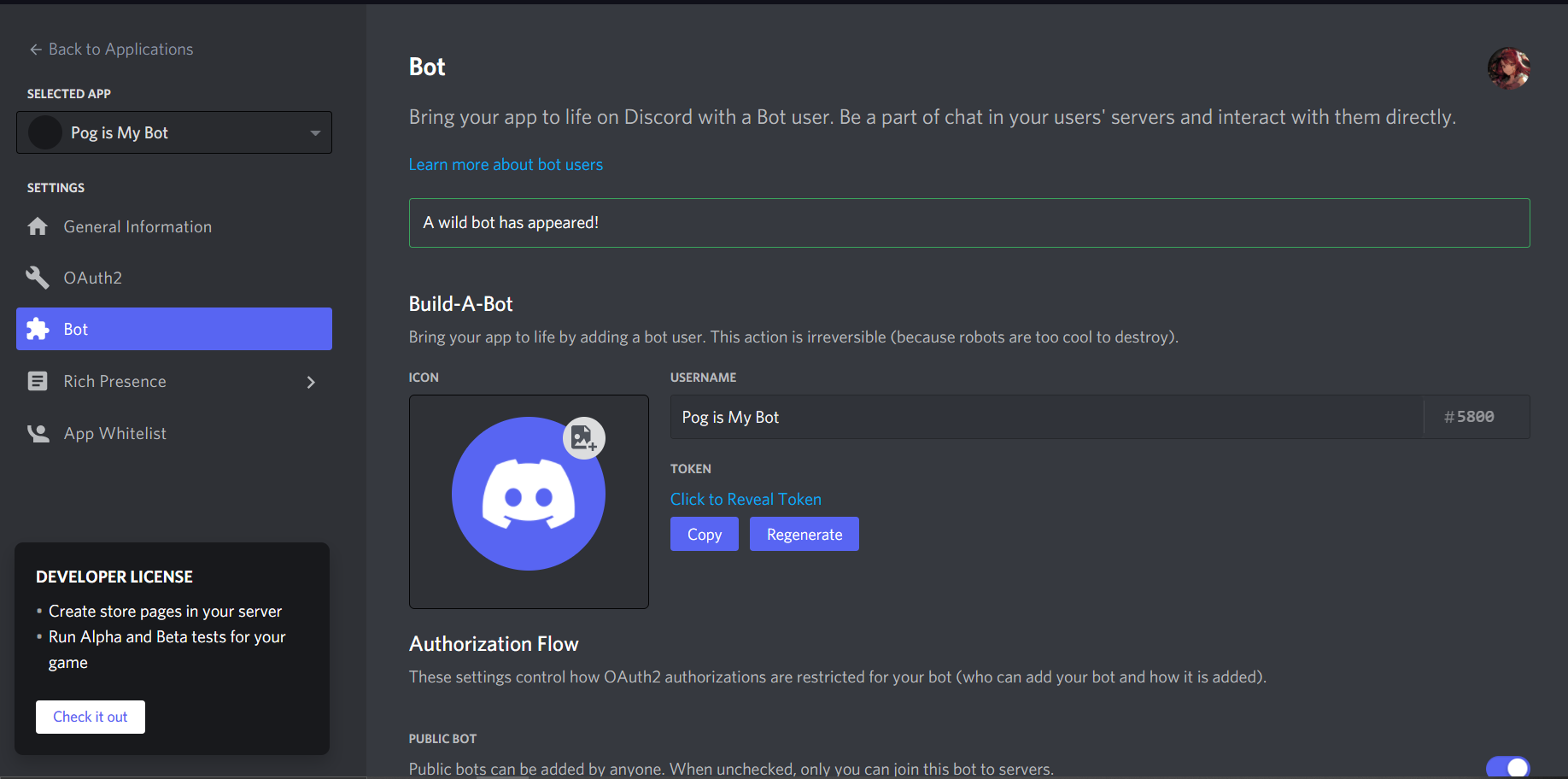
Scroll down to "Privilidged Gateway Intents" and enable both presence and member intents (DO NOT SKIP THIS STEP!)

Under the token option, click "COPY TOKEN"
Now, this token is a Unique token, the first part of the token is your Bot's ID converted to Base64 (before .) after dot is a securely generated main token, don't give your token to anyone, neither post it anywhere online, this gives any person who has the token the ability to control the bot, they can inject their own code and cause destruction in your server!
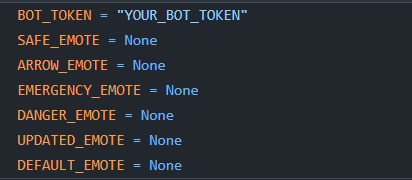
Go to the files you downloaded (the bot files I uploaded in the repo) and open config.py
In place of YOUR_BOT_TOKEN, paste your bot's token and save it
Now go to the folder these files are in
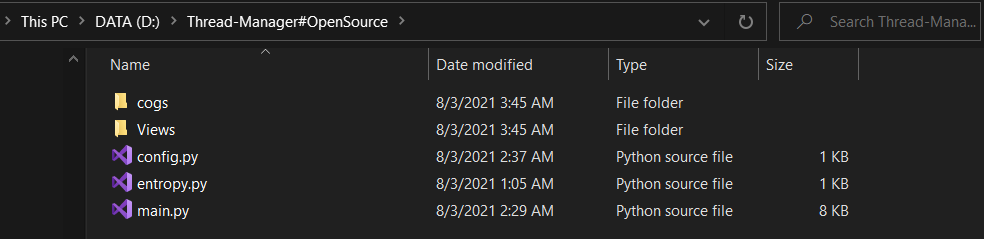
click the search bar and type cmd and hit enter
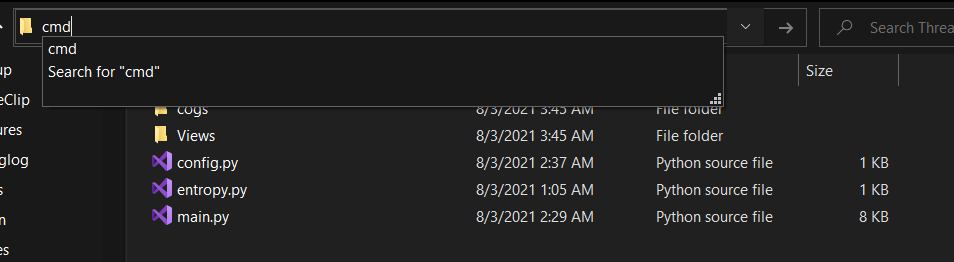
It should open your command prompt:
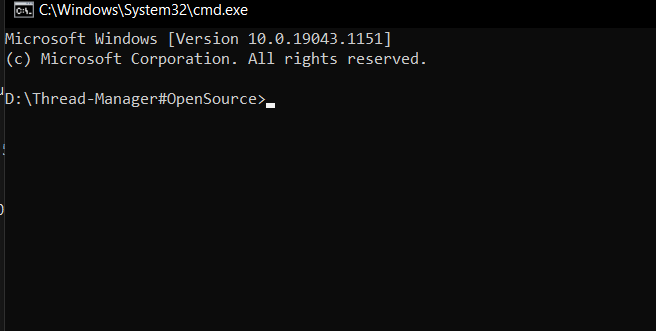
now type python3 main.py or python main.py or py main.py and wait for some time and you should see this
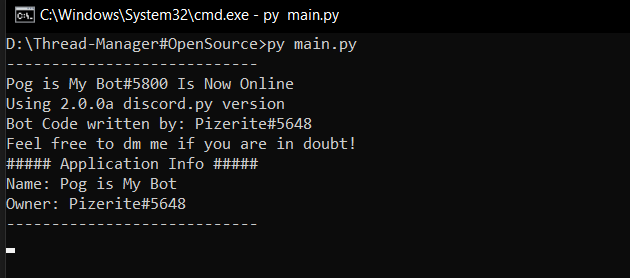
Congratulations! Your bot is now online :D
Now, since Emote IDs are different for every server, you can add your custom emotes manually, by default, bot will use default Discord Unicode Emojis
Default
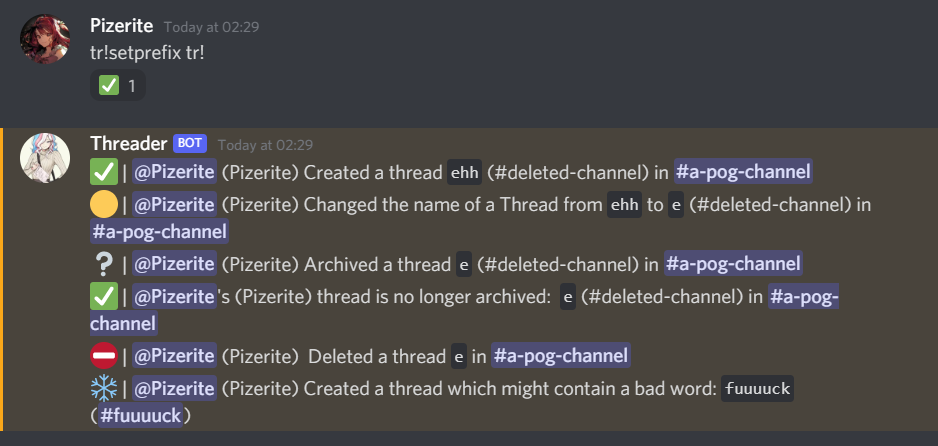
Custom

To use these custom emotes, you need to take a short step. You will have to add these emotes in your server and replace
Custom emotes are represented internally in the following format:
<:name:id>
Where the name is the name of the custom emote, and the ID is the id of the custom emote.
For example, <:python3:232720527448342530> is the name:id for 
You can quickly obtain the <:name:id> format by putting a backslash in front of the custom emoji when you put it in your client.
Example: \:python3: would give you the <:name:id> format.
Animated emojis are the same as above but have an a before the name- ie: <a:name:id>
you need to use this "<:name:id>" in place of None in the config.py in respect to their correct variable names
DANGER_EMOTE

UPDATED_EMOTE

DEFAULT_EMOTE

EMERGENCY_EMOTE

SAFE_EMOTE

ARROW_EMOTE

If you don't understand something, you can always DM me on discord Pizerite#5648 and I would be happy to walk you through the setup of the bot on your server, even if you aren't familiar with coding!