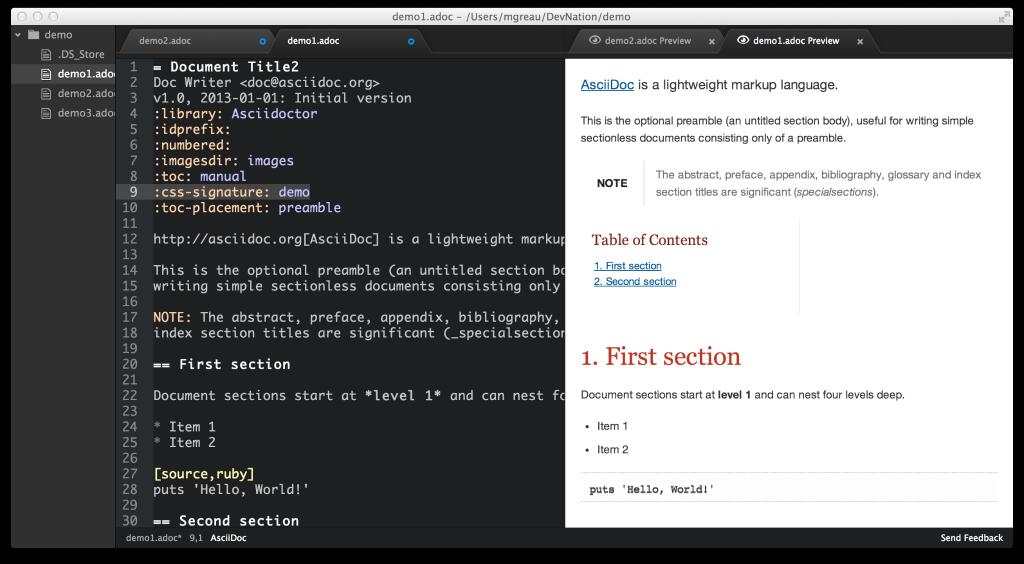
Shows the rendered HTML of the AsciiDoc content in the current editor.
You can install this module from the command-line by typing apm install asciidoc-preview.
You can toggle the preview pane, which appears to the right of the editor, using the key combination ctrl-shift-a.
Thanks to @kevinsawicki! I just adapted markdown-preview and used asciidoctorjs-npm-wrapper.