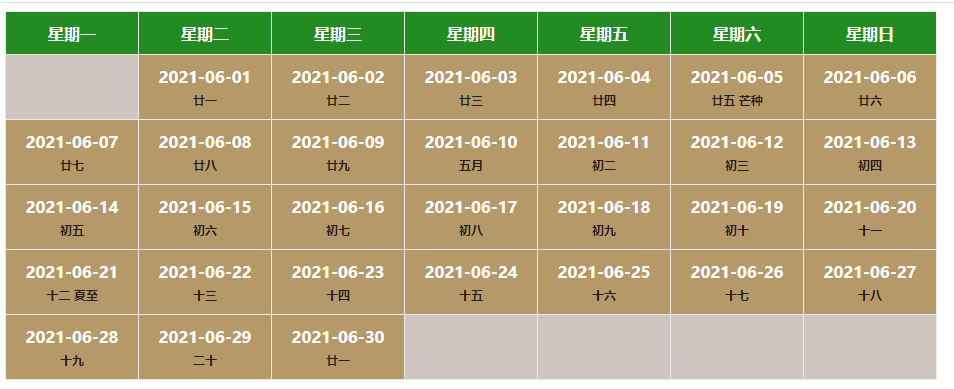
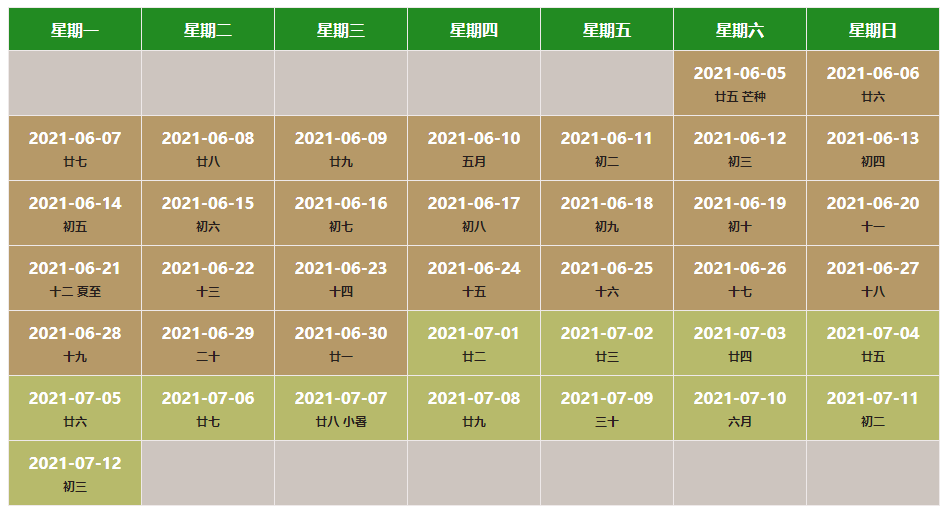
| 参数值 | 是否必填 | 参数类型 | 举例 |
|---|---|---|---|
| el | 必填 | Dom节点 | document.getElementById('#content')、this.$refs['content'] |
| options.date | 必填 | String、Array | '2021-6'、 ['2021-5-1', '2021-6-12'] |
| options.backgroundDict | 非必填 | Object | {'1' : 'red', '2': 'yellow', .... , '11': 'blue', '12': 'green'} |
| options.thColor | 非必填 | String | '#000' |
| options.thBackground | 非必填 | String | '#000' |
| options.emptyThBackground | 非必填 | String | '#000' |
| options.tdWidth | 非必填 | Number、String | 120 、 '120' |
| options.tdHeight | 非必填 | Number、String | 40 、 '40' |
| options.isShowAstro | 非必填 | Boolean | true |
| options.isShowChinese | 非必填 | Boolean | true |
<!DOCTYPE html>
<html>
    <head>
        <mate charest="utf-8" />
        <title>demo</title>
    </head>
    <body>
		<div id="content"></div>
    </body>
</html> toCalendar(document.getElementById('#content'),{
date:'2021-6',//日期范围:两个日期数组,一个日期字符串
backgroundDict:null,//12个月份的td背景颜色
thColor:'',//表头的文字颜色
thBackground:'',//表头的背景颜色
emptyThBackground:'',//空td的背景色
tdWidth:130,//th,td的宽度
tdHeight:0,//th,td的高度
isShowAstro:false,//是否显示星座
isShowChinese:true,//是否显示农历信息
})注:toCalendar方法两个参数,第一个是需要渲染的父节点,须为dom元素且不为null;第二个参数options是配置项,其中date可以是日期字符串或者两个日期字符串组成的数组、backgroundDict是1-12月之间的td背景颜色,对象键为相应的月份、值为颜色值。