












SRP Module for Alliance Auth
- Overview
- Installation
- Updating
- Permissions
- Changelog
- Translation Status
- Contributing
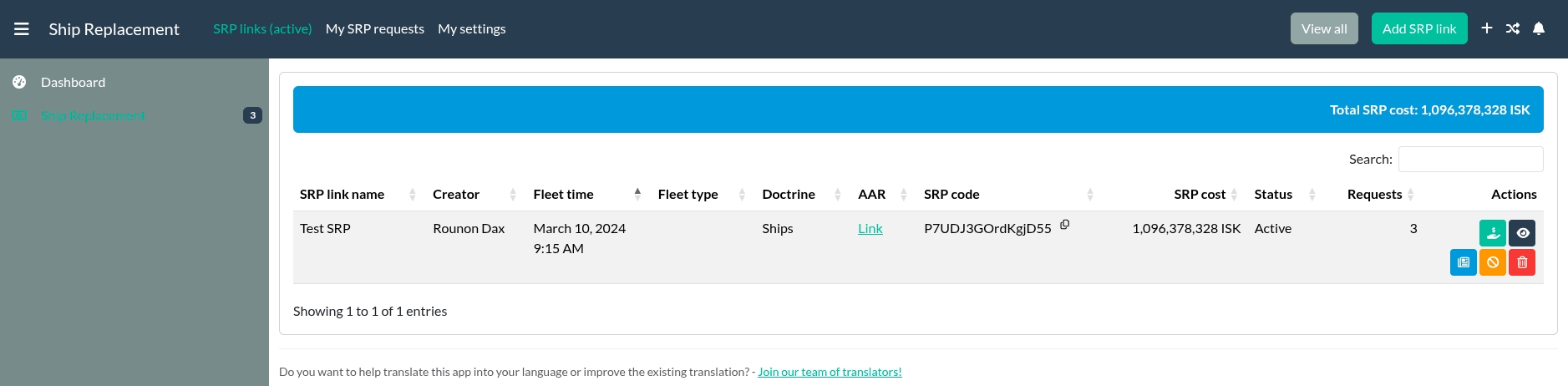
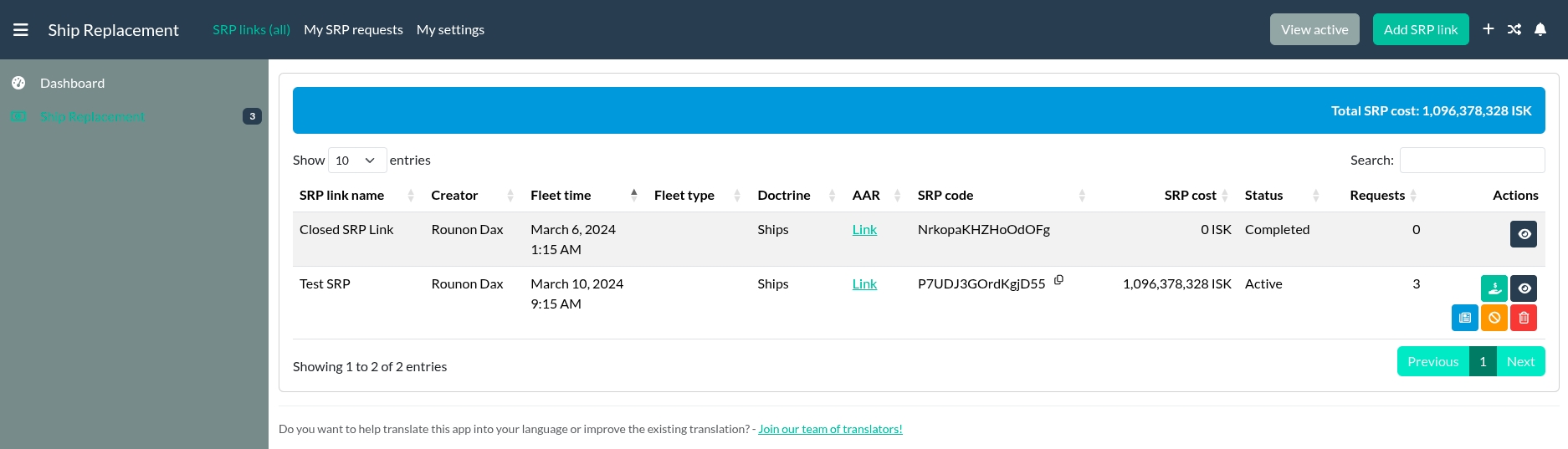
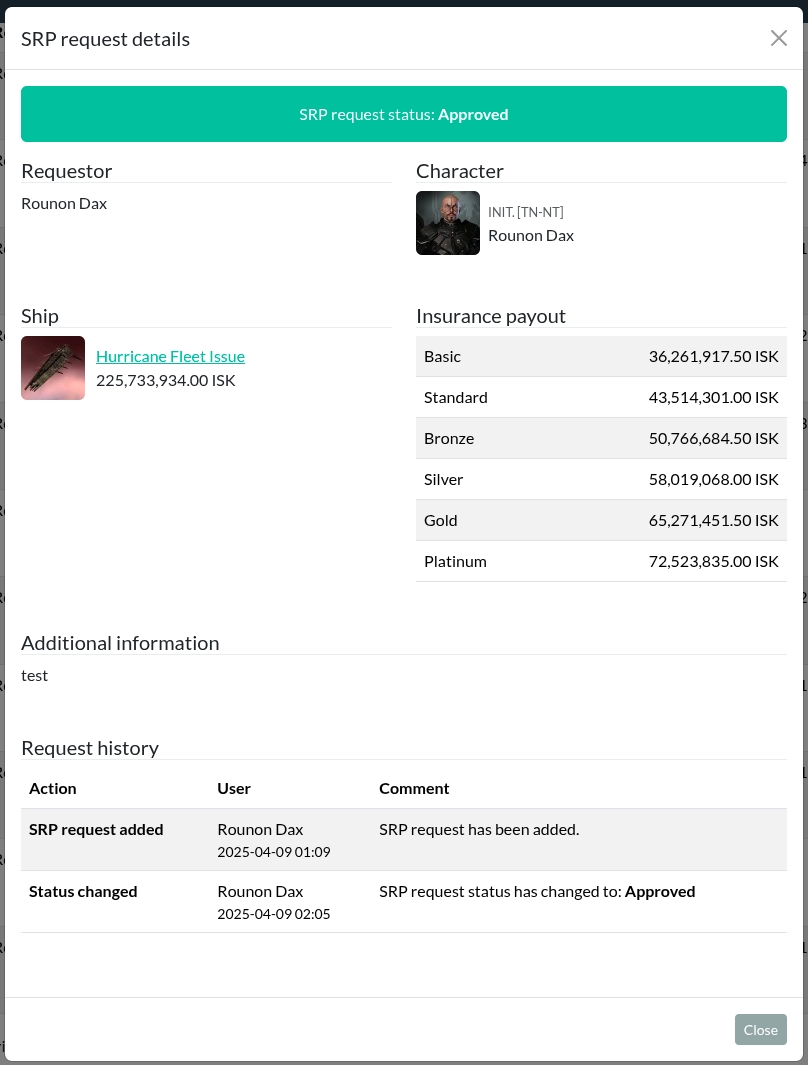
- Overview of SRP links
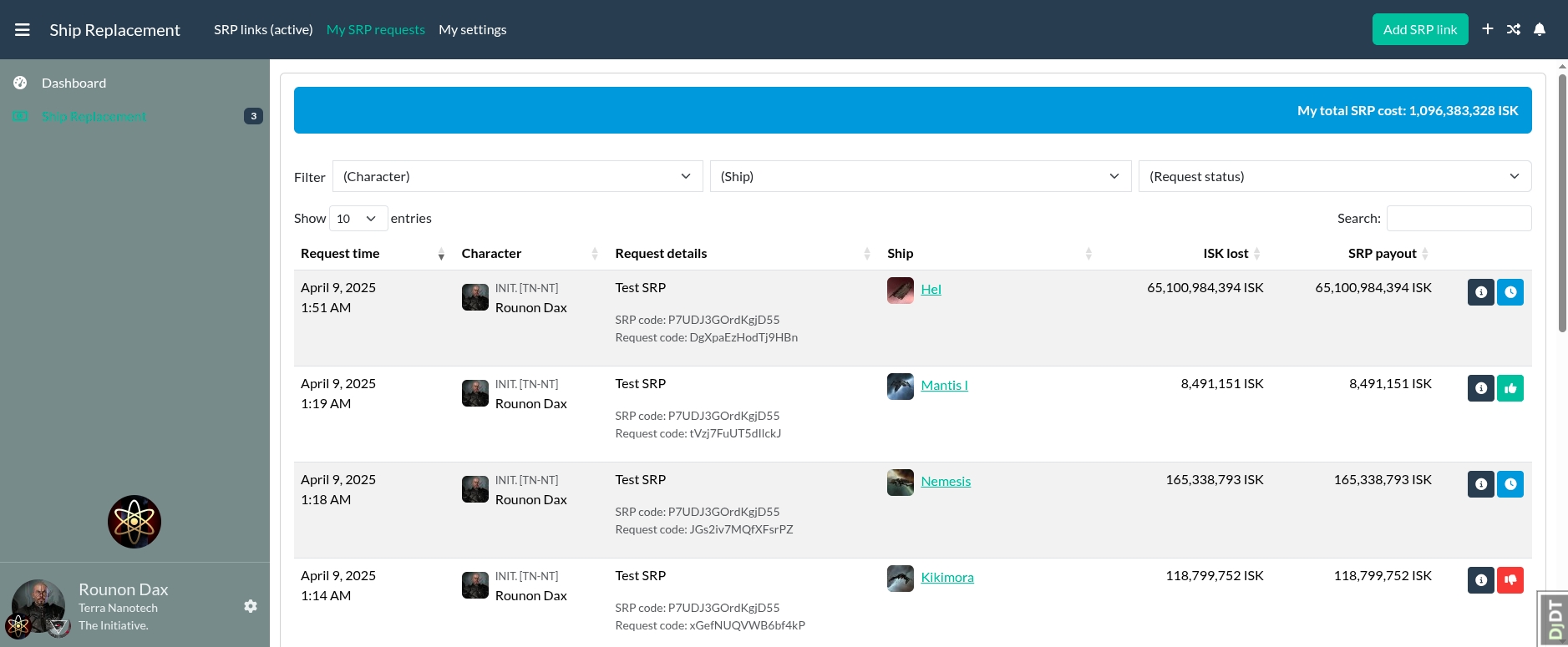
- Overview of your own SRP requests and their status
- Accepting kill mails from zKillboard, EveTools Killboard and EVE-Kill
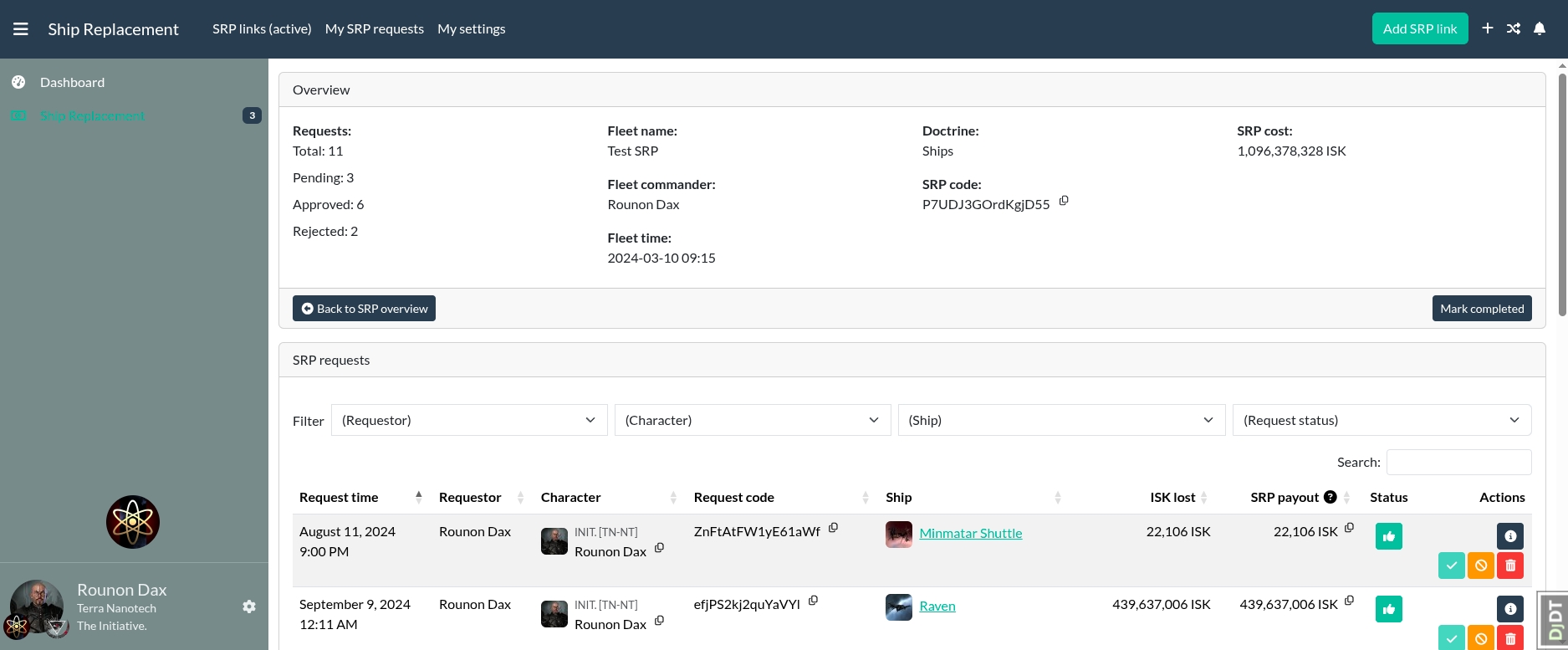
- SRP Request administration is mostly done via ajax and without page reloads
- Use modern DataTables with filters where ever they're useful
- Tables fully searchable and sortable
- Mandatory reason on SRP reject
- Notifications in AA with detailed information on SRP rejection
- Discord notification via PM to the user on SRP request approval or rejection, if either AA-Discordbot, Discord Notify or Discord Proxy is installed
- Notify your SRP team (optional) in their Discord channel about new SRP requests, if AA-Discordbot or Discord Proxy is installed
Important
Please make sure you meet all prerequisites before you proceed!
- AA SRP is a plugin for Alliance Auth. If you don't have Alliance Auth running already, please install it first before proceeding. (see the official Alliance Auth installation guide for details)
- AA SRP needs at least Alliance Auth v4.12.0
Make sure you're in the virtual environment (venv) of your Alliance Auth installation Then install the latest release directly from PyPi.
pip install aa-srp==4.2.2This is fairly simple, just add the following to the INSTALLED_APPS of your local.py
Configure your AA settings (local.py) as follows:
INSTALLED_APPS += [
    # …
    "eve_sde",  # Only if not already added for another app
    "aasrp",
    # …
]

# This line is right below the `INSTALLED_APPS` list, and only if not already added for another app
INSTALLED_APPS = ["modeltranslation"] + INSTALLED_APPS
Add the following new task to ensure the SDE data is kept up to date:
if "eve_sde" in INSTALLED_APPS:
    # Run at 12:00 UTC each day
    CELERYBEAT_SCHEDULE["EVE SDE :: Check for SDE Updates"] = {
        "task": "eve_sde.tasks.check_for_sde_updates",
        "schedule": crontab(minute="0", hour="12"),
}Run static files collection and migrations
Migrate and populate SDE:
python manage.py migrate eve_sde
python manage.py esde_load_sde
Migare the app and run static collection:
python manage.py migrate aasrp
python manage.py collectstatic --noinput
Restart your supervisor services for Auth
Add the app to your conf/requirements.txt
aa-srp==4.2.2
Configure your AA settings as (conf/local.py) follows:
INSTALLED_APPS += [
    # …
    "eve_sde",  # Only if not already added for another app
    "aasrp",
    # …
]

# This line is right below the `INSTALLED_APPS` list, and only if not already added for another app
INSTALLED_APPS = ["modeltranslation"] + INSTALLED_APPS
Add the following new task to ensure the SDE data is kept up to date:
if "eve_sde" in INSTALLED_APPS:
    # Run at 12:00 UTC each day
    CELERYBEAT_SCHEDULE["EVE SDE :: Check for SDE Updates"] = {
        "task": "eve_sde.tasks.check_for_sde_updates",
        "schedule": crontab(minute="0", hour="12"),
}docker compose build --no-cache
docker compose --env-file=.env up -dRun migrations and copy static files:
docker compose exec allianceauth_gunicorn bash

auth migrate eve_sde
auth esde_load_sde

auth migrate aasrp
auth collectstaticNow it's time to set up access permissions for your new SRP module. You can do so in your admin backend in the AA SRP section. Read the Permissions section for more information about the available permissions.
Note
This step is only needed when you have been using the built-in SRP module until now.
The import process can be done at any given time and doesn't necessarily have to be during the installation.
Important
Make sure you don't have any open SRP requests before. All SRP links in the built-in module will be closed during the import process, to make sure to not import any duplicates.
To import your SRP information from the built-in SRP module, run the following:
python manage.py aasrp_migrate_srp_datadocker compose exec allianceauth_gunicorn bash
auth aasrp_migrate_srp_dataNote
This step is only needed if you want to use Discord notifications and have Discord Proxy installed.
If you are using Discord Proxy to send Discord messages, you can configure the host and port in your local.py settings.
| Name | Description | Default |
|---|---|---|
DISCORDPROXY_HOST |
Hostname used to communicate with Discord Proxy. | localhost |
DISCORDPROXY_PORT |
Port used to communicate with Discord Proxy. | 50051 |
If you have Discord Proxy installed via Docker (see here), you should set the following:
DISCORDPROXY_HOST = "allianceauth_discordproxy"To update your existing installation of AA SRP, first enable your virtual environment (venv) of your Alliance Auth installation.
Then run the following command to update AA SRP to the latest version.
pip install aa-srp==4.2.2

python manage.py collectstatic
python manage.py migrate

redis-cli flushall
Restart your supervisor services for Auth.
To update your existing installation of AA SRP, first update the version in your
conf/requirements.txt to the latest version.
aa-srp==4.2.2
Then build your Auth container and restart your containers.
docker compose build
docker compose --env-file=.env up -d
After that, run the following commands to update your database and static files:
docker compose exec allianceauth_gunicorn bash

auth collectstatic
auth migrate| ID | Description | Notes |
|---|---|---|
basic_access |
Can access the AA SRP module | Your line members should have this permission. |
create_srp |
Can create new SRP links | Your FCs should have this permission. |
manage_srp |
Can manage SRP | Users with this permission can manage the AA SRP Module. Like changing and removing SRP links and requests. |
manage_srp_requests |
Can manage SRP requests | Users with this permission can manage the SRP requests. Like changing and removing SRP requests. |
See CHANGELOG.md

Do you want to help translate this app into your language or improve the existing translation? - Join our team of translators!
You want to contribute to this project? That's cool!
Please make sure to read the Contribution Guidelines.
(I promise, it's not much, just some basics)

