
WinBootText is a tiny utility for Windows to display custom text on the boot screen. It uses Native API and BootExecute to show messages during boot process.
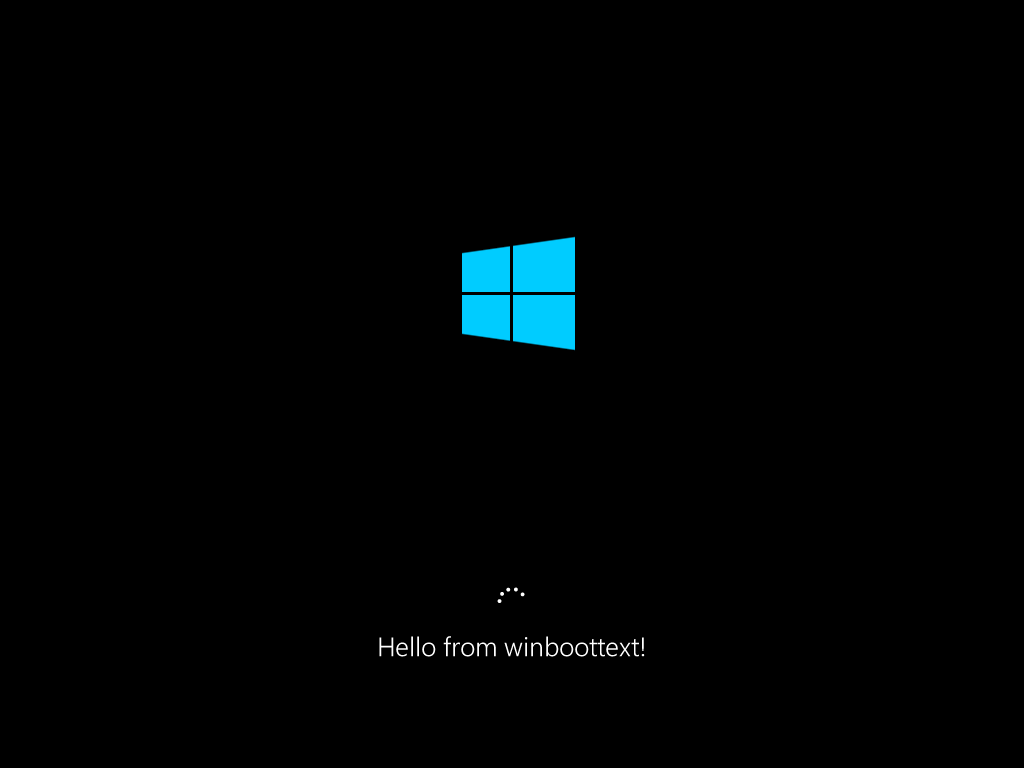
Screenshot
- Go to releases page and download
winboottext.zipfile from the latest release - Extract the archive to any folder
- Run
install.batas administrator - Reboot the system. If the installation was successful, you will see "Hello from winboottext!" on the boot screen.
- Run
config.batas administrator to open GUI configuration utility - Make changes and click "Apply" to update the configuration.
- Run
uninstall.batas administrator.
- Make sure you have Visual Studio and Git installed
- Open "x64 Native Tools Command Prompt for VS <version>" from the start menu and navigate to the folder where you want to place winboottext
- Clone the repository:
git clone https://github.com/ryzhpolsos/winboottext - Use
build /dto install all dependencies and run first build - Use
buildto re-build winboottext without dependency installation.
This project is licensed under the MIT license.