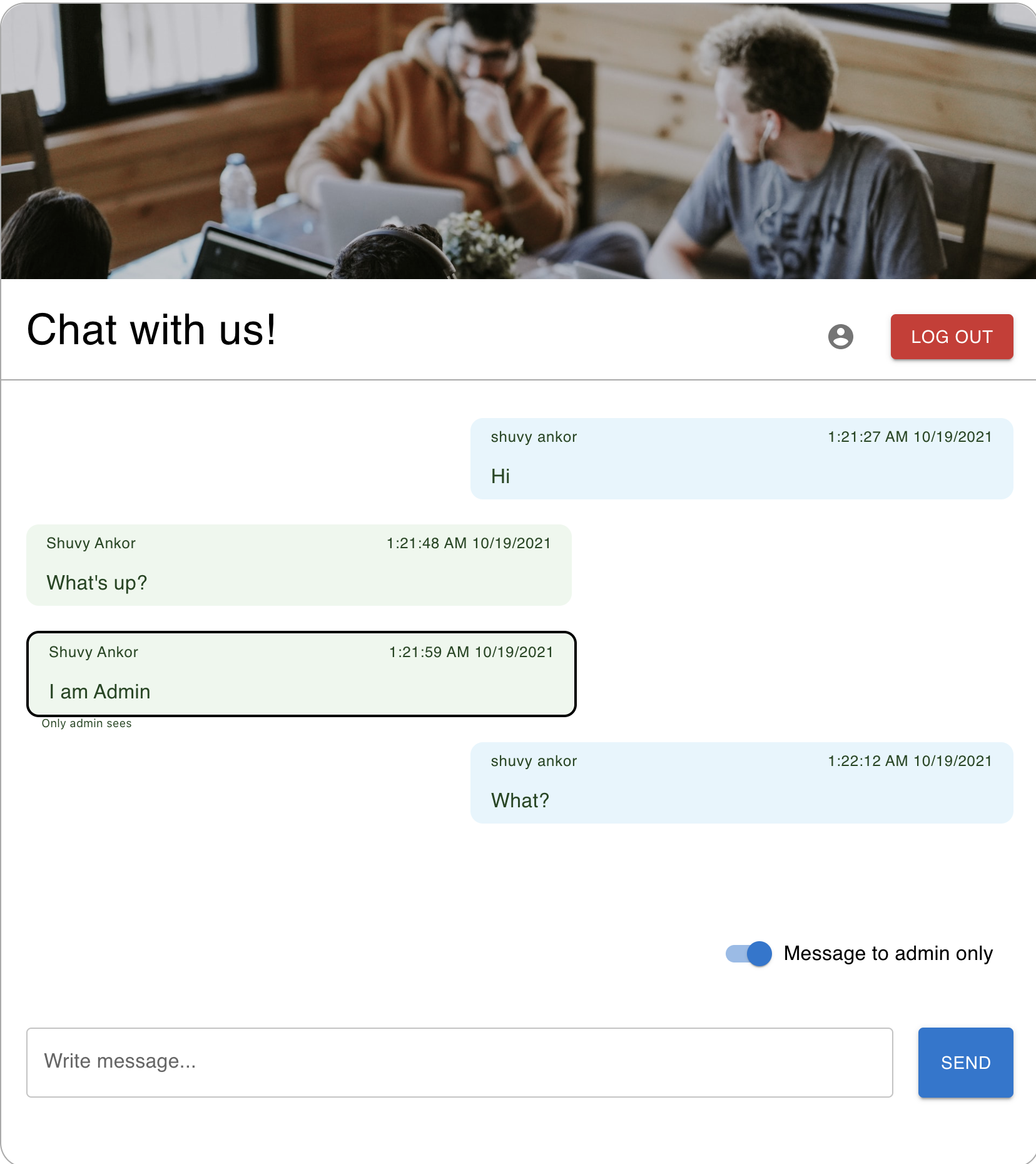
This project was bootstrapped with Create React App.
We use environment variables heavily in our projects. It allows us to have personalized configurations, but it also makes it easy to deploy our projects without having to store sensitive values in our codebase.
A config file in (.env) is basically a env file with keys and values, like this:
REACT_APP_DOMAIN_AUTH0 = DOMAIN-AUTH_0
REACT_APP_CLIENT_ID = CLIENT_ID-AUTH_0
REACT_APP_BASE_API_URL_DEV = http://localhost:8080


AUTH0_JWKS_URI= AUTH0_JWKS_URI
AUTH_0_AUDIENCE= AUTH_0_AUDIENCE
AUTH_0_ISSUER= AUTH_0_ISSUERTo start the server you need to go into the folder /server
In the project directory, you can run:
Runs the app in the development mode.
Open http://localhost:3000 to view it in the browser.
The page will reload if you make edits.
You will also see any lint errors in the console.
Launches the test runner in the interactive watch mode.
See the section about running tests for more information.