
Opti-WebP is an image optimization tool that enables bulk resizing, compression, and conversion of non-WebP images to an optimized WebP format. It helps reduce image file sizes while maintaining visual quality, making it suitable for web development and optimization tasks.
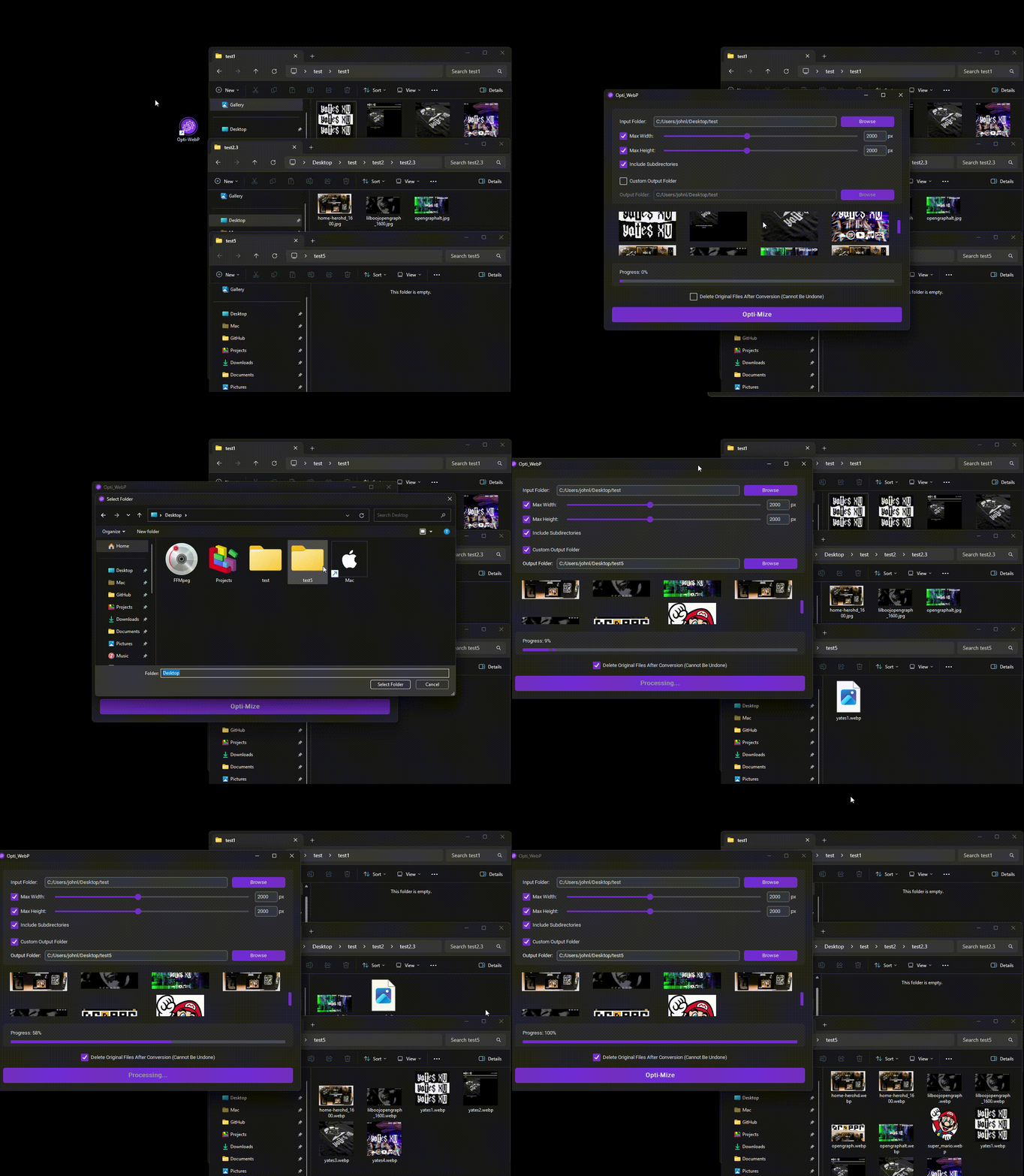
- Bulk resize, compress, and convert non-WebP images to WebP format.
- Limit the maximum width/height of images while preserving aspect ratio.
- Supports various image formats, including PNG, JPEG, GIF, BMP, HEIC, TIFF, and TIF.
- Optimized images are saved as WebP format, providing smaller file sizes.
- Easy-to-use GUI for selecting the target directory and configuring the max dimension size.
- Download the latest release from the Releases page.
- Extract the contents of the release package.
- Run the
opti-webp.exeexecutable. - Choose the directory containing the images you want to optimize.
- Set the maximum dimension size (width/height) for the images.
- Click the "OK" button to start the optimization process.
- Opti-WebP will resize, compress, and convert the images to WebP format.
- The optimized images can be saved in the same directory or a custom set one.
- Once the optimization process is complete, you can find the optimized images in the target directory.
This project is licensed under the MIT License.