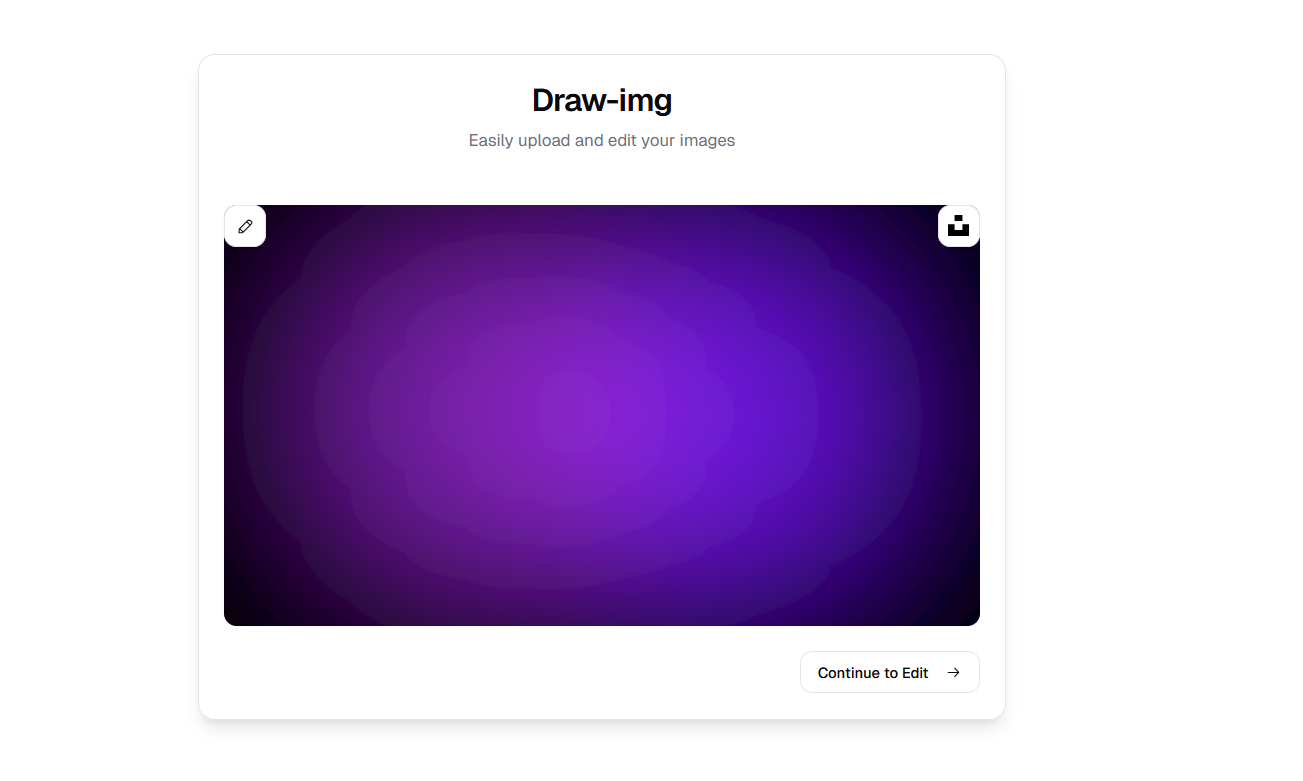
Draw-Img is a feature-rich web application designed to facilitate image editing and drawing with a focus on simplicity and accessibility. This project leverages React, TypeScript, and Tailwind CSS to deliver an interactive user experience. It integrates modern tools such as Cloudinary for image storage and TanStack React Query for state management.

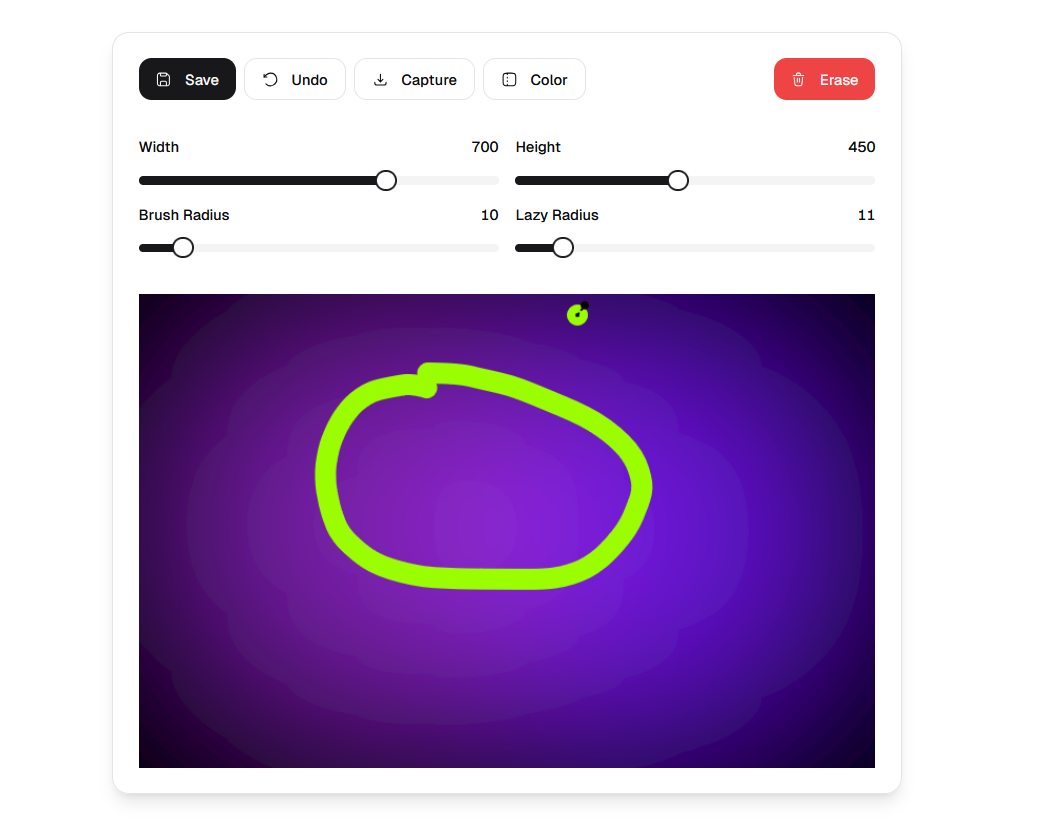
- Drawing Canvas: Use
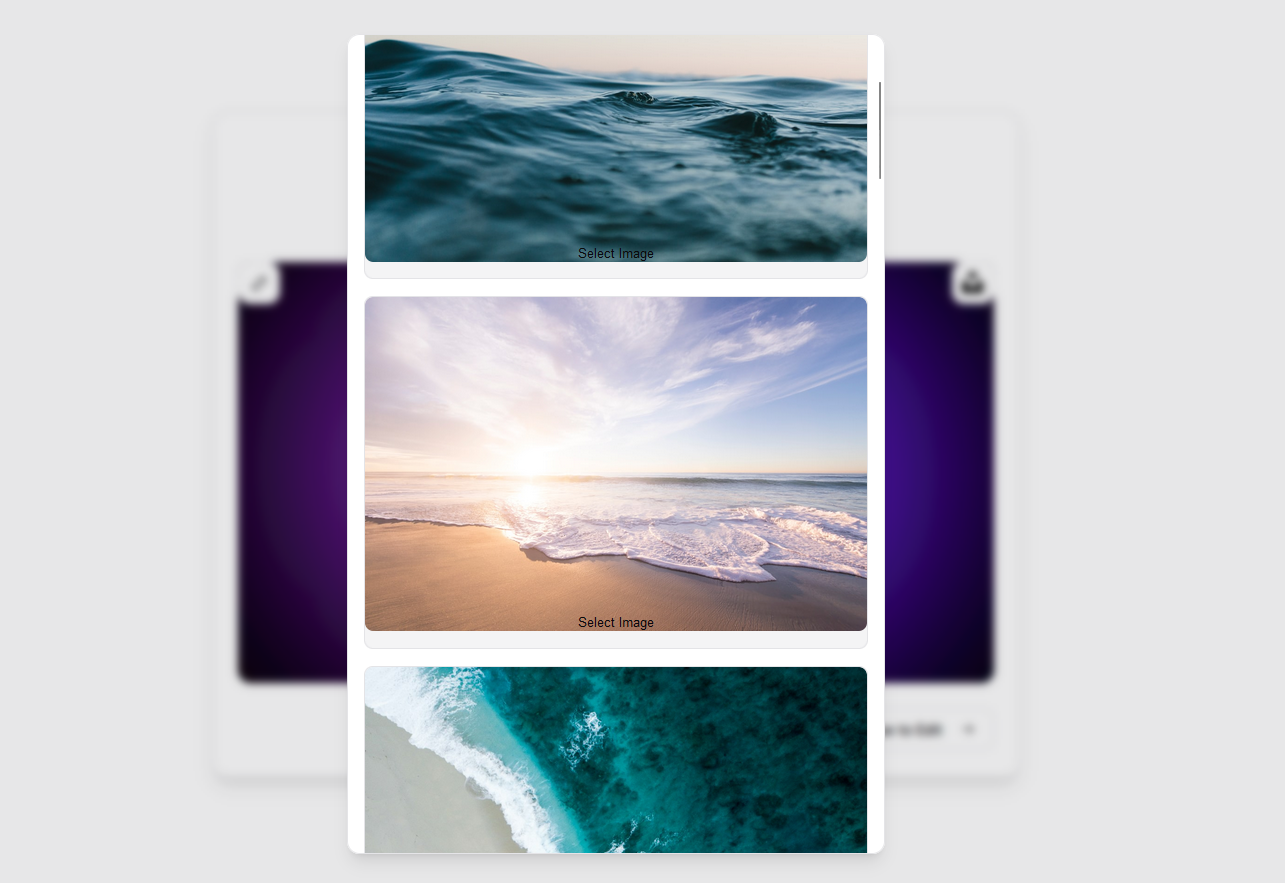
react-canvas-drawto draw and edit images dynamically. - Image Upload: Upload images locally or directly to Cloudinary.
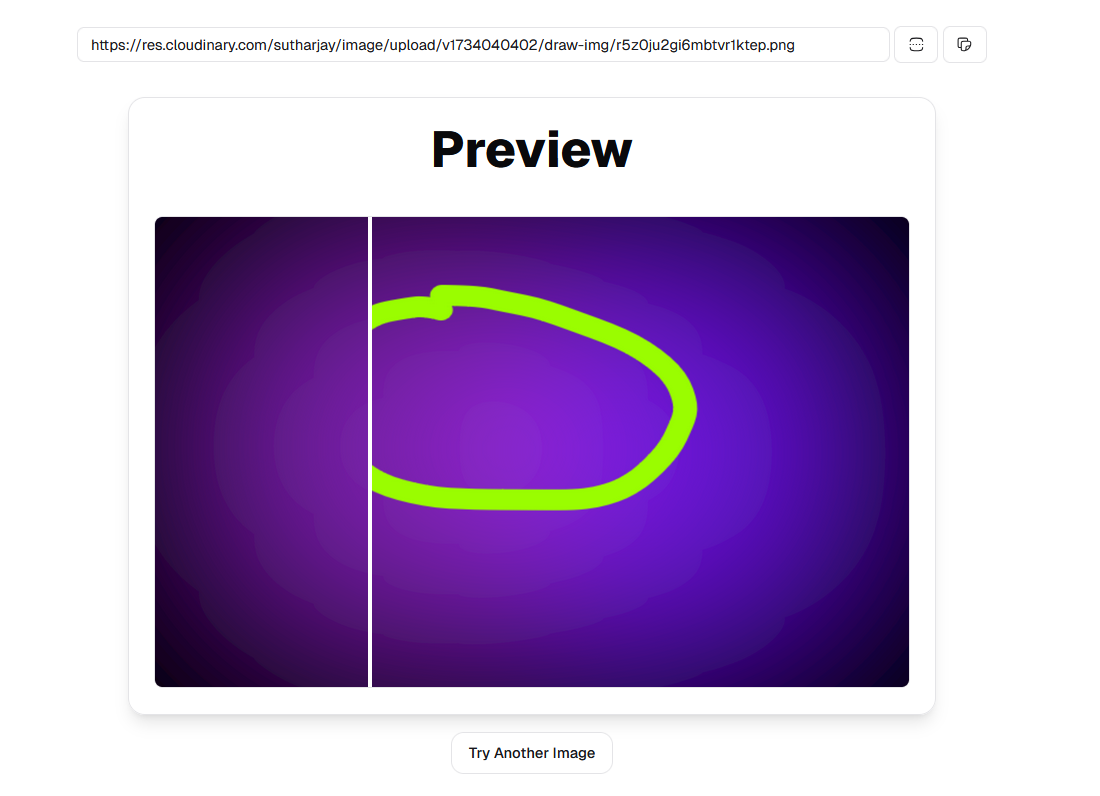
- Image Comparison: Compare images side by side using an interactive slider.
- Progressive Loading: Utilize Radix UI components for enhanced user experience.
- Form Validation: Powered by React Hook Form with Zod schema validation.
- QR Code Generator: Create QR codes seamlessly.
- Dark Mode: Supports dark/light themes with
next-themes. - Responsive Design: Tailwind CSS ensures a mobile-friendly interface.
- State Management: Zustand handles global state efficiently.
-
Clone the repository:
git clone https://github.com/sutharjay1/draw-img.git cd draw-img -
Install dependencies using pnpm:
pnpm install
-
Start the development server:
pnpm dev
-
Access the application at
http://localhost:5173.
VITE_CLOUDINARY_URL=""
VITE_CLOUDINARY_CLOUD_NAME=""
VITE_CLOUDINARY_UPLOAD_PRESET=""
VITE_CLOUDINARY_API_KEY=""
VITE_CLOUDINARY_API_SECRET=""

VITE_UNSPLASH_URL=""
VITE_UNSPLASH_ACCESS_KEY=""
VITE_UNSPLASH_SECRET_KEY=""
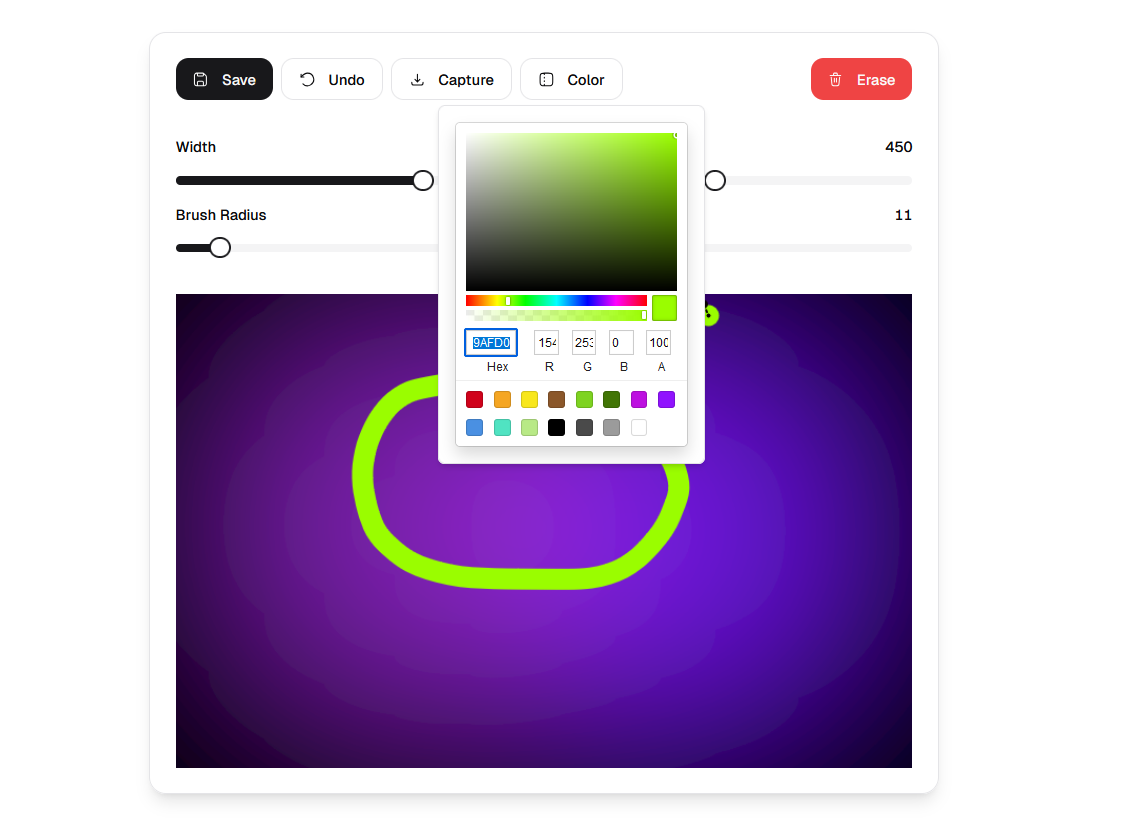
Navigate to the drawing canvas via the "Edit" page. Use tools like pen and eraser to create or modify images.
- Drag and drop files into the upload area.
- Optionally, save files to Cloudinary by configuring your credentials in
.env.
Create QR codes dynamically by entering text in the "Preview" section.
- Frontend: React, TypeScript
- Styling: Tailwind CSS, Radix UI
- State Management: Zustand, TanStack React Query
- Utilities: Prettier
- Image Handling: Cloudinary, React Dropzone,
| Script | Description |
|---|---|
pnpm dev |
Start the development server |
pnpm build |
Build the application for production |
pnpm preview |
Preview the production build locally |
pnpm lint |
Run ESLint for code quality checks |
pnpm lint:fix |
Automatically fix ESLint issues |
pnpm format |
Format code using Prettier |
-
Build the project:
pnpm build
-
Deploy the
distfolder to your hosting provider or use Vercel with the includedvercel.jsonconfiguration.
Contributions are welcome! Please follow these steps:
- Fork the repository.
- Create a new branch (
git checkout -b feature-name). - Commit changes (
git commit -m 'Add feature'). - Push to the branch (
git push origin feature-name). - Open a pull request.
This project is licensed under the MIT License. See LICENSE for details.
react-canvas-drawhad error with getting the dataURI of the drawn stroke read the repository and got to know that it was compiler issue that was solve with the help of@ts-ignore
Special thanks to contributors and the open-source community for the tools and libraries used in this project.