Workflow:
- Training model -> Pretrained model
- Import model to API -> API
- UI query API
In this step, we use 2 environnents depend on situations:
- Our colab file at https://drive.google.com/file/d/10Yfi-Osm9RsnnwoFmmvQII5ufyOuRuMK/view?usp=sharing
Add path to dataset and convert to txt file

Add path to dataset txt and output to somewhere in drive

Finally, download model after saving & import to API
- In colab, it just keep the state about 12 hours so that we are not able to train model exceed this duration -> Use job-runner
Job-runner will run our container environment through Dockerfile, therfore, we have to dockerize everything needed to train model. Then, we save model into Owncloud server.
FROM pytorch/pytorch:1.11.0-cuda11.3-cudnn8-devel

RUN rm /etc/apt/sources.list.d/cuda.list
RUN rm /etc/apt/sources.list.d/nvidia-ml.list

RUN apt-get update
RUN apt-get install -y git

RUN git clone https://github.com/tamnpham/KMS_TechChallenge_01.git
WORKDIR "./KMS_TechChallenge_01"

RUN pip install -r requirements.txt --force
RUN chmod +x run.sh

CMD ["sh","run.sh"]
- run.sh
python load_model.py
python dataset.py -i './data/sample_data.json' -o './data/sample_data.txt'
python trainer.py -i './data/sample_data.txt' -m '125M' -e 3 -o 'baseline' -c True
Then build image & push to dockerhub (public)
docker build tamnpham/tc-gpt-core .
docker push tamnpham/tc-gpt-core
Access to job-runner server, fill image name to create a job
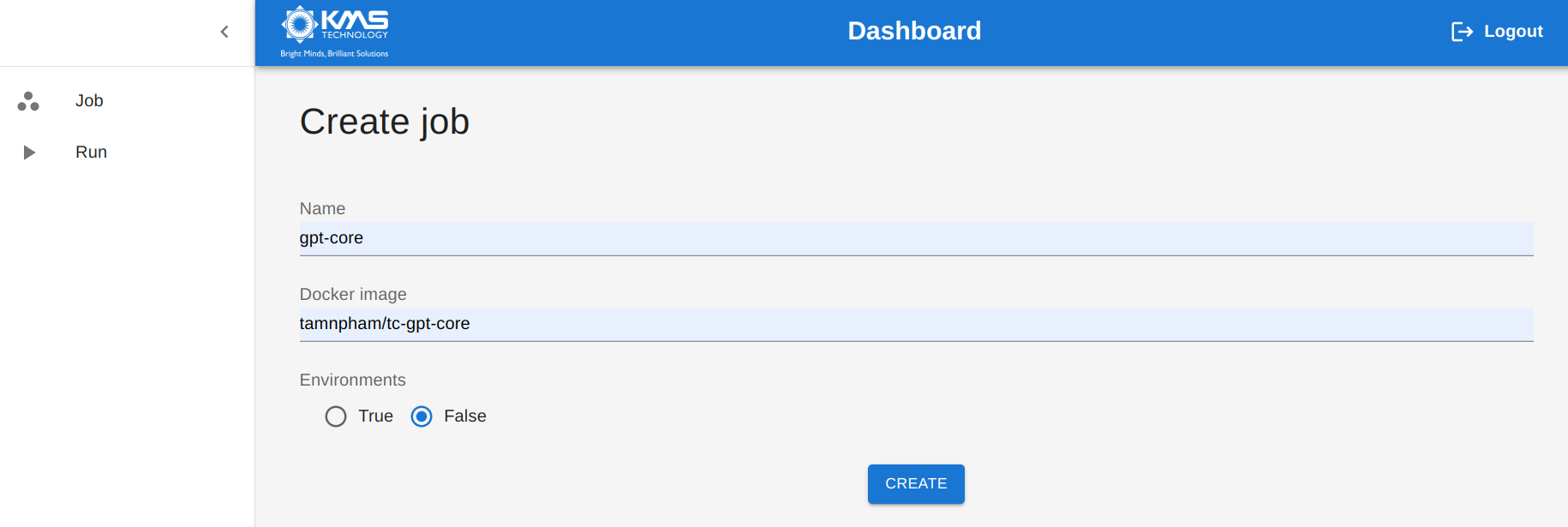
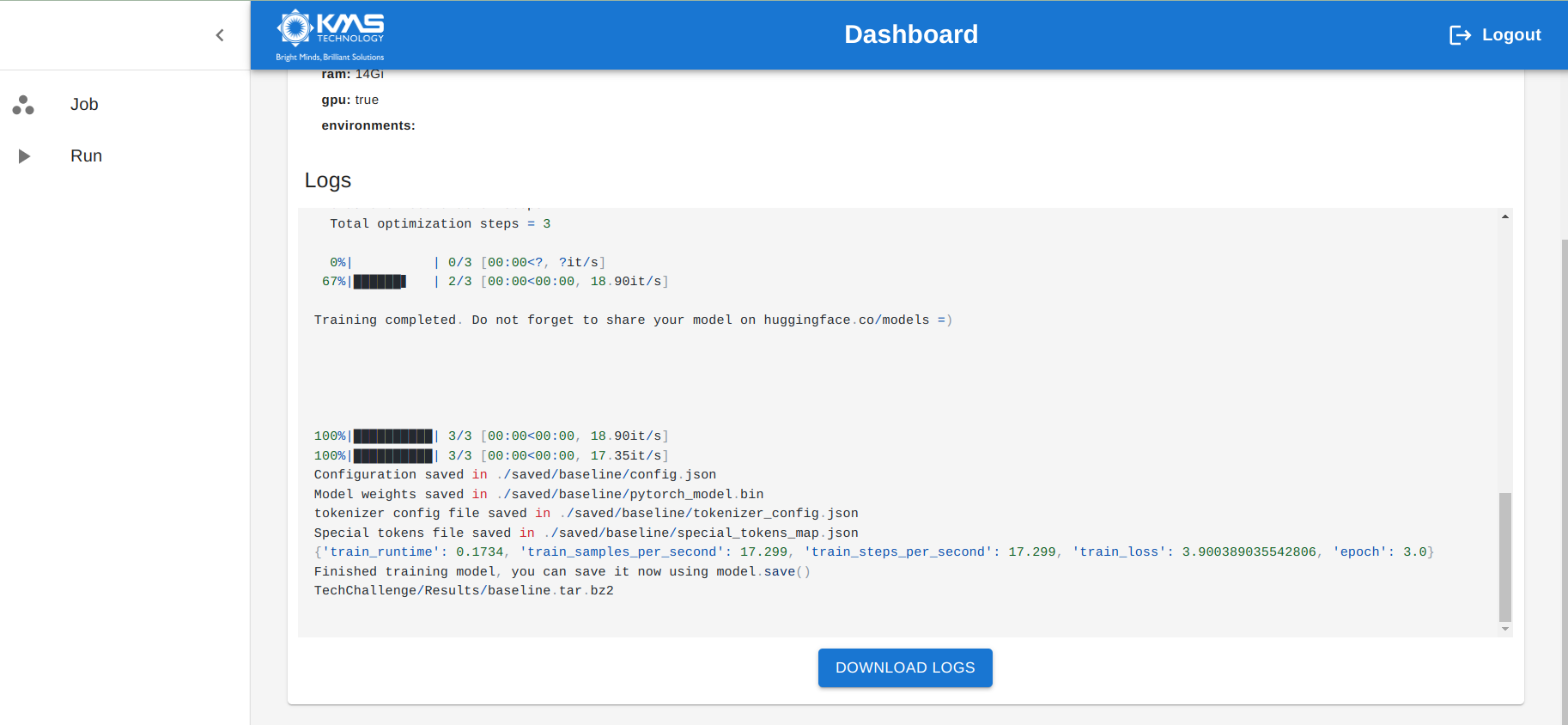
Check Owncloud
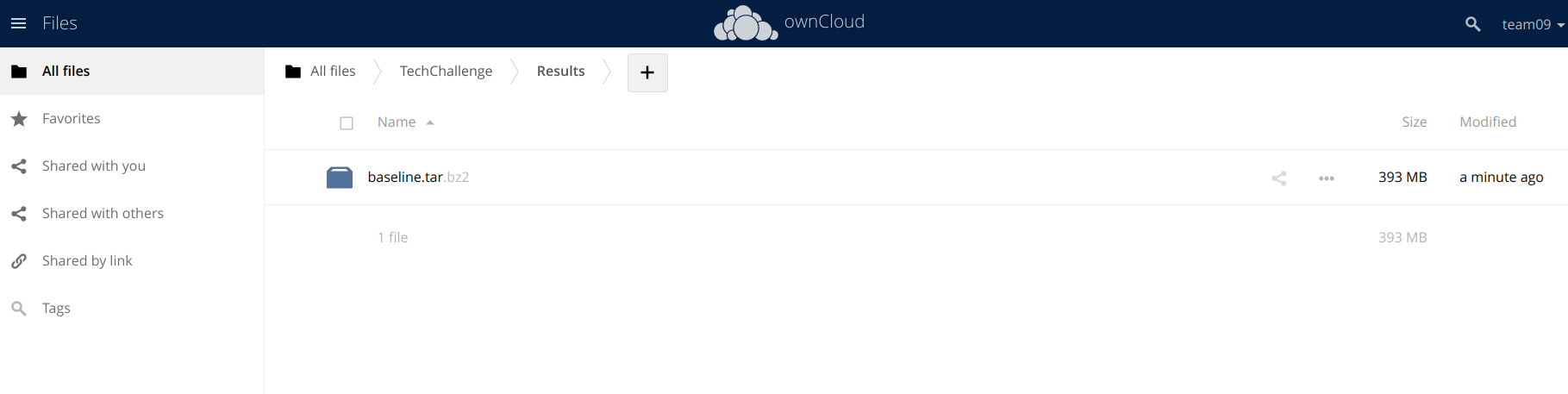
Clone this repo & download pretrained model to /api/server/gpt/pretrained_model
We use docker-compose to wrap API vs UI
services:
  api:
    build: api/
    container_name: tc-api
    expose:
      - 5000
    ports:
      - '5000:5000'
    networks:
      - techchallenge
  ui:
    build: ui/
    container_name: tc-ui
    expose:
      - 8501
    ports:
      - '8501:8501'
    networks:
      - techchallenge
networks:
  techchallenge:
docker-compose up -d --build