Developed for convenience when working with terminals.
Umm... In fact, this module is a project started to make the author comfortable when making games.
Since I am Korean, I use a translator quite a lot. You may see sloppy English grammar.
import FunnyTerminal, { PromptBuilder } from "funny-terminal";

const readline = new FunnyTerminal();
readline.processPrompts<"anything", { anything: string; }>([
  new PromptBuilder()
    .setType("text") // Type
    .setName("anything") // Use the same as the generic name
    .setMessage("Write anything") // Question
    .setInitial("I hate this module.") // Placeholder
], (value) => {
  if (value.anything === undefined) return;
  console.log(value.anything);
});
Read the documentation of prompts package for more details.
import FunnyTerminal from "funny-terminal";

const readline = new FunnyTerminal();
readline.setPrompt("Input>");
readline.setAutoFocus(true); // Automatically scrolls the screen. Default value is `true`.
readline.addInputListener((data) => {
  if (data === "quit") process.exit();
  console.log(`Recived : ${data}`);
})
  .addCloseListener(() => console.log("Quit."));
Stop typing when the processPrompt is invoked.
import FunnyTerminal from "funny-terminal";

const readline = new FunnyTerminal();
readline.setCursorShow(false);
readline.setKeypressDisable(true);
readline
  .addReadyListener(() => readline.coverMessage("Test message #1"))
  .addActionListener(data => {
    /**
      data: `object`
      ├ name: `string`
      └ key: `object`
        ├ sequence: `string`
        ├ name: `string`
        ├ ctrl: `boolean`
        ├ meta: `boolean`
        ├ shift: `boolean`
        └ code: `string`
    */
    if (data.name === "left") readline.coverMessage("Test message #0"); // Left Arrow Key.
    if (data.name === "right") readline.coverMessage("Test message #1");// Right Arrow Key.
  });
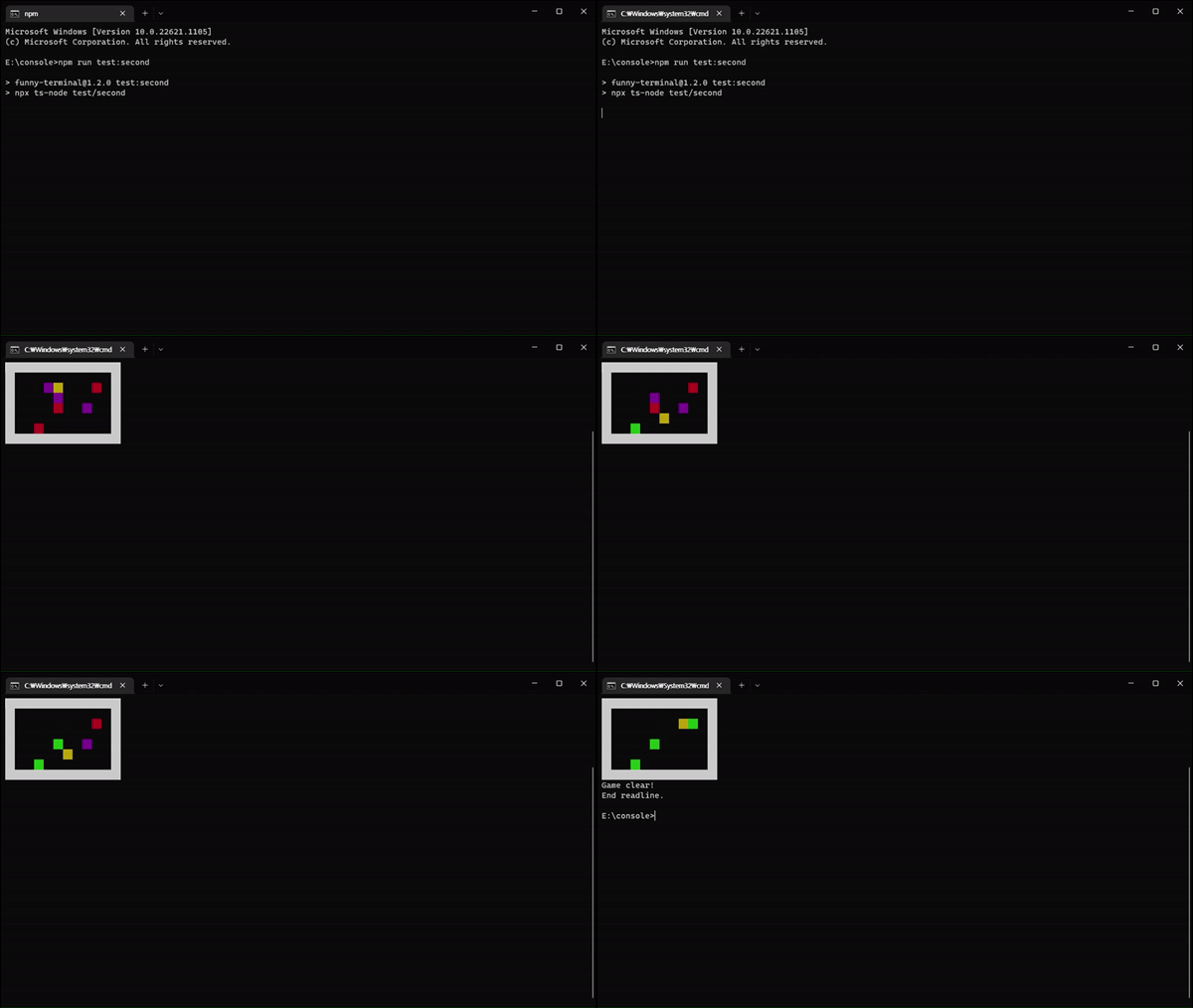
Please check test/second.ts for more details.
import { TextShader, TextStyle } from "funny-terminal";

console.log(
  new TextShader("Jaimy) Hello! ×5")
  .applyShaders({
    'lo!': [TextStyle.F_CYAN]
  })
  .applyRules([
    { rule: /×\d+/, shaders: [TextStyle.F_YELLOW] },
    { rule: /([A-Z])\w+\)/, shaders: [TextStyle.F_MAGENTA] }
  ])
  .result
);
Result:
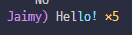
.applyShaders : Only specified text parts can be colored.
.applyRules : Specifies the color of a string with rules.
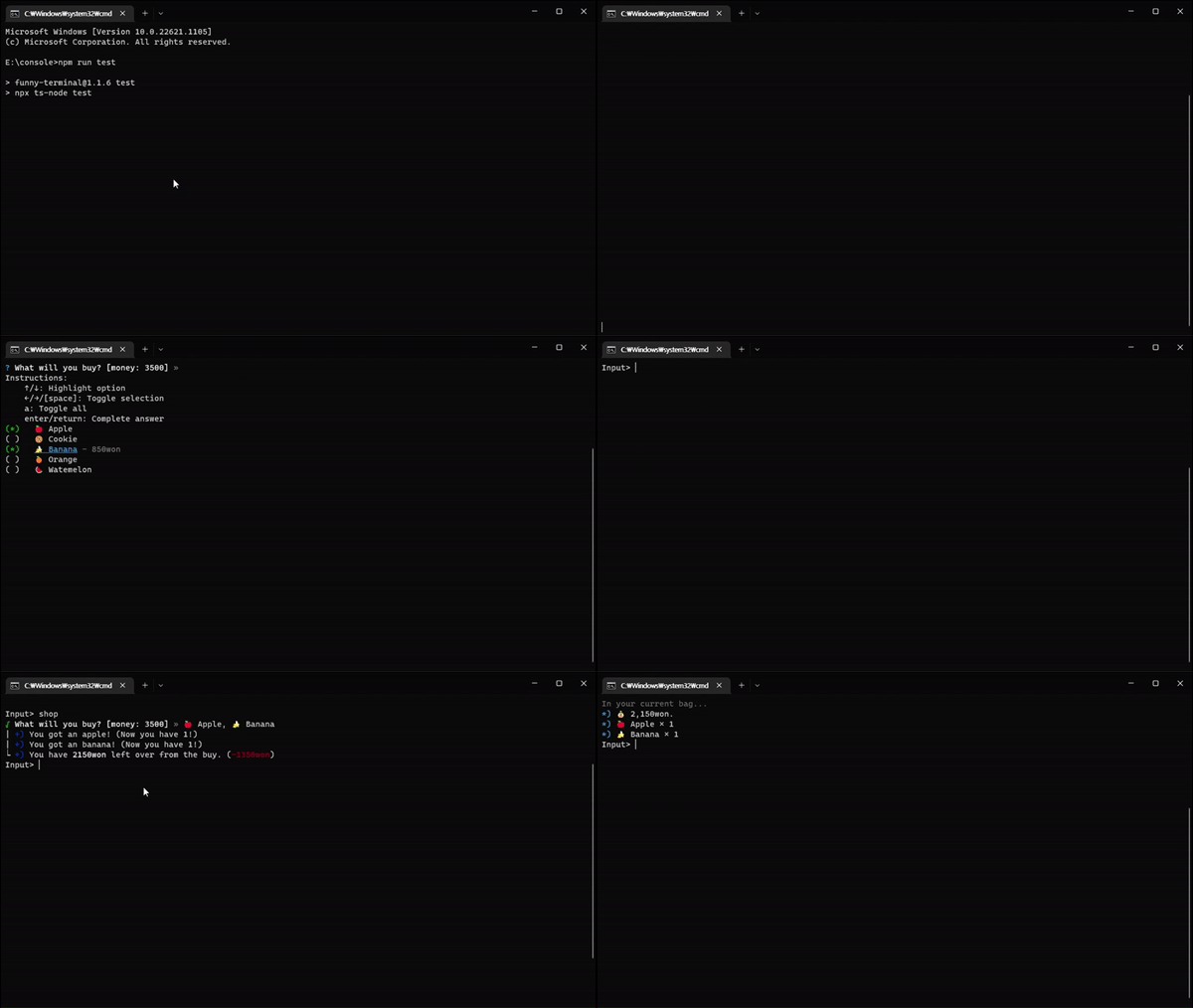
In test/index.ts...
In test/second.ts...
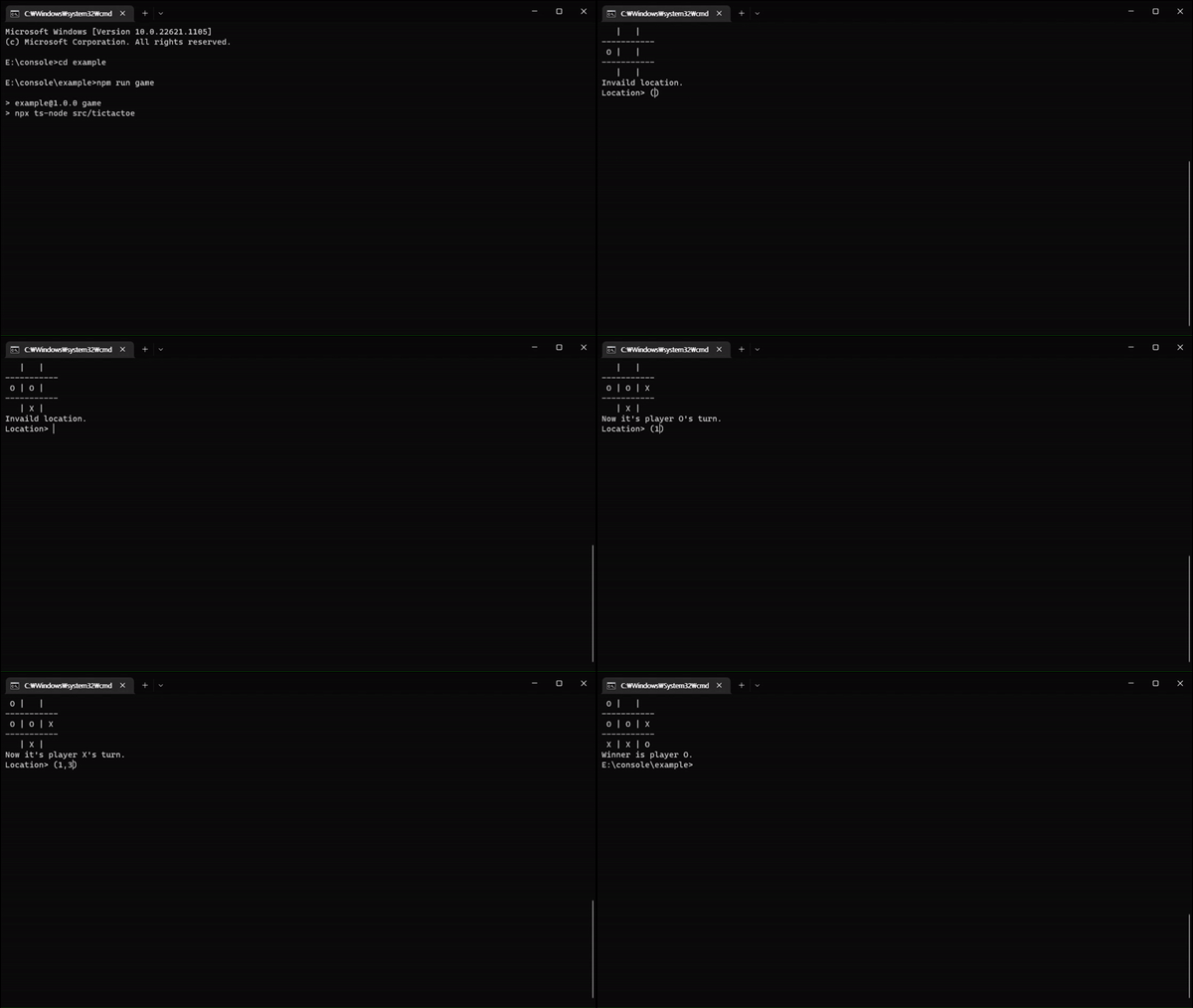
In example/src/tictactoe.ts...
| Name | License | Author | Note |
|---|---|---|---|
| prompts | MIT | Terkel | |
| cli-cursor | MIT | Sindre Sorhus | src/index.ts L#181 - Reference. |
It is a module for the author's personal study and is not recommended for use because it was developed to suit author's coding style. 😉
I hate this module.