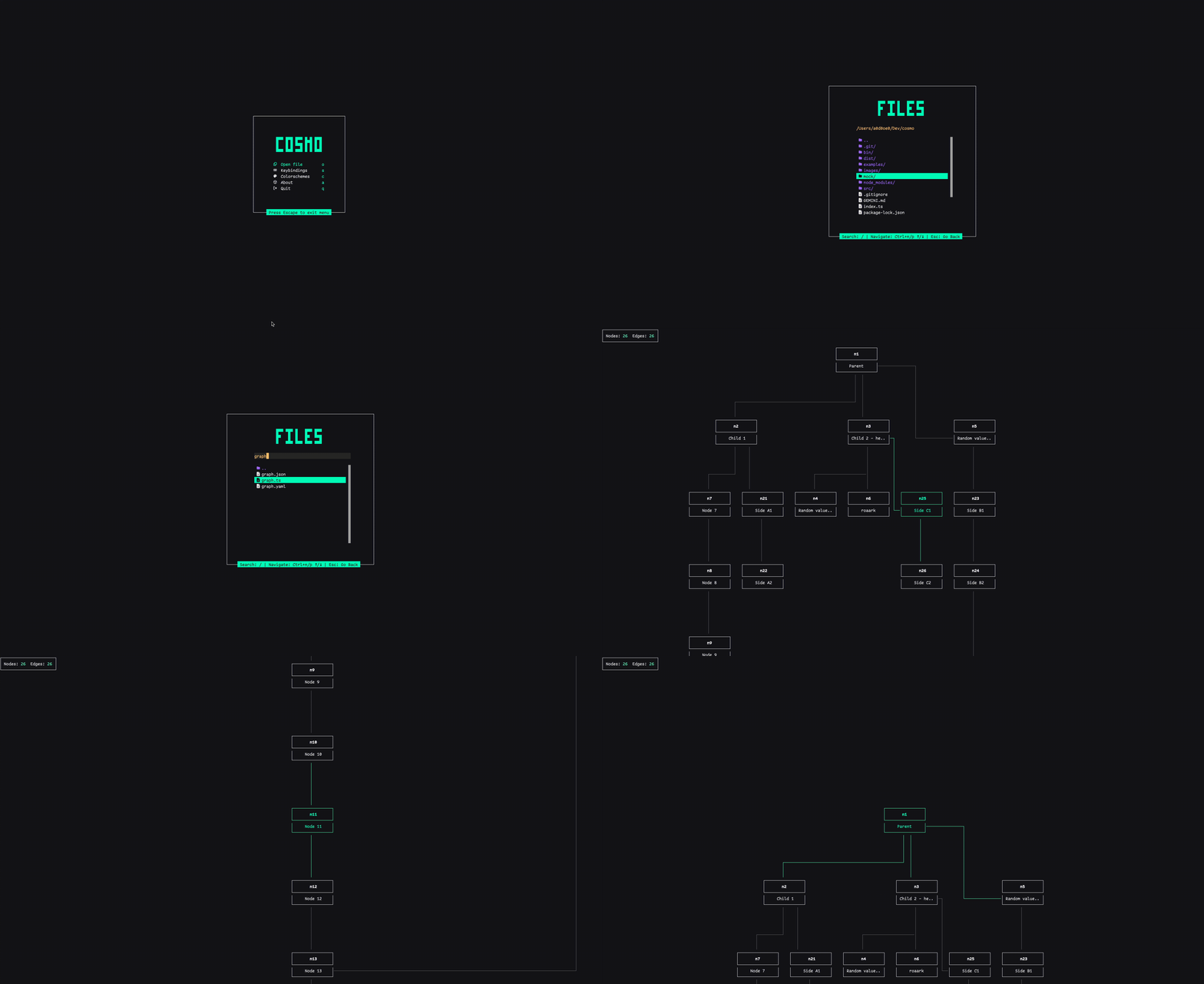
Visualize and explore graphs and trees right in your terminal. Fast, interactive, and easy to use for understanding your data.
Cosmo provides a fast and interactive way to explore node/edge data structures directly in your terminal. Whether you point it at a JSON/YAML file or use it programmatically, you can smoothly navigate large hierarchies and general graphs.
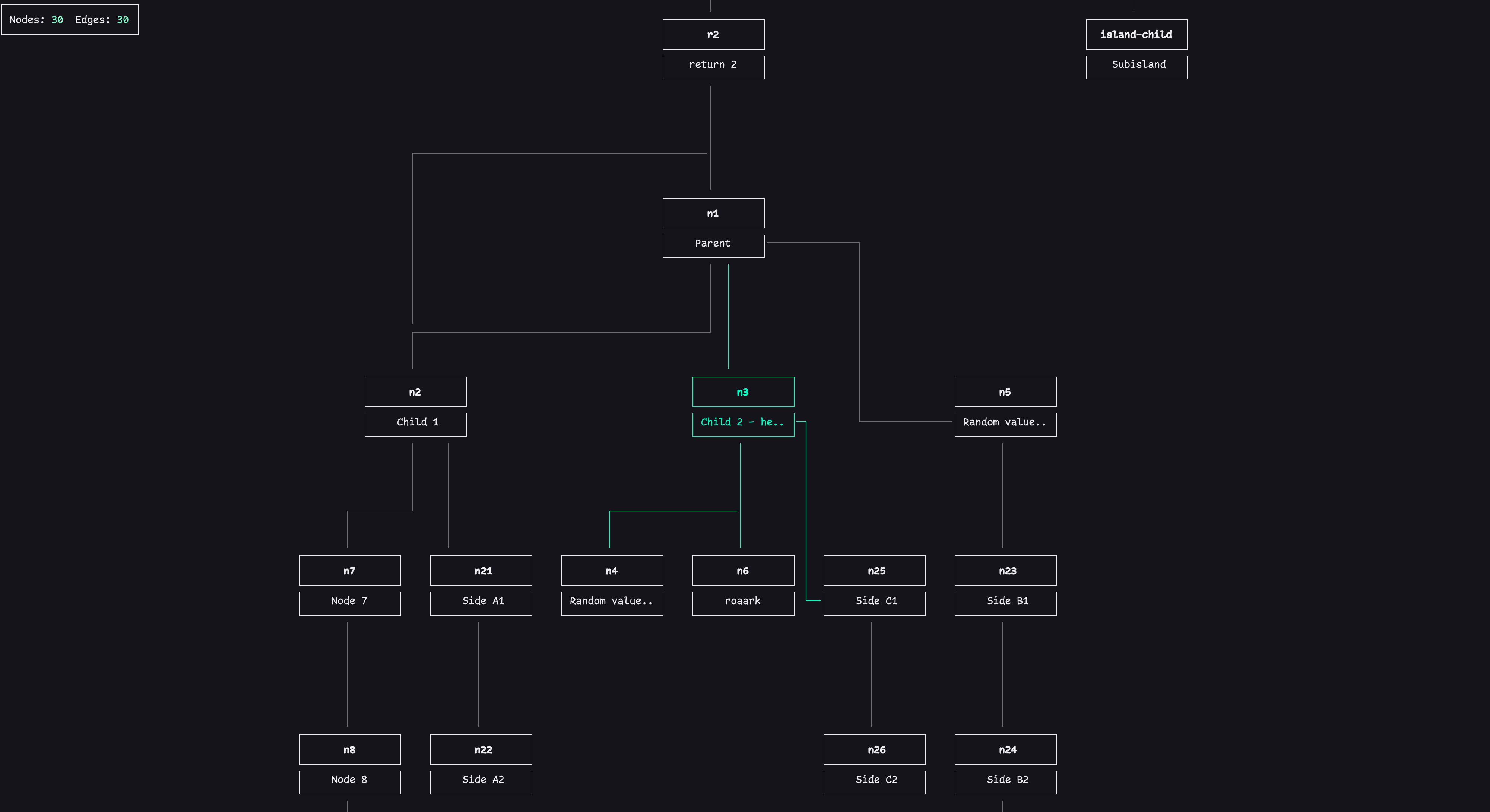
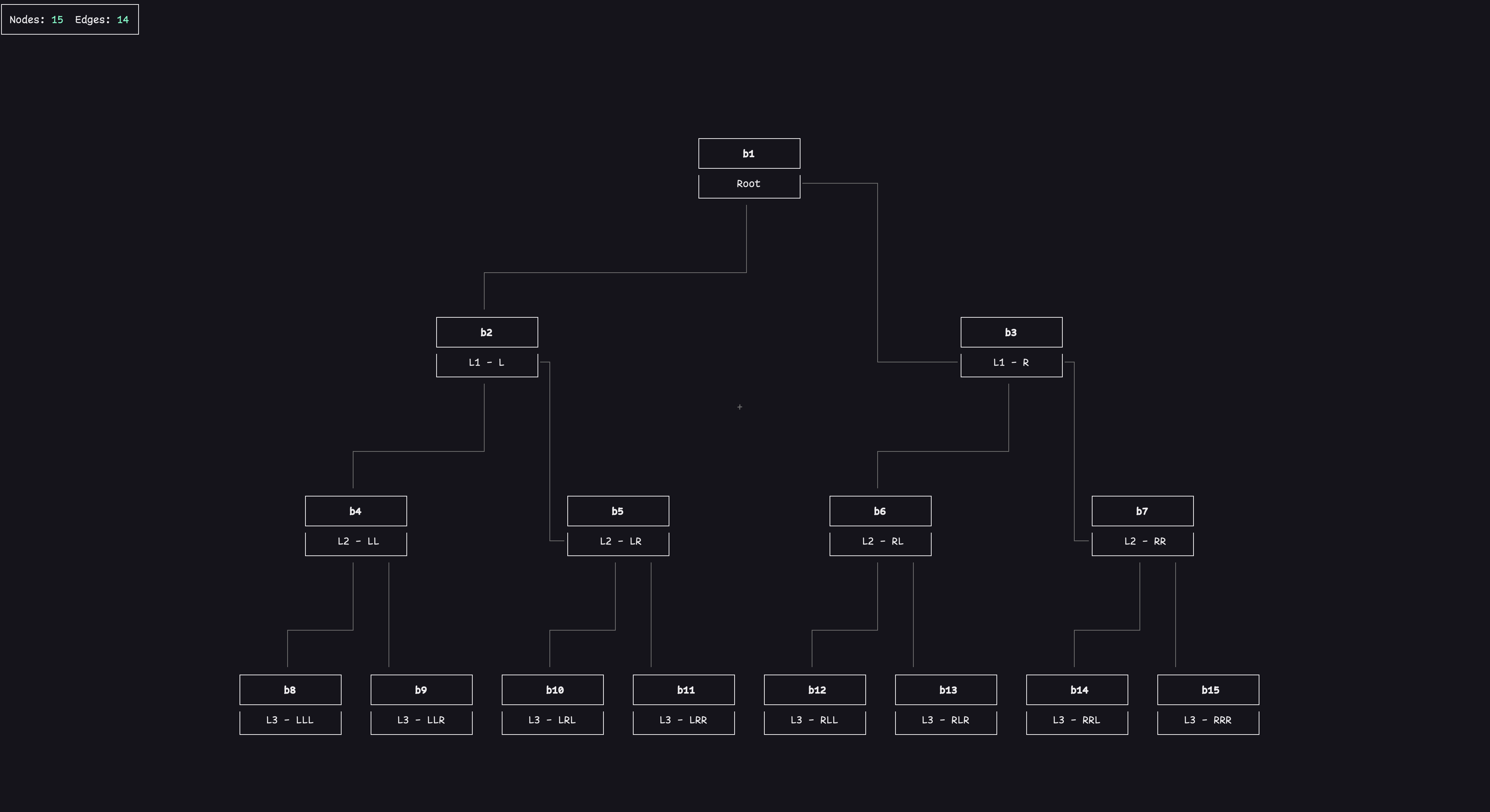
- Visualize Data: Render graphs and trees from JSON or YAML files directly in your terminal.
- Interactive Viewer: Pan and zoom through your data with smooth, intuitive controls.
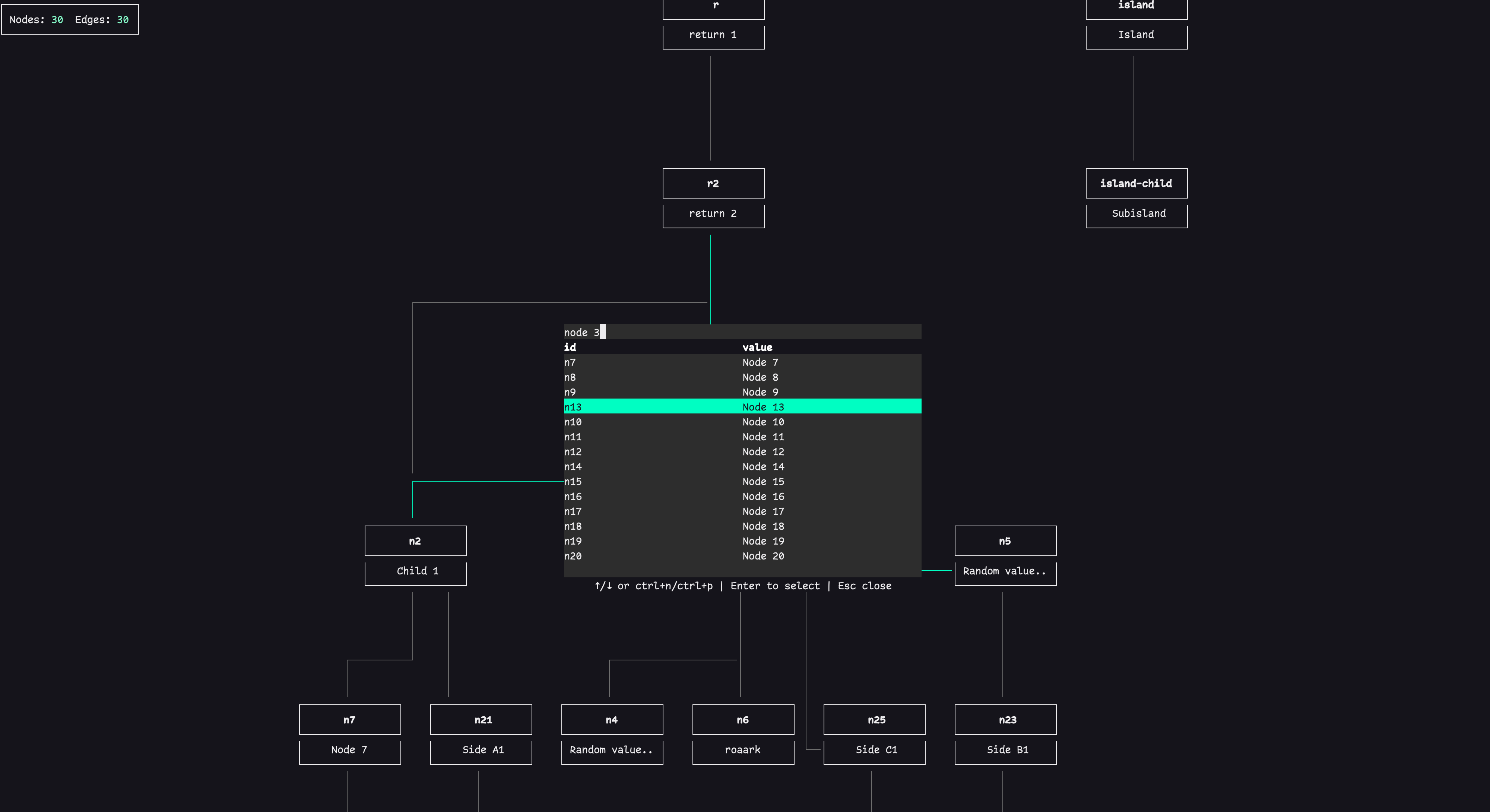
- Search: Quickly find nodes by their ID or value.
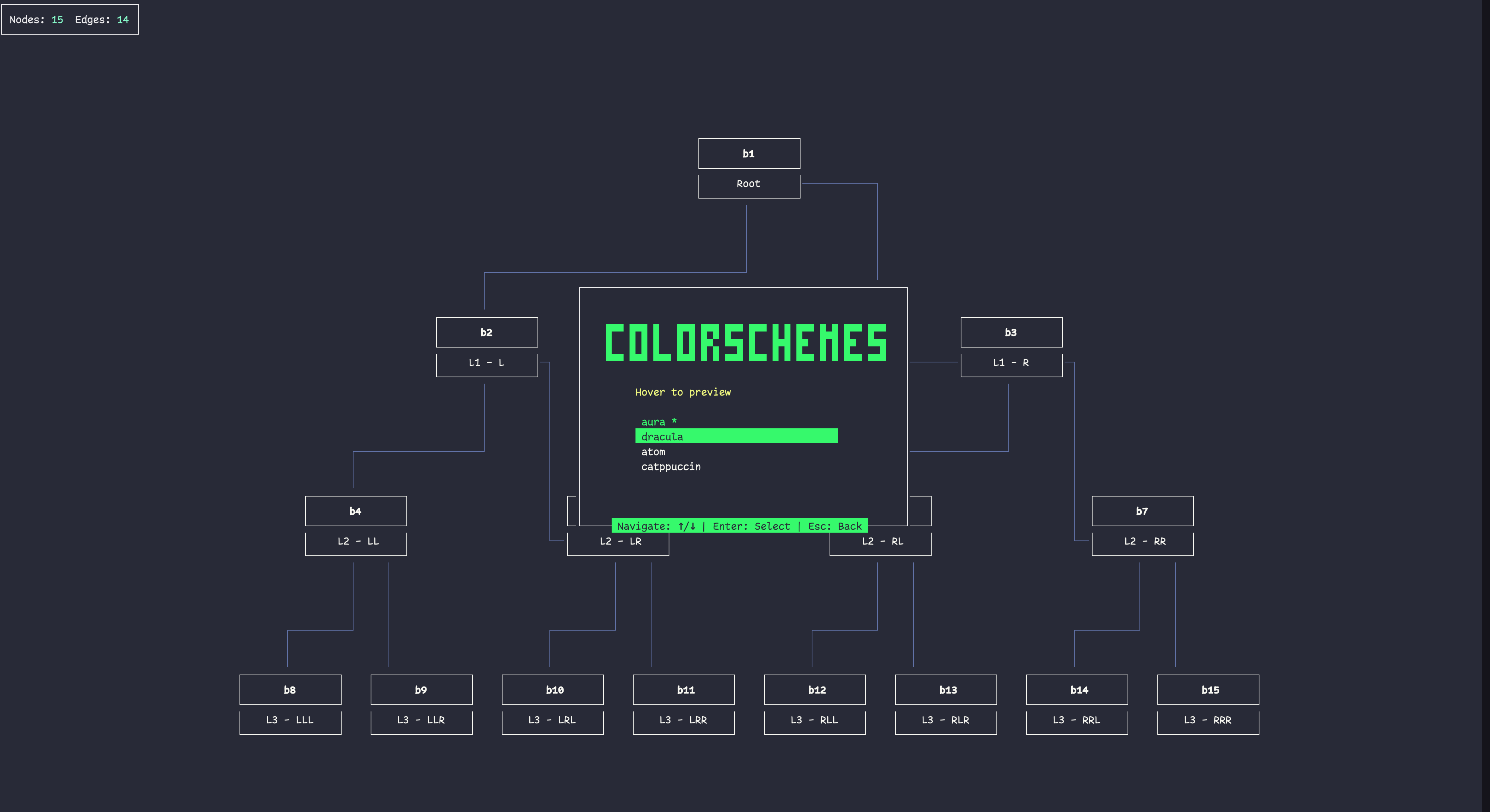
- Theming: Customize the look and feel with built-in themes (aura, dracula, atom, catppuccin).
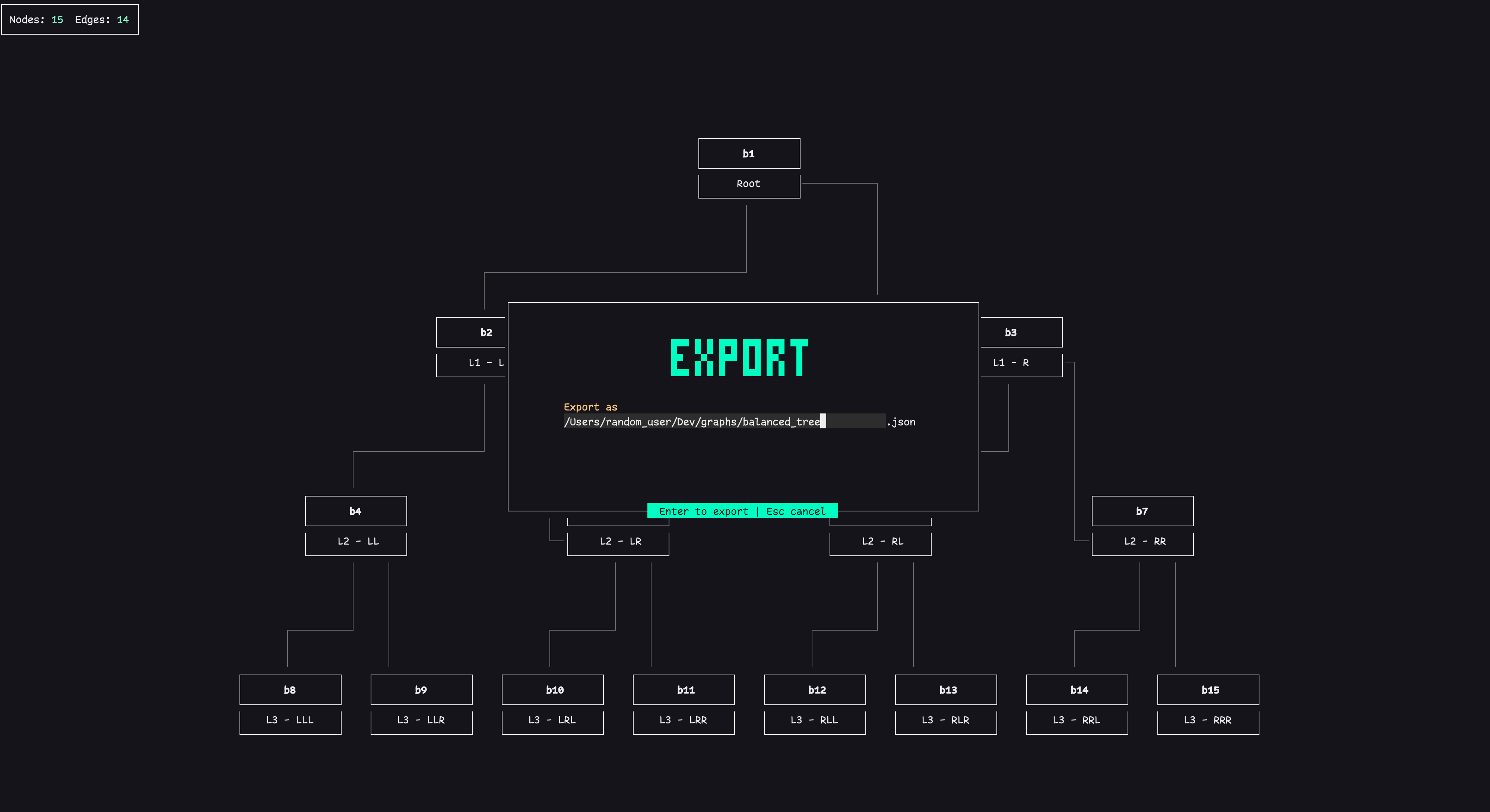
- Export: Export your graph data to JSON or YAML.
- Programmatic API: Integrate
Cosmointo your own projects to render graphs and trees from your own data structures. - Customizable: Pass in your own nodes and edges, and configure the appearance and behavior of the graph.
NPM
npm i -g cosmo-flowYarn
yarn global add cosmo-flowYou can use the cosmo command to visualize a JSON or YAML file directly in your terminal. It has the following options:
--file <path-to-file>: The path to the JSON or YAML file you want to visualize.--colorscheme <theme>: The theme to use for the visualization. The available themes are:aura,dracula,atom, andcatppuccin.
# Visualize a JSON file
cosmo --file mock/small_tree.json

# Visualize a YAML file with a specific theme
cosmo --file mock/small_tree.yaml --colorscheme draculaYou can also use cosmo as a package in your project.
import { cosmo } from "cosmo-flow";

const nodes = [
  { id: "1", value: "Hello" },
  { id: "2", value: "World" },
];

const edges = [{ id: "1-2", source: "1", target: "2" }];

cosmo({ nodes, edges });Once the application is running, you can use the following keys to navigate:
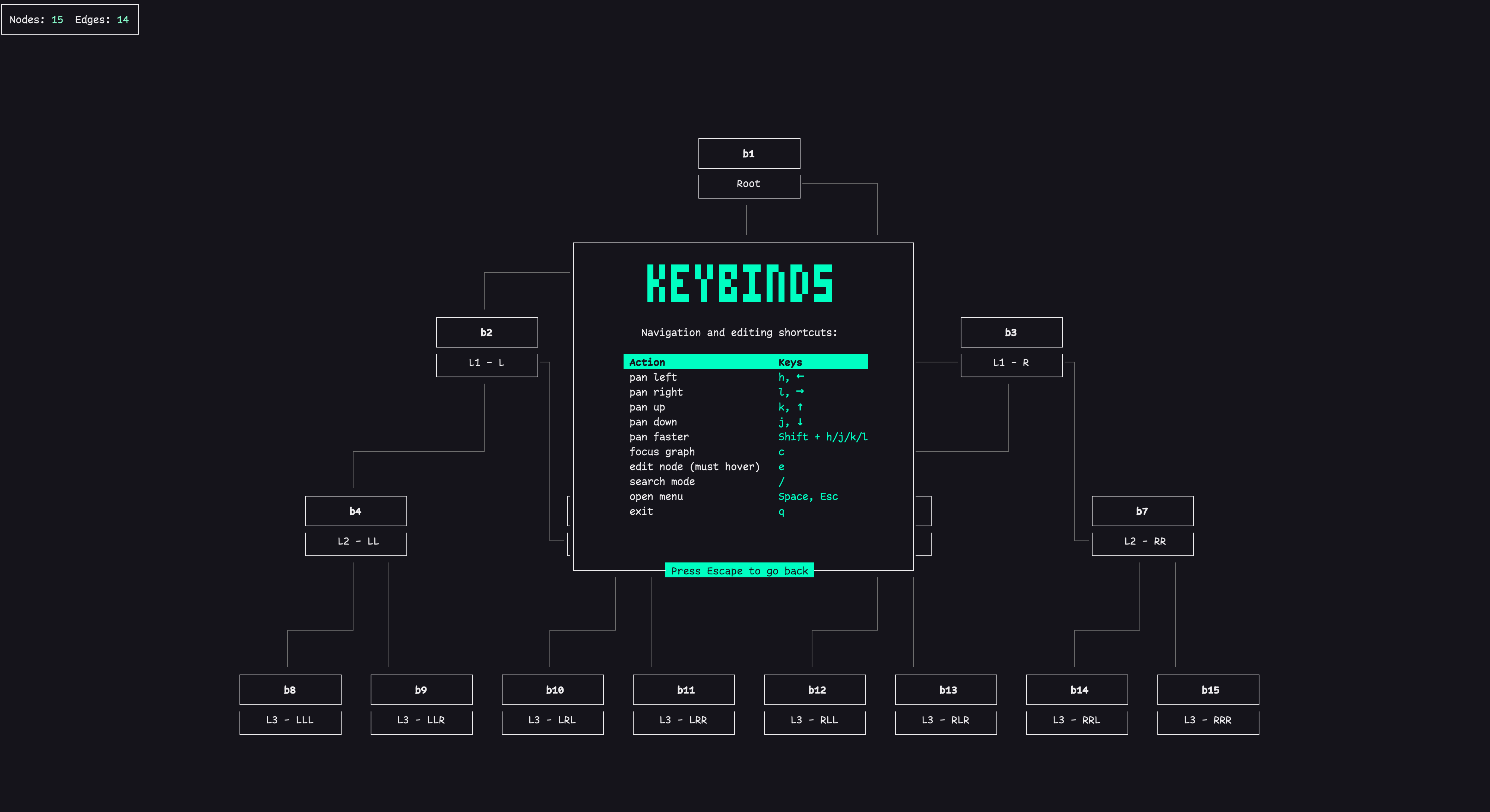
- Pan: Use the arrow keys (↑, ↓, ←, →) or
h,j,k,lto pan the view. - Search: Press
/to open the search bar and find nodes by their ID or value. - Main Menu: Press
EscapeorSpaceto open the main menu. - Keybindings: From the main menu, select "Keybindings" or press
sto see all available commands.
Cosmo accepts JSON or YAML files with the following structure:
JSON
{
  "nodes": [{ "id": "string", "value": "string" }],
  "edges": [{ "id": "string", "source": "string", "target": "string" }]
}
YAML
nodes:
  - id: b1
    value: Root
  - id: b2
    value: L1 - L
  - id: b3
    value: L1 - R
edges:
  - id: be1
    source: b1
    target: b2
  - id: be2
    source: b1
    target: b3
The nodes array should contain objects with an id and a value. The edges array should contain objects with an id, a source (which is the id of the source node), and a target (which is the id of the target node).
- Improved edge paths
- In-place editing (add / delete / rename)
- Edge rewire operations
- Save back to file after interactive edits
- Live reload when source file changes
- Custom theme injection
- Layout options (horizontal / vertical / layered)
- Export to SVG / PNG
This project was created using the react-curse library — many thanks to its author for enabling the terminal UI foundations used here. See: https://github.com/infely/react-curse
Have an idea for a new feature? We'd love to hear from you! The best way to suggest a new feature is to open an issue on our GitHub repository.
When you open an issue, please provide a clear and detailed description of the feature you'd like to see. Explain why you think it would be a valuable addition to Cosmo, and if possible, provide a simple example of how it might work.
We appreciate your feedback and contributions to making Cosmo even better!
| Main Menu | Keybindings |
|---|---|
 |
 |
| File Explorer | Export |
|---|---|
 |
 |
| Search | Nodes/Edges Highlighting |
|---|---|
 |
|
| Colorschemes | Graph Example |
|---|---|
 |
 |