
A collection of power tools for Optimizely CMS 12 and CMS 13 editors and admins. Distributed as the NuGet package UmageAI.Optimizely.EditorPowerTools.
Tools are grouped in the navigation menu for easy access.
| Tool | Description |
|---|---|
| Content Statistics | Dashboard with content counts, type distribution, publishing trends, and storage metrics. |
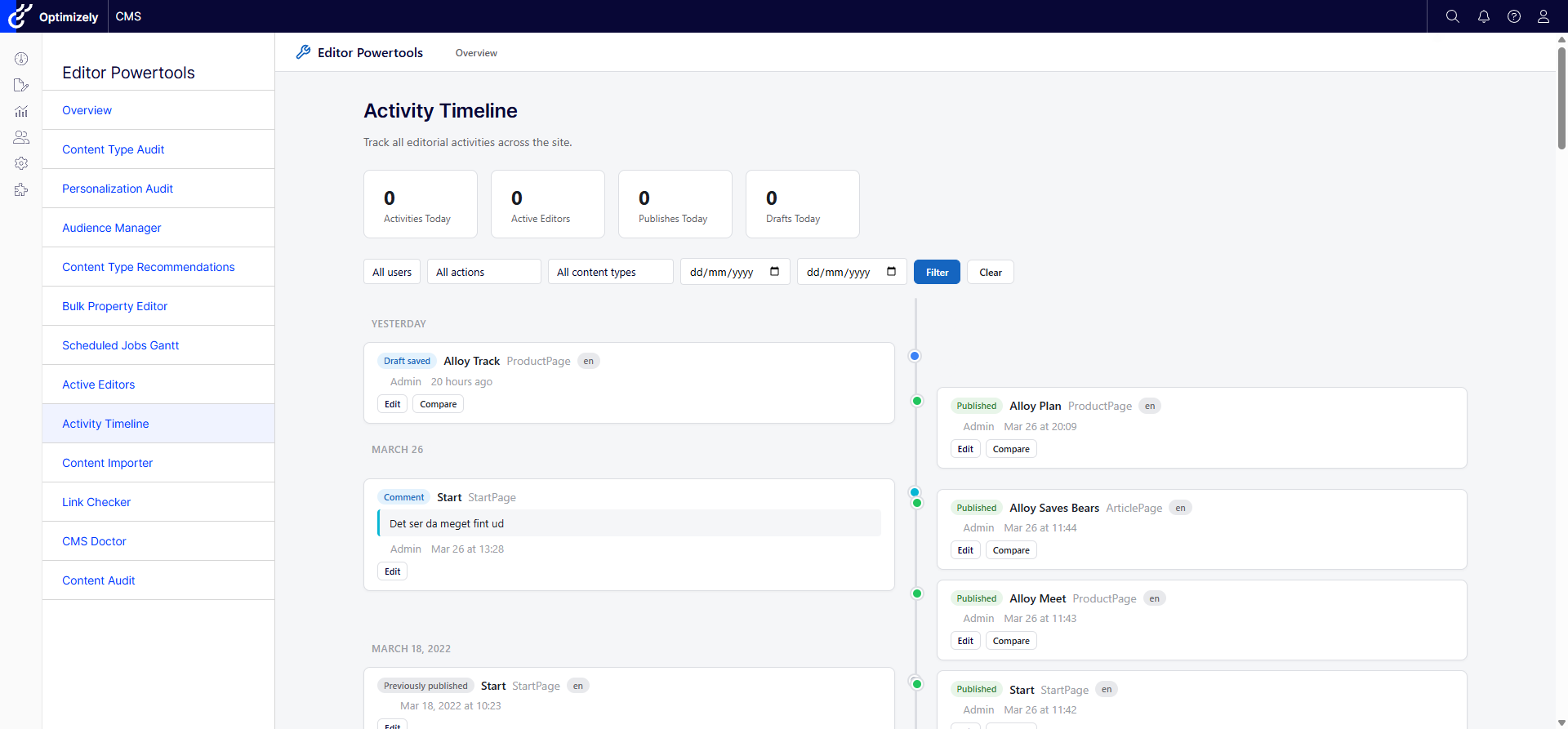
| Activity Timeline | Dual-column timeline of editorial activities with comments, version comparison, and infinite scroll. |
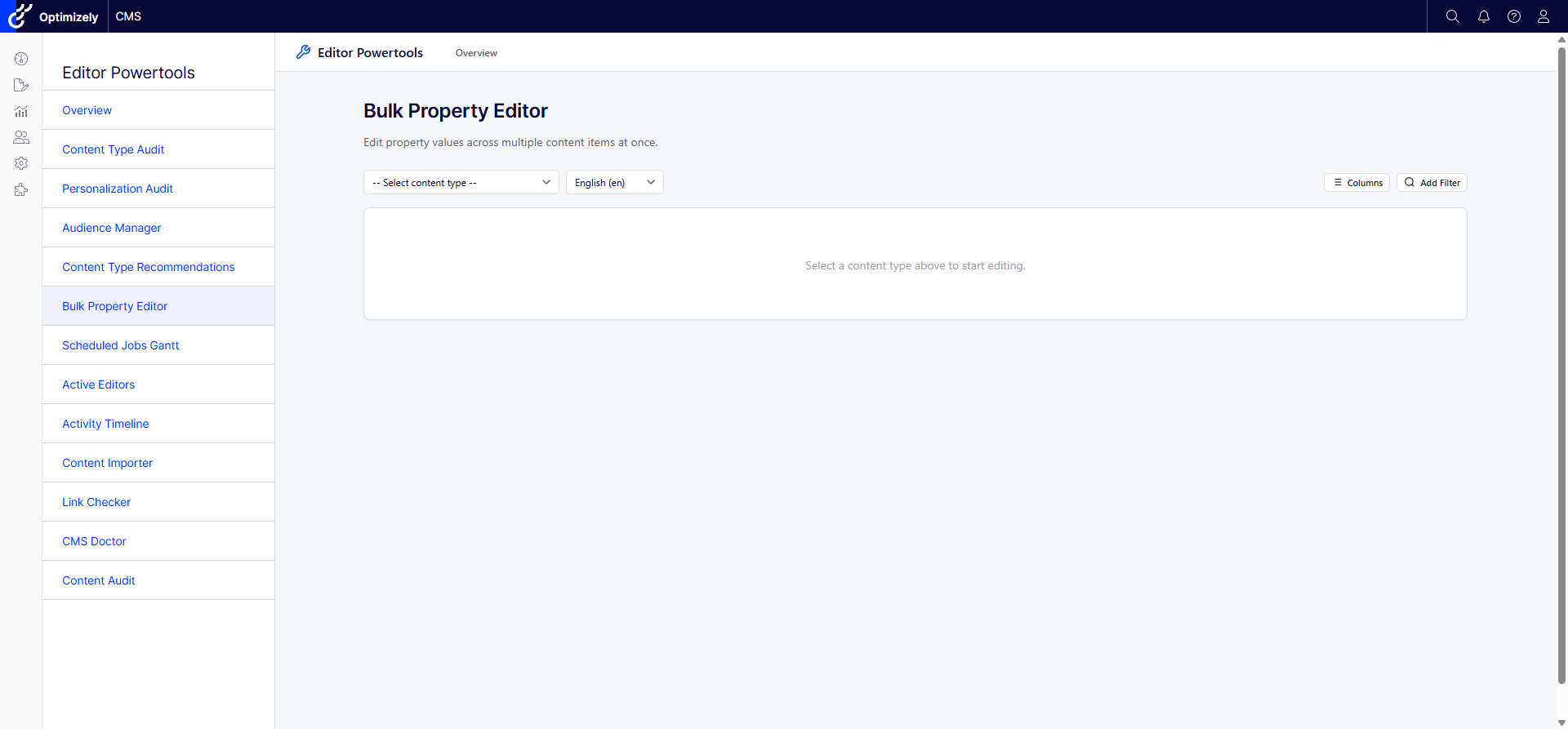
| Bulk Property Editor | Inline-edit property values across multiple content items. Filter, sort, paginate, bulk save/publish. |
| Content Importer | Import content from CSV, Excel, or JSON with field mapping, preview, and validation. |
| Tool | Description |
|---|---|
| Content Audit | Comprehensive content inventory with configurable columns, filters, and export. |
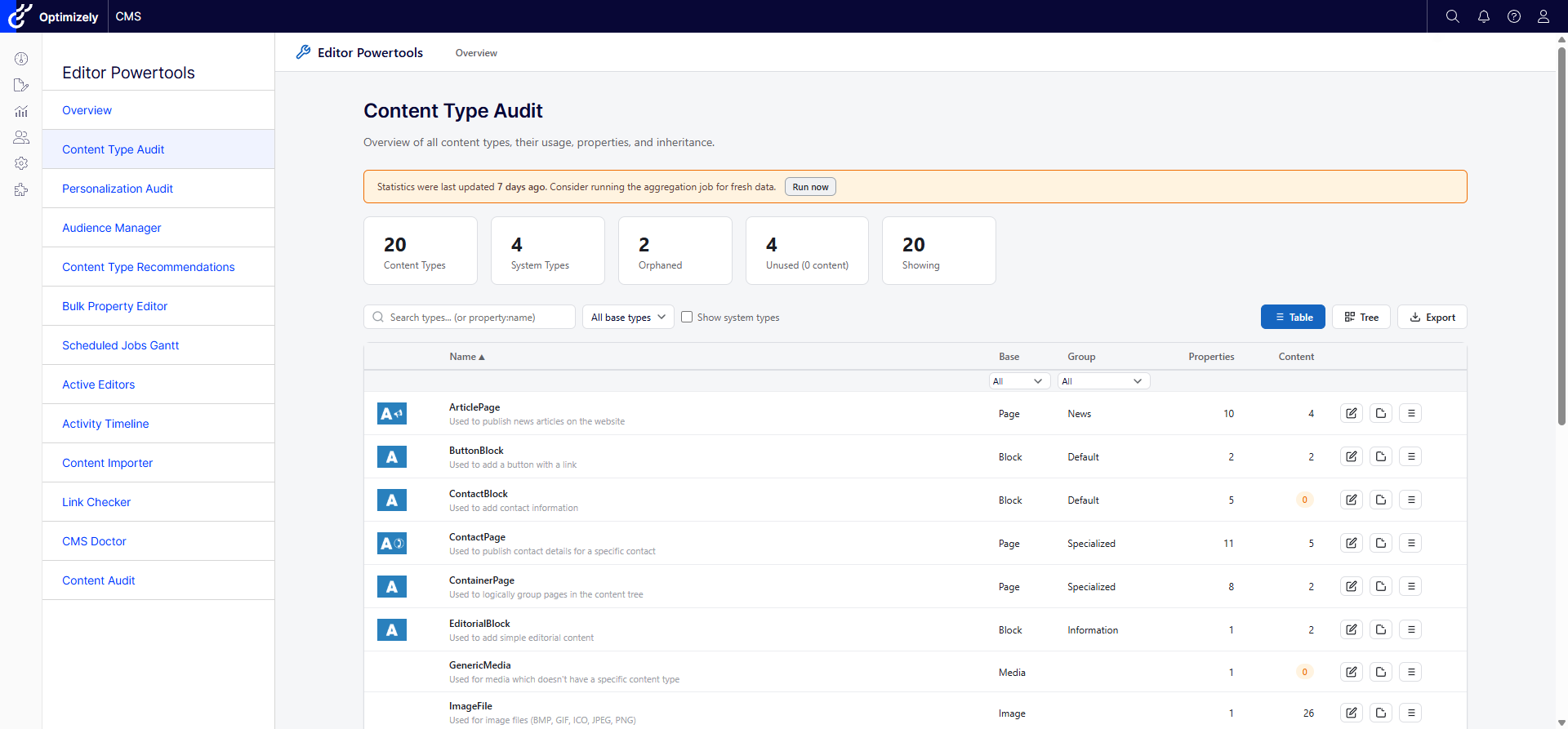
| Content Type Audit | Audit all content types, usage counts, properties (inherited/defined/orphaned), inheritance tree. CSV export. |
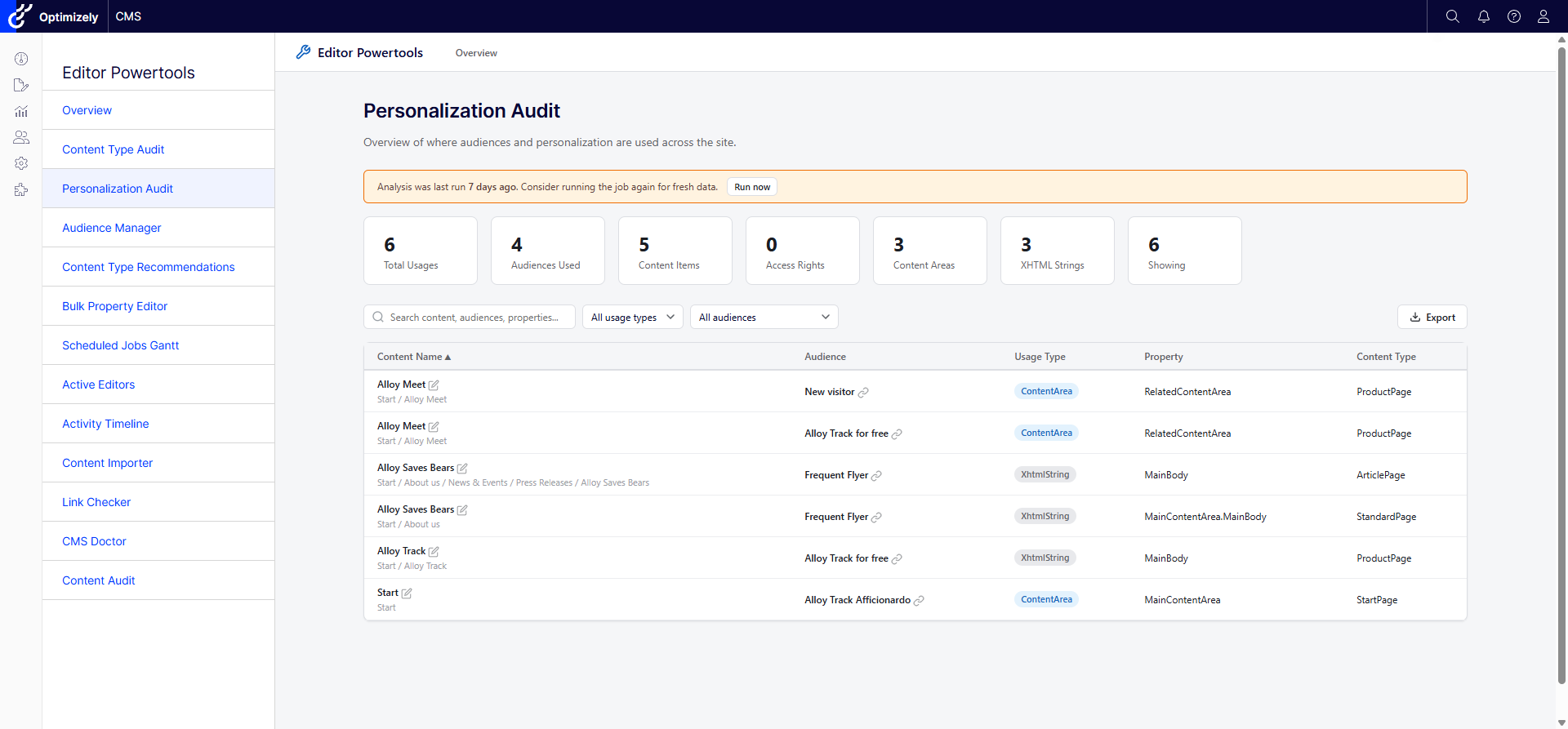
| Personalization Audit | Find where audiences are used across the site - access rights, content areas, XHTML fields. Scheduled job. |
| Language Audit | Analyze translation coverage across languages, find missing translations, and identify stale content. |
| Security Audit | Review access rights across the content tree, find overly permissive settings, and audit role assignments. |
| Link Audit | Scan content for broken internal and external links. Friendly URLs, status codes, easy edit-mode access. |
| Tool | Description |
|---|---|
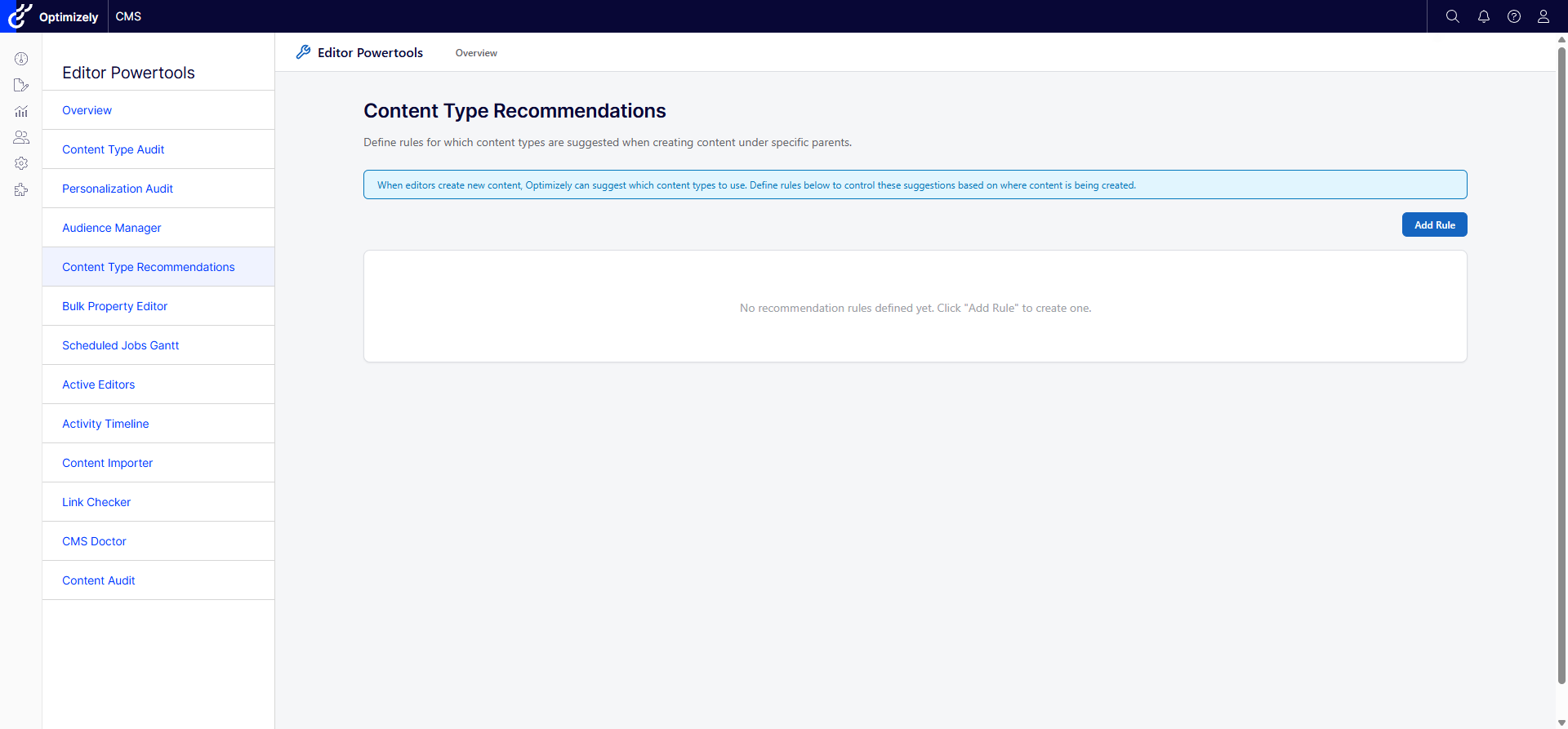
| Content Type Recommendations | Define rules for which content types are suggested when creating content under specific parents. Hooks into the CMS create dialog via IContentTypeAdvisor. |
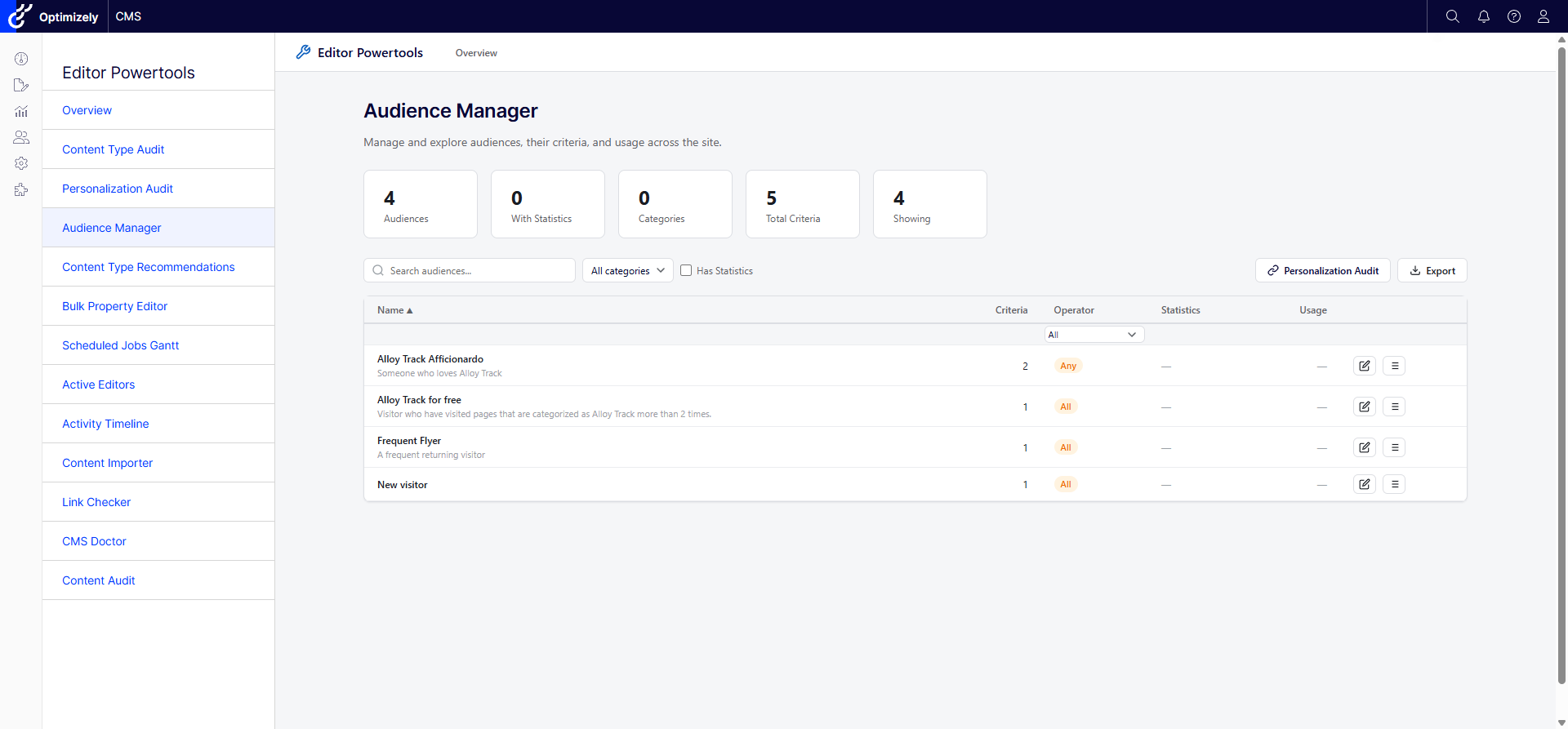
| Audience Manager | Manage audiences with search, category filtering, criteria details, and usage statistics. |
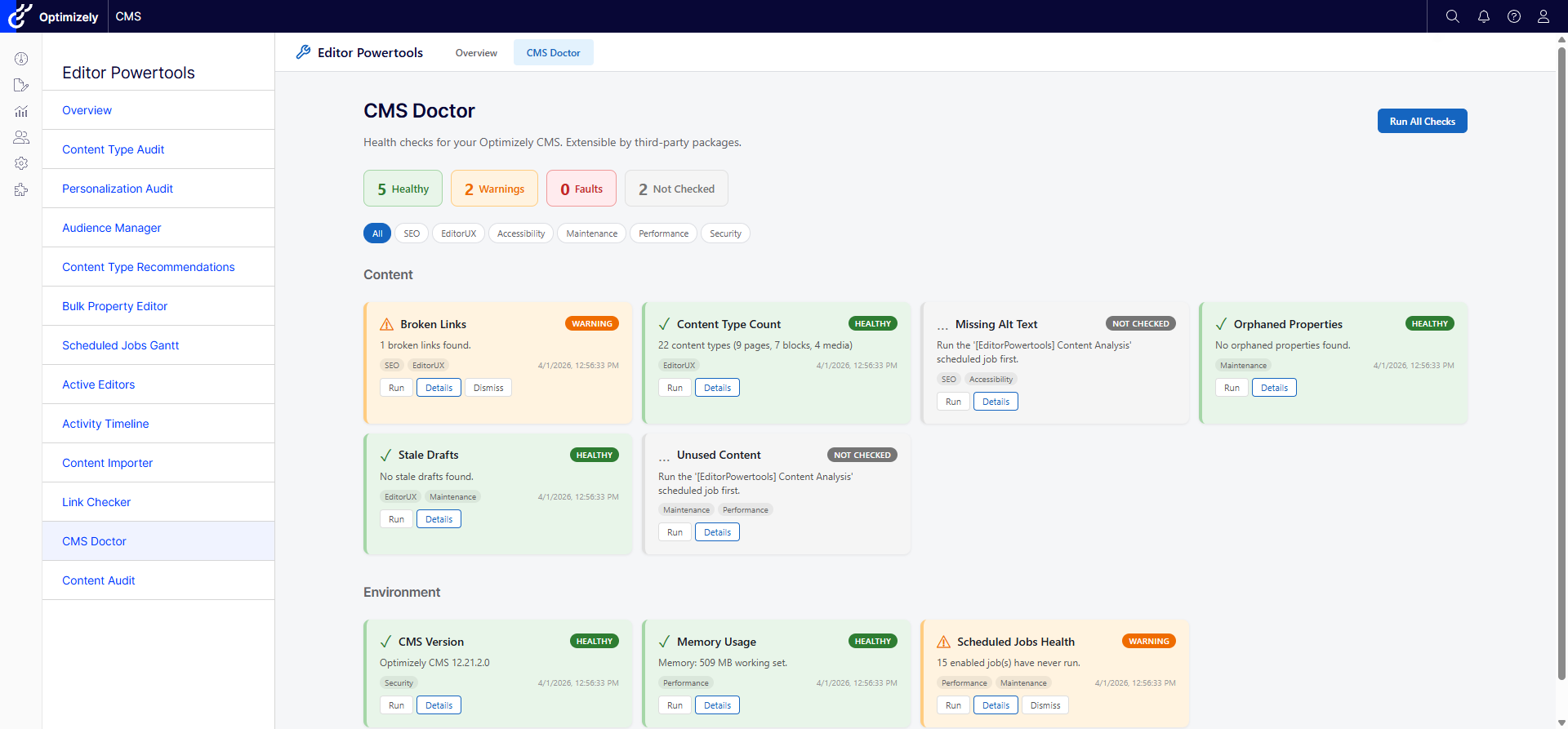
| CMS Doctor | Pluggable health check dashboard with auto-fix capabilities. |
| Active Editors | Real-time editor presence, see who's editing what, team chat, and CMS notifications via SignalR. |
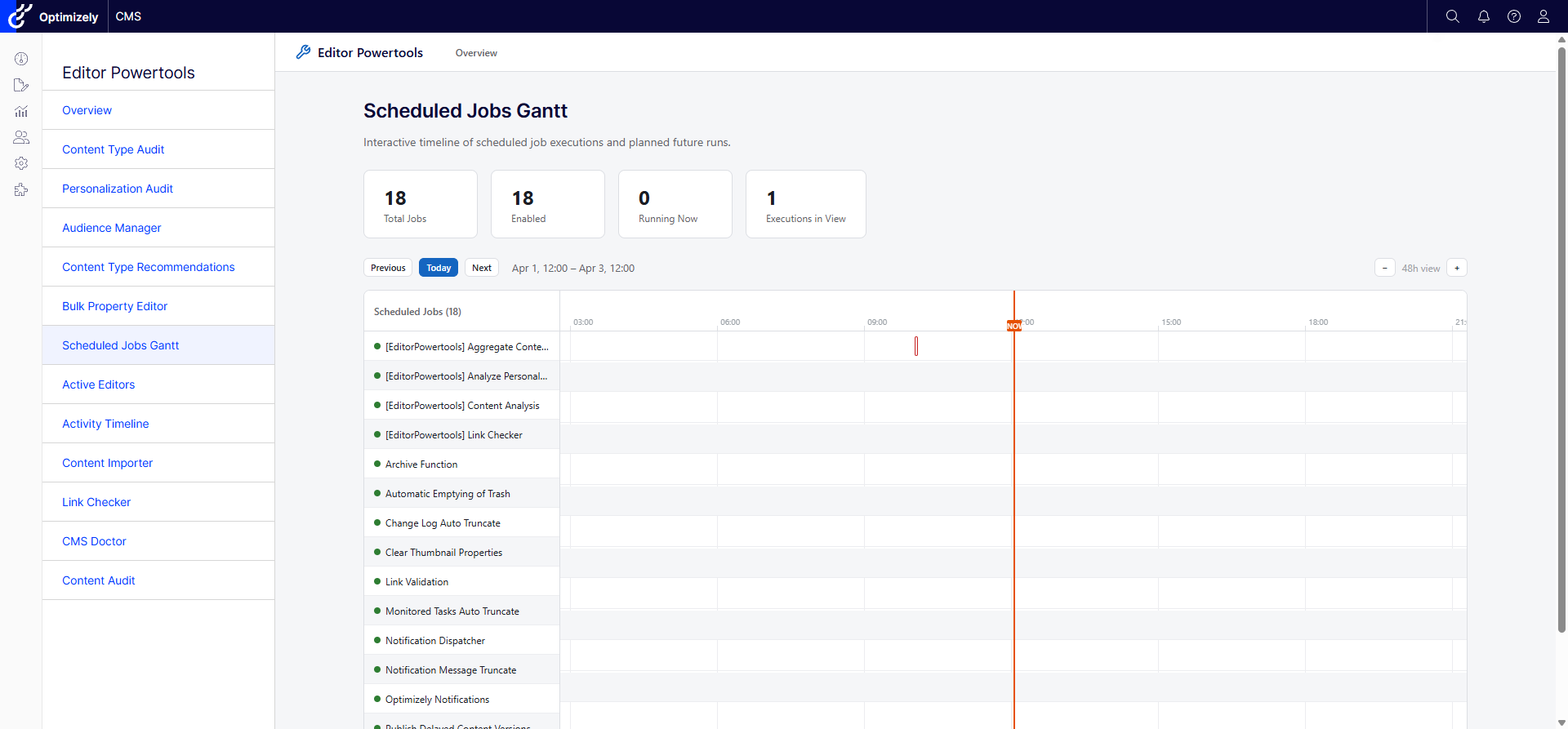
| Scheduled Jobs Gantt | Interactive Gantt chart of scheduled job execution history with zoom, scroll, and planned future runs. |
| Tool | Description |
|---|---|
| Power Content Details | Assets panel widget showing detailed info about the currently selected content item. |
| Manage Children | Bulk operations on child content items from the navigation tree. |
| Visitor Group Tester | Floating toolbar on the public site for testing personalization rules and inspecting personalized content. |
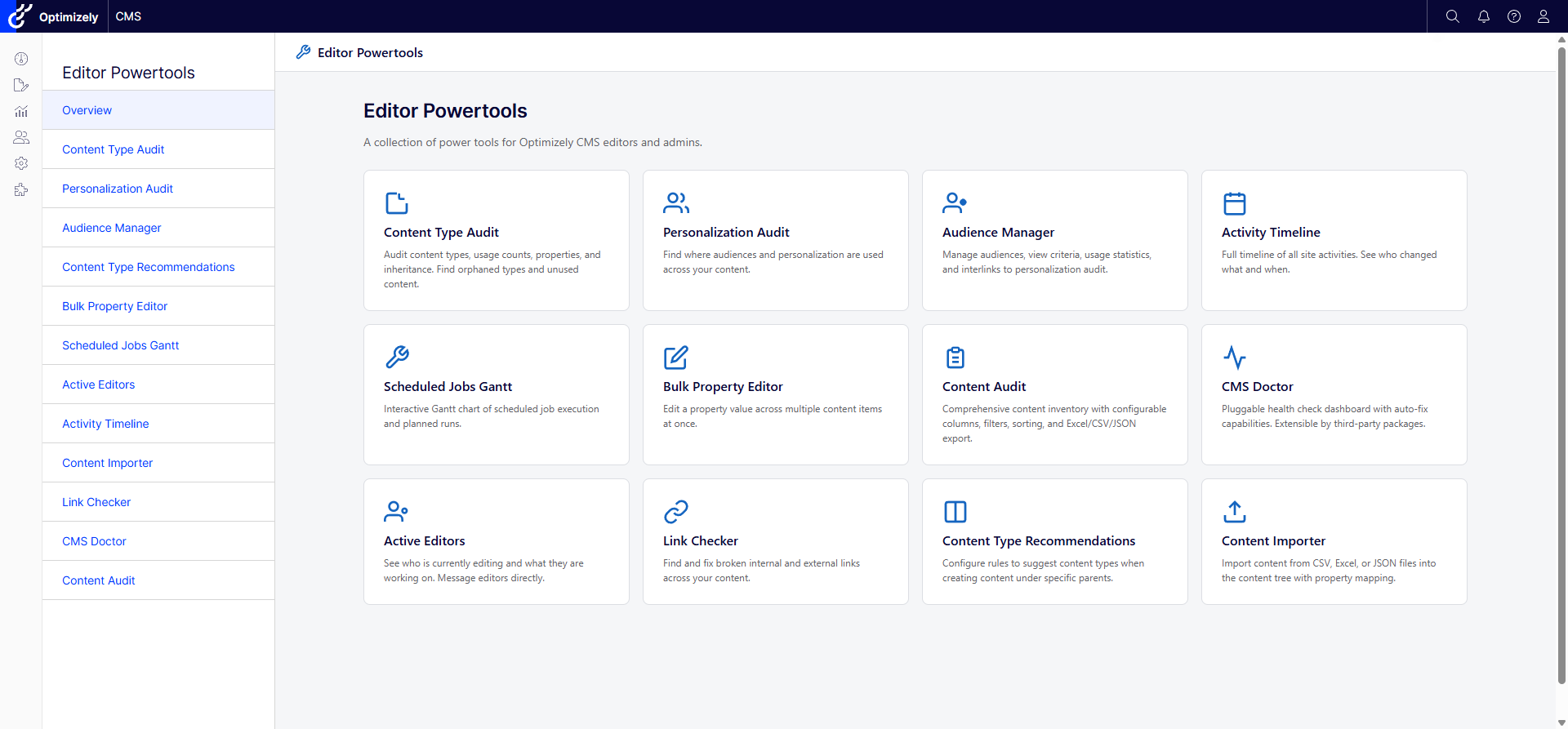
The main dashboard showing all available tools with quick-access cards.
Audit all content types with usage counts, property details (inherited, defined, orphaned), and inheritance tree visualization. Includes CSV export and drill-down dialogs.
Discover where visitor groups (audiences) are used across the site, including access rights, content areas, and XHTML fields.
Enhanced visitor group management with search, category filtering, criteria details, and usage statistics.
Full timeline of editorial activities with dual-column layout, comments, version comparison, and infinite scroll.
Interactive Gantt chart of scheduled job execution history with zoom, scroll, duration display, and planned future runs.
Inline-edit property values across multiple content items with filtering, sorting, pagination, and bulk save/publish.
Pluggable health check dashboard with grouped checks, status indicators, and auto-fix capabilities.
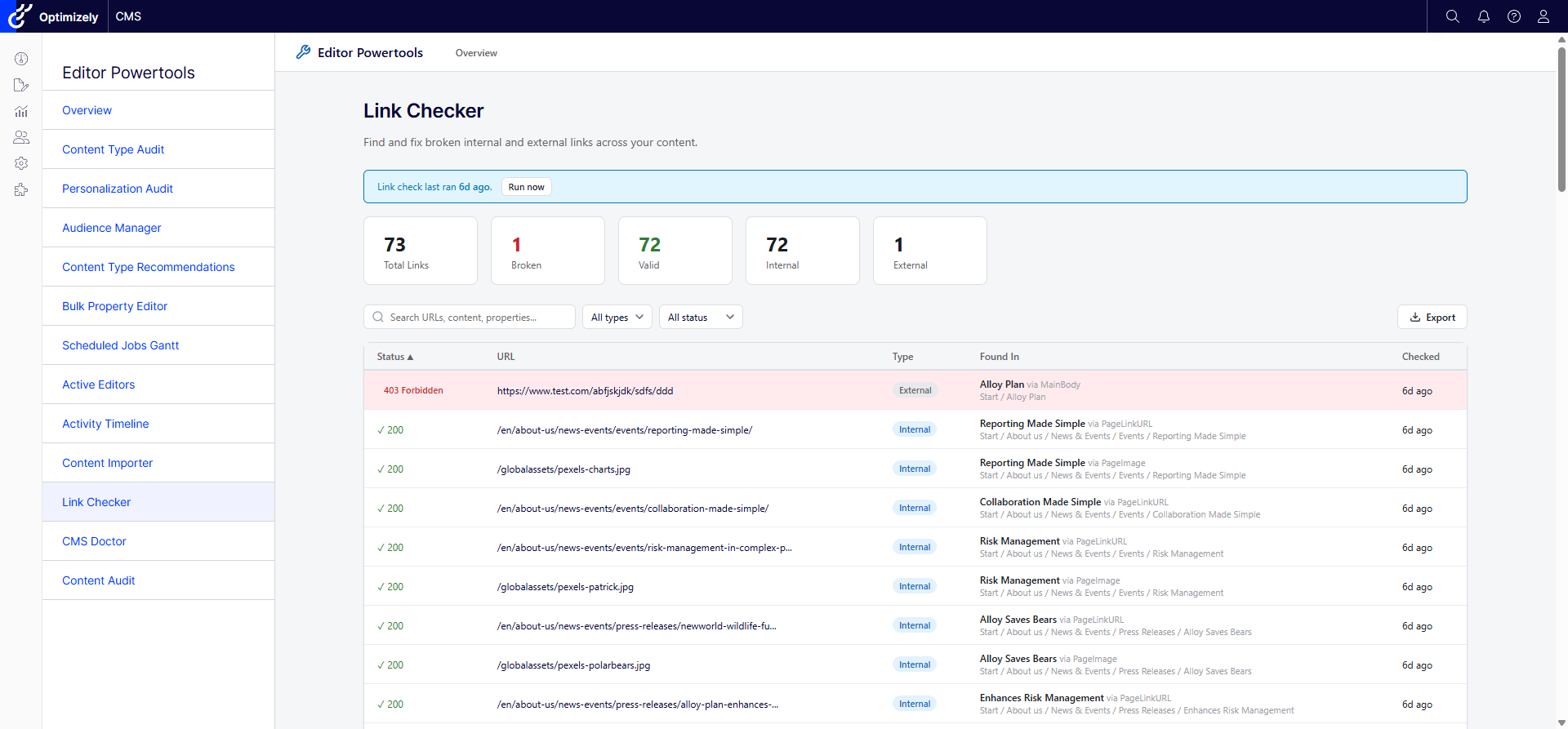
Scan content for broken internal and external links with status codes, friendly URLs, and easy navigation to edit mode.
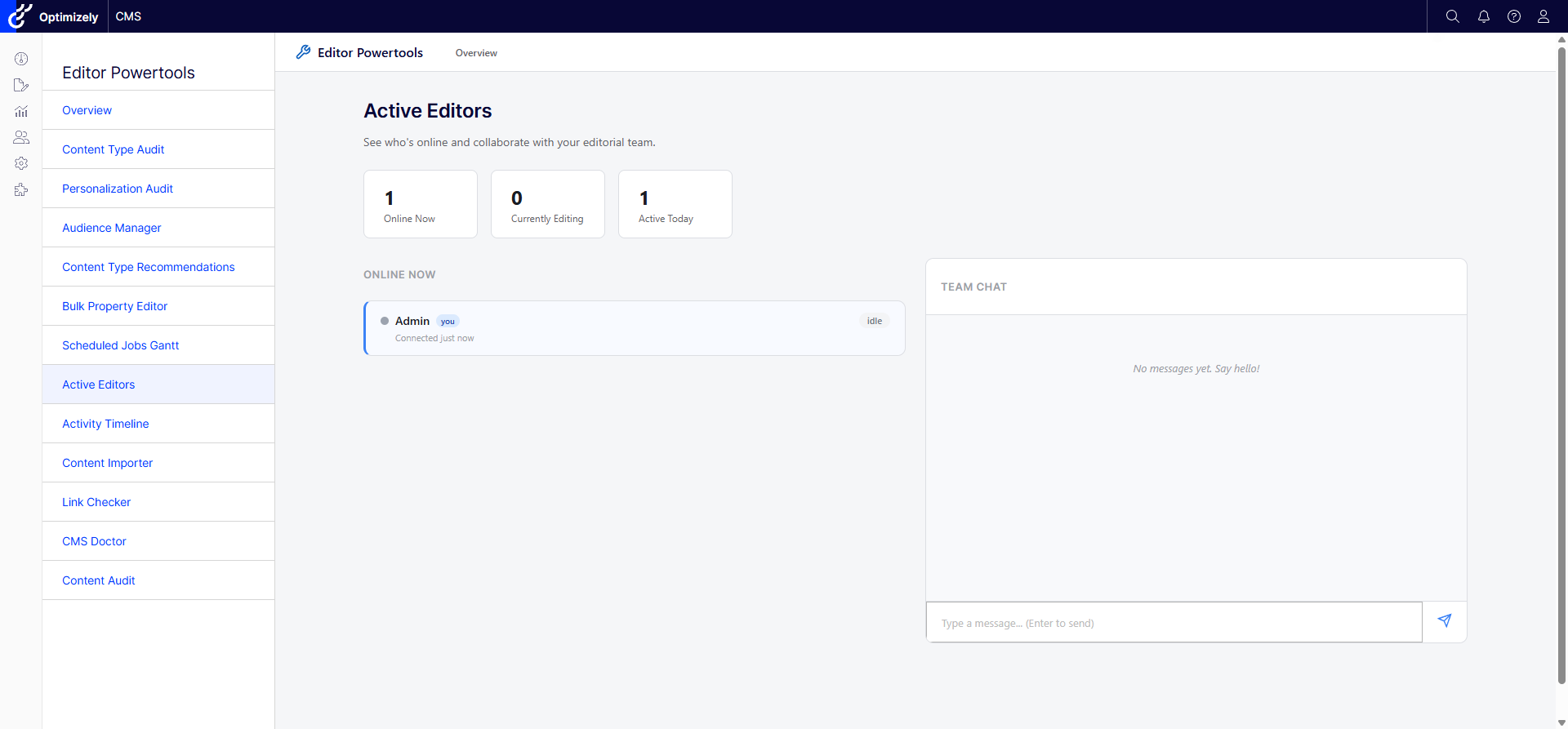
Real-time editor presence awareness showing who is editing what, with team chat and CMS notifications via SignalR.
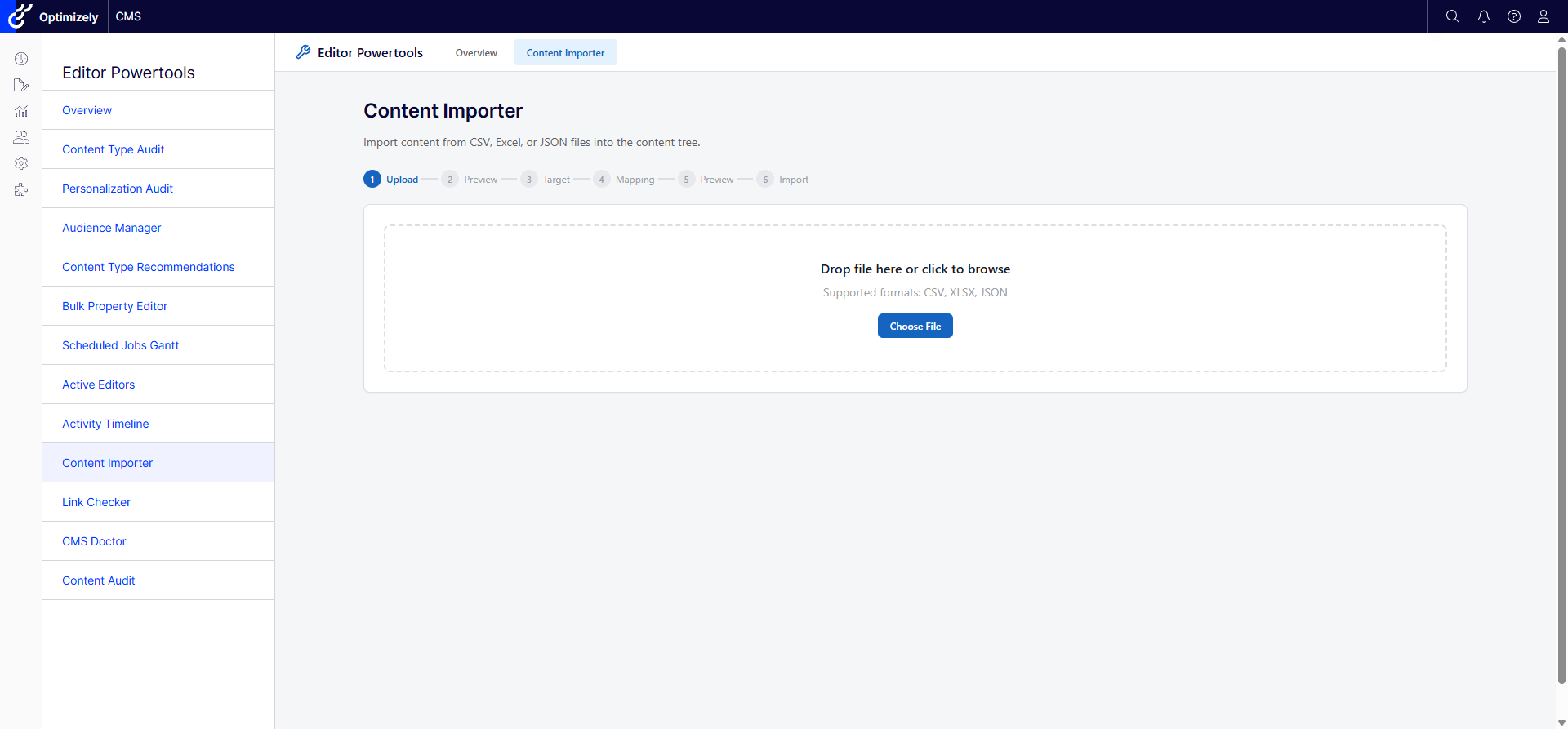
Import content from CSV, Excel, or JSON with field mapping, preview, validation, and dry-run mode.
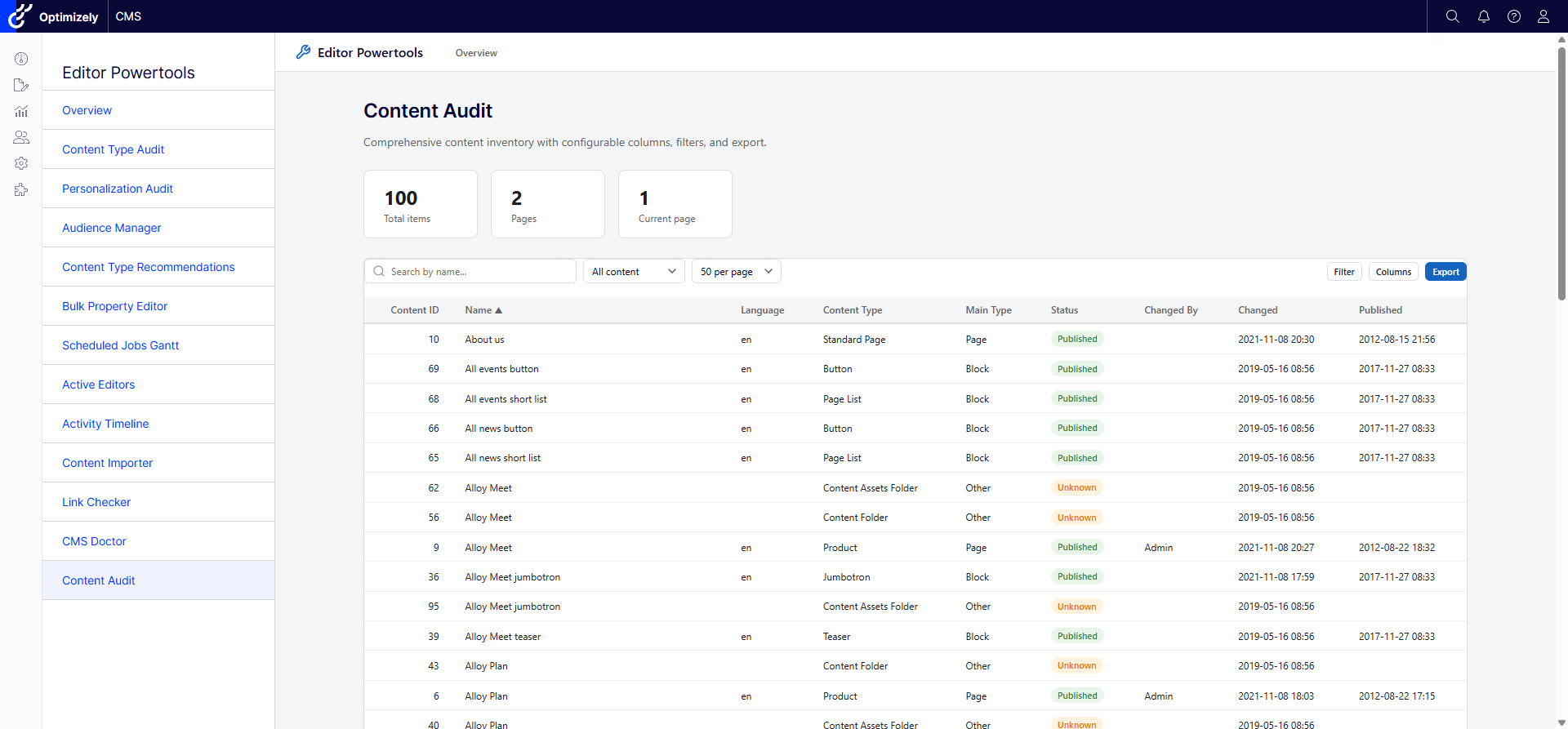
Comprehensive content inventory with configurable columns, multi-column filtering, sorting, and Excel/CSV export.
Define rules for which content types are suggested when creating content under specific parent pages. Hooks into the CMS create dialog via IContentTypeAdvisor.
Dashboard with content counts, type distribution, publishing trends, and storage metrics.
Analyze translation coverage across languages, find missing translations, and identify stale content.
Review access rights across the content tree, find overly permissive settings, and audit role assignments.
Floating toolbar on the public site for testing personalization rules and inspecting personalized content.
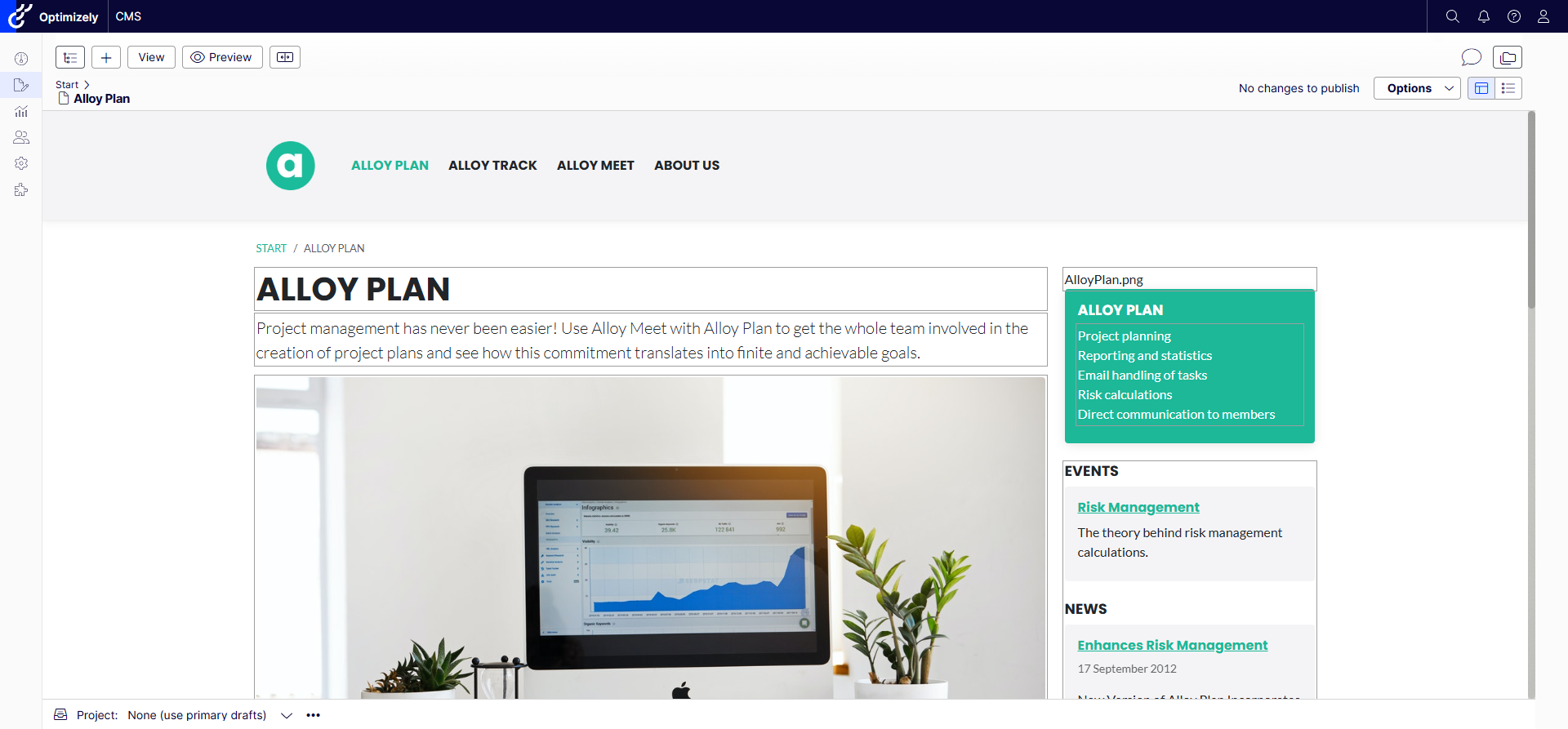
Power Content Details widget, Manage Children dialog, and Visitor Group Tester integrated directly into the CMS edit mode interface.
EditorPowertools is multi-targeted: the same NuGet package supports both Optimizely CMS 12 (.NET 8) and CMS 13 (.NET 10). CMS 13 unlocks the following additional capabilities:
- Content Type Audit — Contract / Section / Element badges, Kind and Composition filters, Contracts summary stat, and an "Applied contracts" detail panel with drill-through to each contract.
- Content Statistics — Contracts summary card and block breakdown (Sections / Elements / Plain blocks).
- Bulk Property Editor — pick a Contract in the type selector to apply changes across every content type implementing it; expansion preview shows which concrete types are affected.
- Content Audit — filter by Contract membership (Include / Exclude / Contracts only) and Composition (Section / Element).
The user-facing term "Orphaned" (content type in DB with no matching .NET class) is renamed to "Code-less" across the UI. See docs/cms13-support.md for details.
dotnet add package UmageAI.Optimizely.EditorPowerTools
In your Startup.cs:
public void ConfigureServices(IServiceCollection services)
{
    // ... other services

    services.AddEditorPowertools(options =>
    {
        // Optional: configure roles with full access (default: WebAdmins, Administrators)
        options.AuthorizedRoles = ["WebAdmins", "Administrators"];

        // Optional: enable per-tool access control via "Permissions For Functions"
        options.CheckPermissionForEachFeature = true;

        // Optional: disable specific tools
        options.Features.BulkPropertyEditor = false;
    });
}

public void Configure(IApplicationBuilder app)
{
    // ... other middleware

    app.UseEditorPowertools();

    app.UseEndpoints(endpoints =>
    {
        endpoints.MapContent();
        endpoints.MapEditorPowertools(); // Required: maps SignalR hubs and tool endpoints
    });
}
Or configure via appsettings.json:
{
  "UmageAI": {
    "EditorPowerTools": {
      "authorizedRoles": ["WebAdmins", "Administrators"],
      "checkPermissionForEachFeature": true,
      "features": {
        "contentTypeAudit": true,
        "personalizationUsageAudit": true,
        "bulkPropertyEditor": true,
        "contentStatistics": true,
        "languageAudit": true,
        "securityAudit": true,
        "visitorGroupTester": true
      }
    }
  }
}Three-layer permission model:
- Feature Toggles - Enable/disable individual tools via configuration
- Role-Based Access -
AuthorizedRolesgrants full access (default: WebAdmins, Administrators) - Permissions For Functions - When
CheckPermissionForEachFeature = true, individual tools can be granted to specific users/roles via the CMS admin UI under "Permissions For Functions"
Several tools require a scheduled job to collect data:
| Job | Tools |
|---|---|
| Aggregate Content Type Statistics | Content Type Audit |
| Analyze Personalization Usage | Personalization Audit, Audience Manager |
| Link Audit | Link Audit |
Run these from the CMS admin Scheduled Jobs page, or trigger them from each tool's "Run now" button.
- Getting Started Guide - Step-by-step installation and setup
- Configuration Reference - All options, feature toggles, and settings
- Extending CMS Doctor - Create custom health checks
- Coding Guidelines - Architecture patterns and coding standards
- Backlog - Planned features and improvements
- .NET 8 / .NET 10 / C# / Optimizely CMS 12 and CMS 13 (single multi-targeting NuGet package)
- Vanilla JavaScript (no framework dependencies)
- Razor SDK class library with embedded views and static assets
- DynamicDataStore (DDS) for persistence
- Protected module integration with CMS shell
- 11 language files included for localization
See docs/coding-guidelines.md for architecture patterns and coding standards.
MIT - Copyright (c) 2026 Allan Thraen / UmageAI