Developer skills crud app built in Spring Boot with Spring JPA and Thymeleaf template
The easiest way to read through this code, try it out and play with it is to follow these instructions:
- Open project in Netbeans of anyother IDE
- find the class Application in left side Package Explorer
- right click on class Application > Run as .. > Spring Boot App
- check the console on the bottom for something like "Started Application in 9.06 seconds"
- go to browser and the application should be running under http://localhost:8080/developers

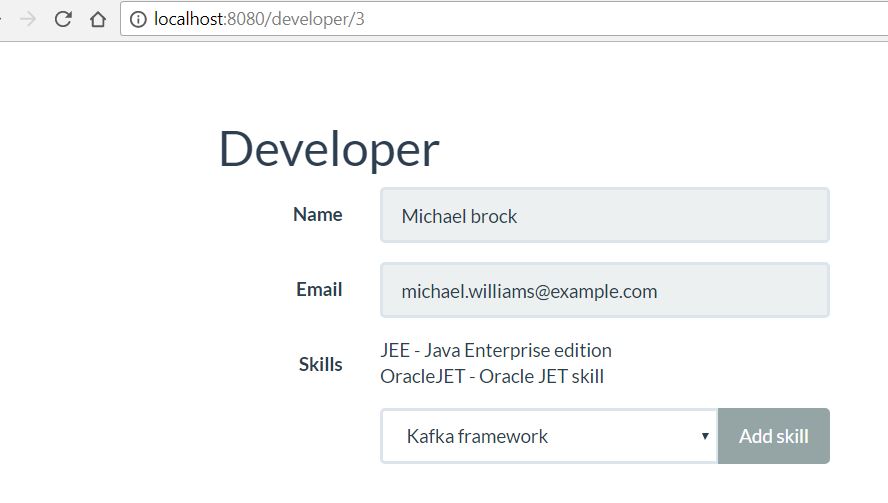
Add Developer first Name , Last Name and skills and submit. After you can added that developer. Then you can skills from drop down.
-
For deploying this code in Oracle Application Container cloud, --build this using maven. --Deploy zip archive to Oracle Application container cloud . and access Oracle ACCS cloud URL/developers.
-
For running this locally, --build this. Open command prompt in target folder. --Run with java -jar SpringBootJpaDev-1.0.jar. And after it started , hit the browser with http://localhost:8080/developers