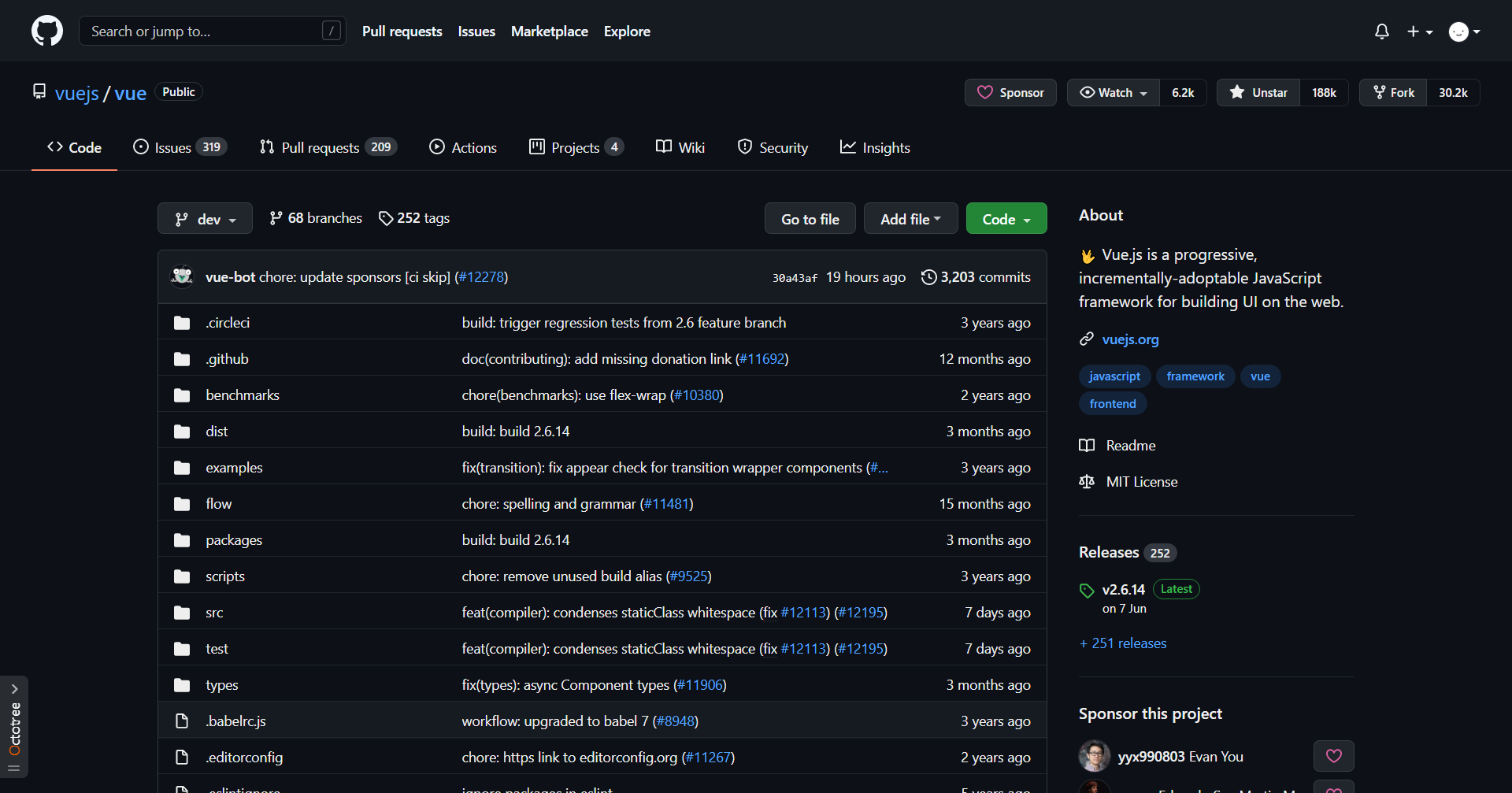
✨ Light up GitHub's dark mode
If you find GitHub's dark mode is too dark, and dark high contrast doesn't suit your taste, you can try this theme.
Text color defaults to #eee, you can adjust it to your liking using Stylus.
- Install Stylus for Firefox, Chrome, Opera.
- Install github-brighter-text.user.css.
- Set GitHub itself to dark mode.