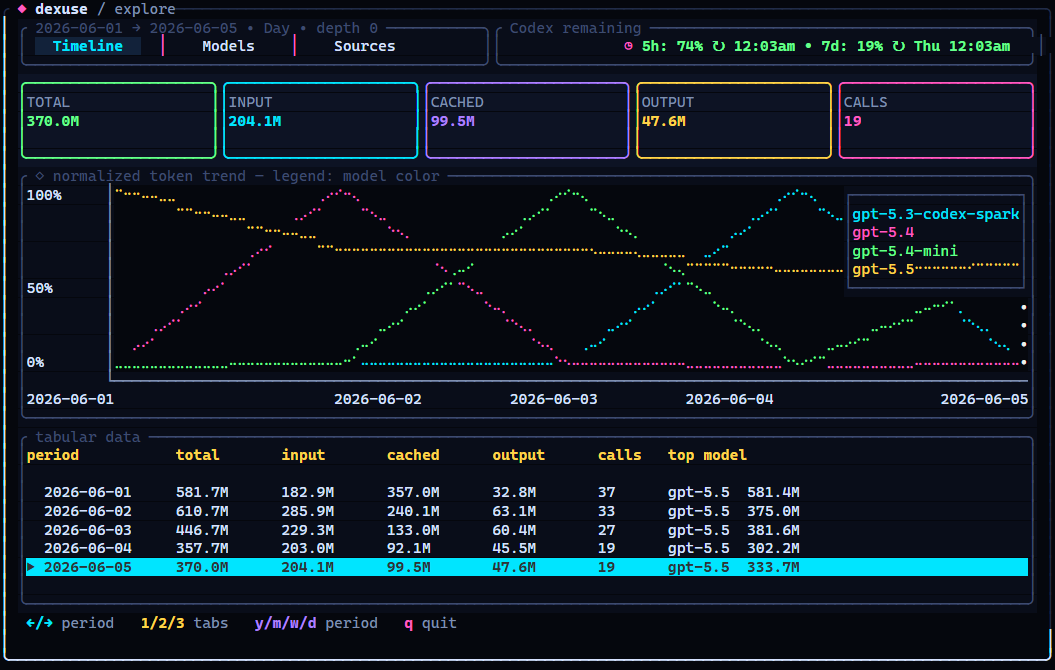
OpenAI / Codex token usage, finally visible.
dexuse turns local OpenAI/Codex-style usage history into a polished terminal dashboard with timelines, model splits, source breakdowns, cache reads, reasoning tokens, Codex quota badges, and JSON export.



OpenAI/Codex tools leave token history scattered around your machine. dexuse pulls the useful parts into one beautiful local view so you can answer:
- Which model burned the most tokens?
- How much was cached instead of fresh input?
- Did it come from Codex, Hermes, or OpenClaw?
- What changed by day, week, month, or year?
- How much Codex quota is left in the 5-hour and 7-day windows?
- Can I get the same totals as JSON? Yep.
No cloud account. No upload. It reads local files only.
npx @yashau/dexuseFrom a checkout:
mise install
mise run bundle
pnpm run dexuse
mise is the primary repo tool: it installs the pinned Rust/Node toolchains and owns the repeatable local tasks for formatting, tests, builds, screenshots, package checks, and release-binary bundling. Use the direct cargo/pnpm commands below only as lower-level fallbacks.
npx @yashau/dexuse
npx @yashau/dexuse --json
npx @yashau/dexuse --json --from 2026-06-01 --to 2026-06-06 --granularity day
npx @yashau/dexuse --codex-only
npx @yashau/dexuse --hermes-only
npx @yashau/dexuse --openclaw-only
dexuse automatically looks in the usual places:
- Codex:
~/.codex, including archived sessions - Hermes:
~/.hermes,%LOCALAPPDATA%\hermes, and profile databases - OpenClaw:
~/.openclaw, with legacy~/.clawdbotfallback
Need a custom path?
npx @yashau/dexuse --codex-home ~/.codex
npx @yashau/dexuse --hermes-home ~/.hermes
npx @yashau/dexuse --openclaw-home ~/.openclaw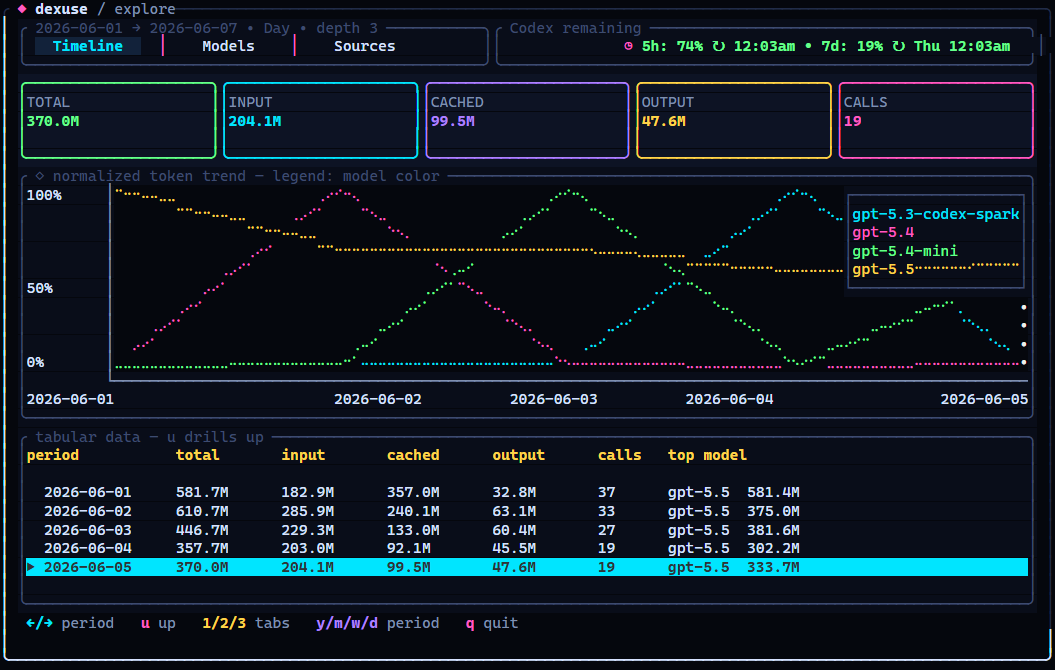
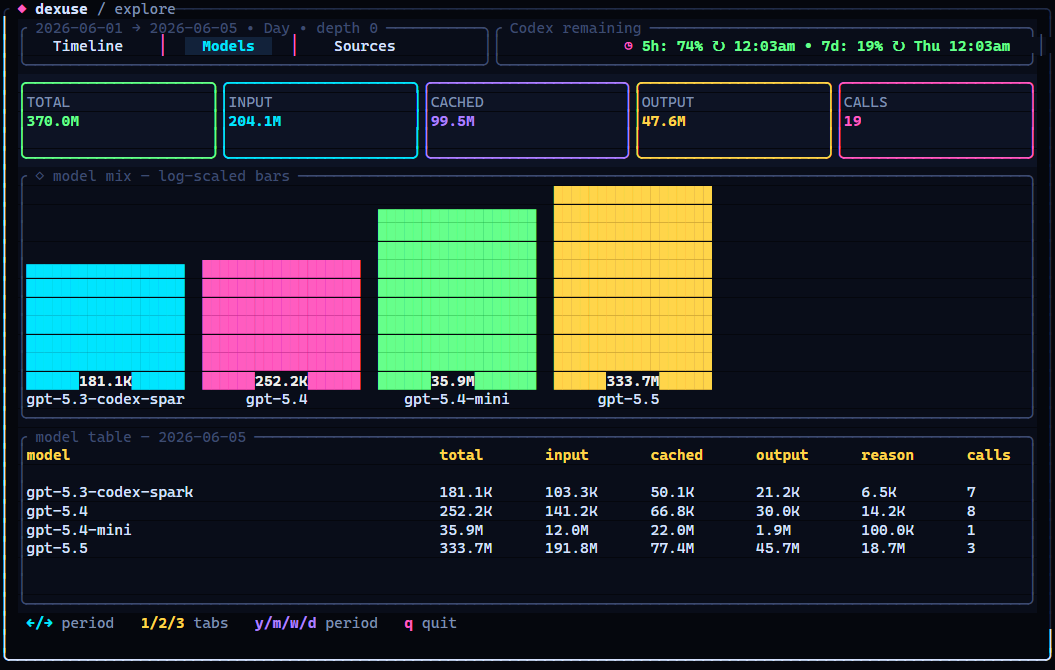
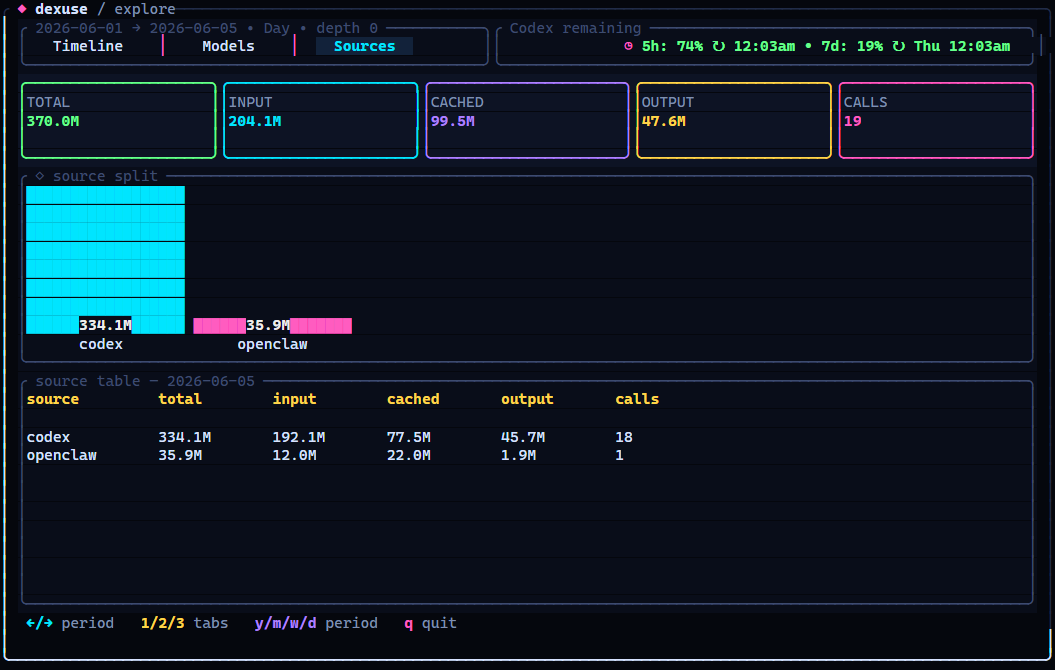
1/2/3: Timeline, Models, SourcesTab,Shift+Tab,[/]: switch tabs←/→orh/l: move the selected periodEnter/Space: drill down through timeu/Backspace: go back upy/m/w/d: year, month, week, dayq/Esc: quit
dexuse keeps the buckets separate so big cached sessions do not look like fresh input:
- input tokens
- cached input tokens
- cache write tokens
- output tokens
- reasoning tokens
- API calls
- estimated cost when the source provides it
JSON output includes totals, time buckets, model splits, provider splits, source splits, and codex_quota when quota probing is available.
Codex, Hermes, and OpenClaw are harnesses over local OpenAI/Codex-style usage logs. The ingestion layer is modular, so another compatible local agent can be added without turning main.rs into spaghetti. Maintainer details live in AGENTS.md.
Use mise for setup and quality gates:
mise install
mise run check
mise run screenshots
mise run pack
Direct commands work too when you need to debug a single underlying step:
cargo fmt --check
cargo test
cargo clippy --all-targets --all-features -- -D warnings
cargo build --release
python scripts/bundle_current.py
python scripts/smoke_json.py
pnpm run screenshots
pnpm pack --dry-runMIT.