English | 简体中文


All previews below are live — pulled directly from the demo profile
zyh3699/zyh3699.
- Waving banner with gradient title and subtitle via capsule-render
- Typing SVG — animated rotating taglines (Fira Code font)
- Social badges — GitHub, Email, ORCID, Google Scholar, 小红书
- Page view counter (komarev.com) + Stars badge
- Skills & Tools — icon grid via skillicons.dev
- Contribution stats — three summary cards (tokyonight theme)
- Snake animation — light/dark mode responsive, auto-updated daily
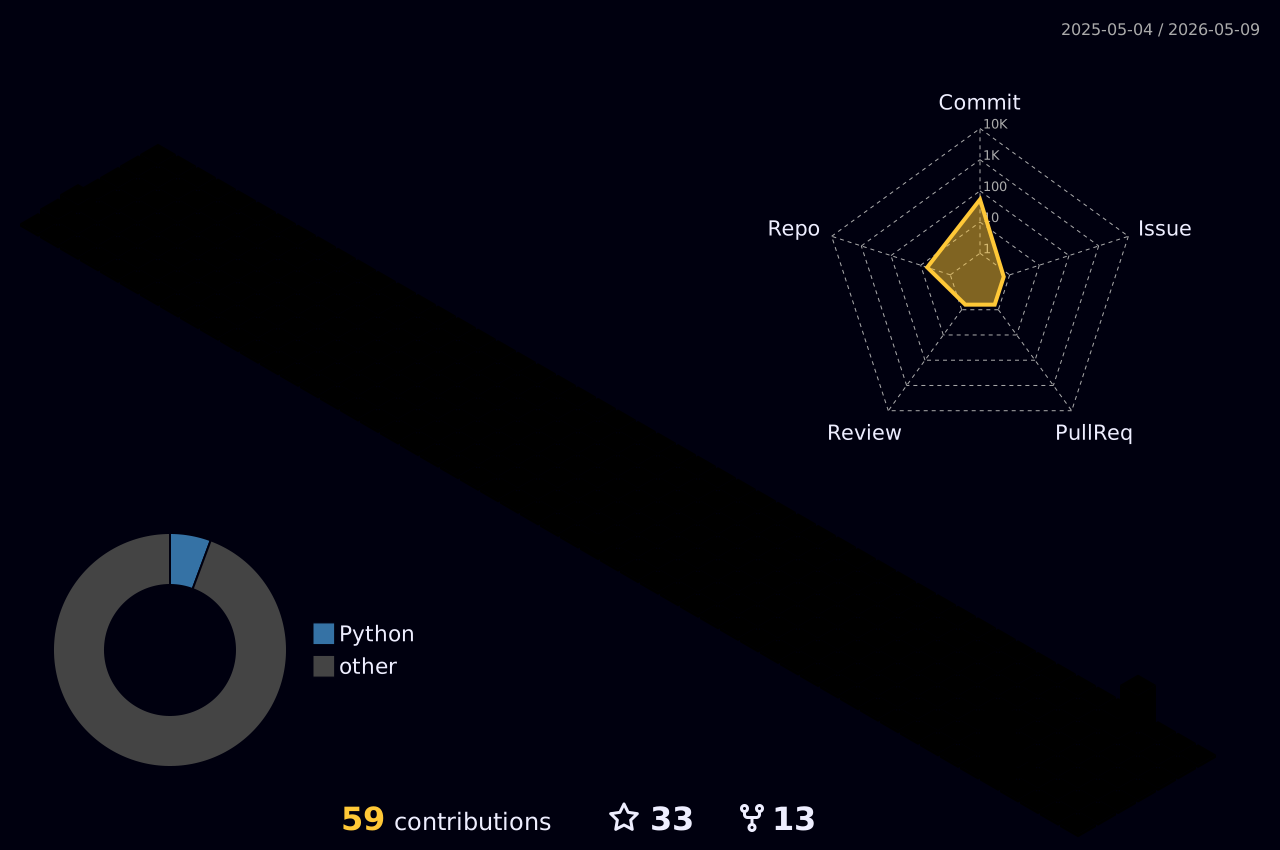
- Contribution heatmap — profile-details card + 3D rainbow graph
- Footer — wave animation + closing line
GitHub renders a README.md as your profile page when the repo name exactly matches your username.
- Go to github.com/new
- Set the repository name to your GitHub username (e.g.
zyh3699) - Make it Public
- Check Add a README file
- Click Create repository
- Open
zyh3699/zyh3699→ click Raw - Select all → copy
- Paste into your new repo's
README.md - Replace every occurrence of
zyh3699with your username
Find and replace the following placeholders:
| Placeholder | Replace with |
|---|---|
zyh3699 |
your GitHub username |
zephyrzhong248@gmail.com |
your email |
0009-0003-0132-2036 |
your ORCID |
your-id (Google Scholar) |
your Scholar user ID |
| 小红书 profile URL | your profile URL (or remove the badge) |
The snake animation and 3D contribution graph require two workflows. See Actions Setup below.
Commit your changes, then visit github.com/YOUR_USERNAME to see your live profile.
Copy the two workflow files from .github/workflows/ in this repo into your repo's .github/workflows/ folder.
Generates a contribution grid snake animation and pushes it to the output branch.
Required permissions:
- Go to your repo → Settings → Actions → General
- Under Workflow permissions, select Read and write permissions
- Save
First run:
Go to Actions → Generate Snake Animation → Run workflow
The snake SVG will be available at:
https://raw.githubusercontent.com/YOUR_USERNAME/YOUR_USERNAME/output/github-contribution-grid-snake-dark.svg
https://raw.githubusercontent.com/YOUR_USERNAME/YOUR_USERNAME/output/github-contribution-grid-snake.svg
After the first run, it updates automatically every day at midnight.
Generates a 3D animated contribution graph and pushes it to main.
Required: Personal Access Token
This workflow needs write access via a PAT (the default GITHUB_TOKEN has read-only scope for pushes across repos).
- Go to github.com/settings/tokens → Generate new token (classic)
- Give it a name (e.g.
PROFILE_TOKEN) - Select scope: ✅
repo - Generate and copy the token
- Go to your repo → Settings → Secrets and variables → Actions → New repository secret
- Name:
TOKEN· Value: paste your token - Save
First run:
Go to Actions → 3D Contribution Graph → Run workflow
The graph will be available at:
https://raw.githubusercontent.com/YOUR_USERNAME/YOUR_USERNAME/main/profile-3d-contrib/profile-night-rainbow.svg
After the first run, it updates automatically every day at 18:00 UTC.
The template uses a violet → cyan gradient. Key color values:
| Role | Hex |
|---|---|
| Primary (violet) | #7C3AED |
| Secondary (cyan) | #06B6D4 |
| Mid gradient | #4E7FD4 |
| Accent (light violet) | #A78BFA |
To change the scheme, replace these values in the banner, footer, badges, and stats card theme.
Edit the lines= parameter in the Typing SVG URL. Separate lines with ;. URL-encode spaces as + and special characters accordingly.
Edit the i= parameter in the skillicons.dev URL:
https://skillicons.dev/icons?i=python,pytorch,tensorflow,docker,...&perline=9
Full icon list: skillicons.dev
Change theme=tokyonight to any supported theme:
dark, radical, merko, gruvbox, tokyonight, onedark, cobalt, synthwave, dracula
Edit profile-3d-contrib/settings.json and the matching step in .github/workflows/profile-3d.yml:
{
  "type": "rainbow",
  "backgroundColor": "#0d1117",
  "radarColor": "#7C3AED",
  "growingAnimation": true,
  "contribColors": ["#161b22", "#2D1B69", "#5B21B6", "#7C3AED", "#06B6D4"]
}Note: Always update both the
settings.jsonfile and the workflow's inline JSON — the workflow regeneratessettings.jsonon every run.
MIT — free to use, modify, and distribute. See LICENSE.

If this template helped you, consider leaving a ⭐ — it helps others find it.