How to use GUI
You can launch the GUI without any arguments...
java -jar ACGPicDownload.jar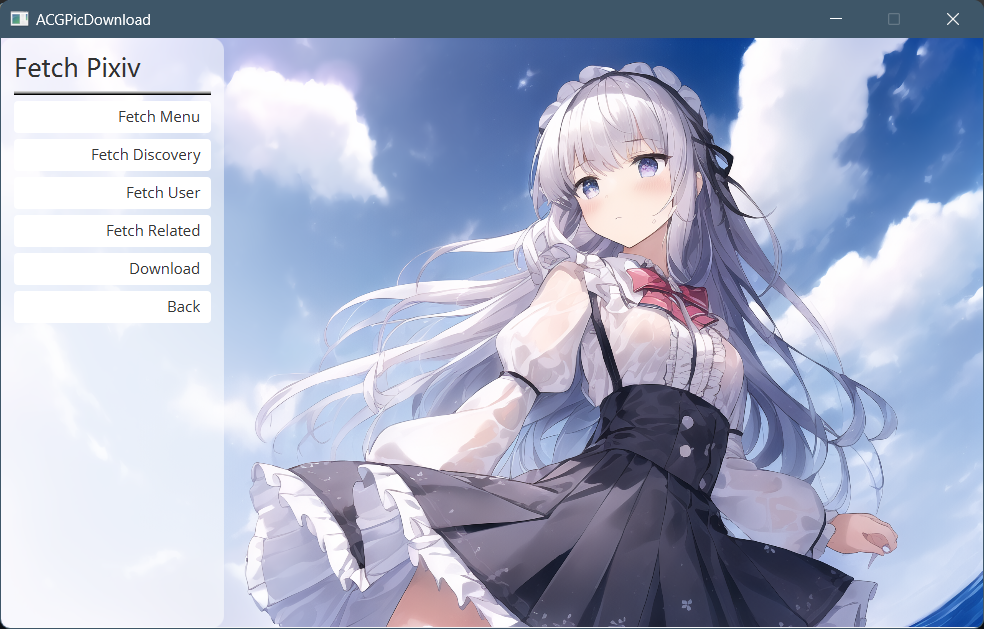
There're these functions that are available now, they require you to login to Pixiv account to run. Click the button on the right side of account area to open account manager, where you can add and change Pixiv accounts.
We currently support 2 ways to login, which are:
-
Login via built-in browser
By clicking the button on the left, the program will open a built-in browser page, where you should login to your Pixiv account in any methods. After logged in, the browser will close and the program will try to login automatically.
If you encountered any issue logging in, please try another way to login. Login through this method may cause your login sessions elsewhere to be deleted.
-
Manully enter cookie
Enter the cookie and click the button next to it to login. Please see another page in wiki for steps to get cookie.

After fetching, you can click Send to Download to send them to download page

In the download page, you can save the artworks

Enter Fetch Pictures page to fetch picture APIs. See Add custom sources to add your own source.