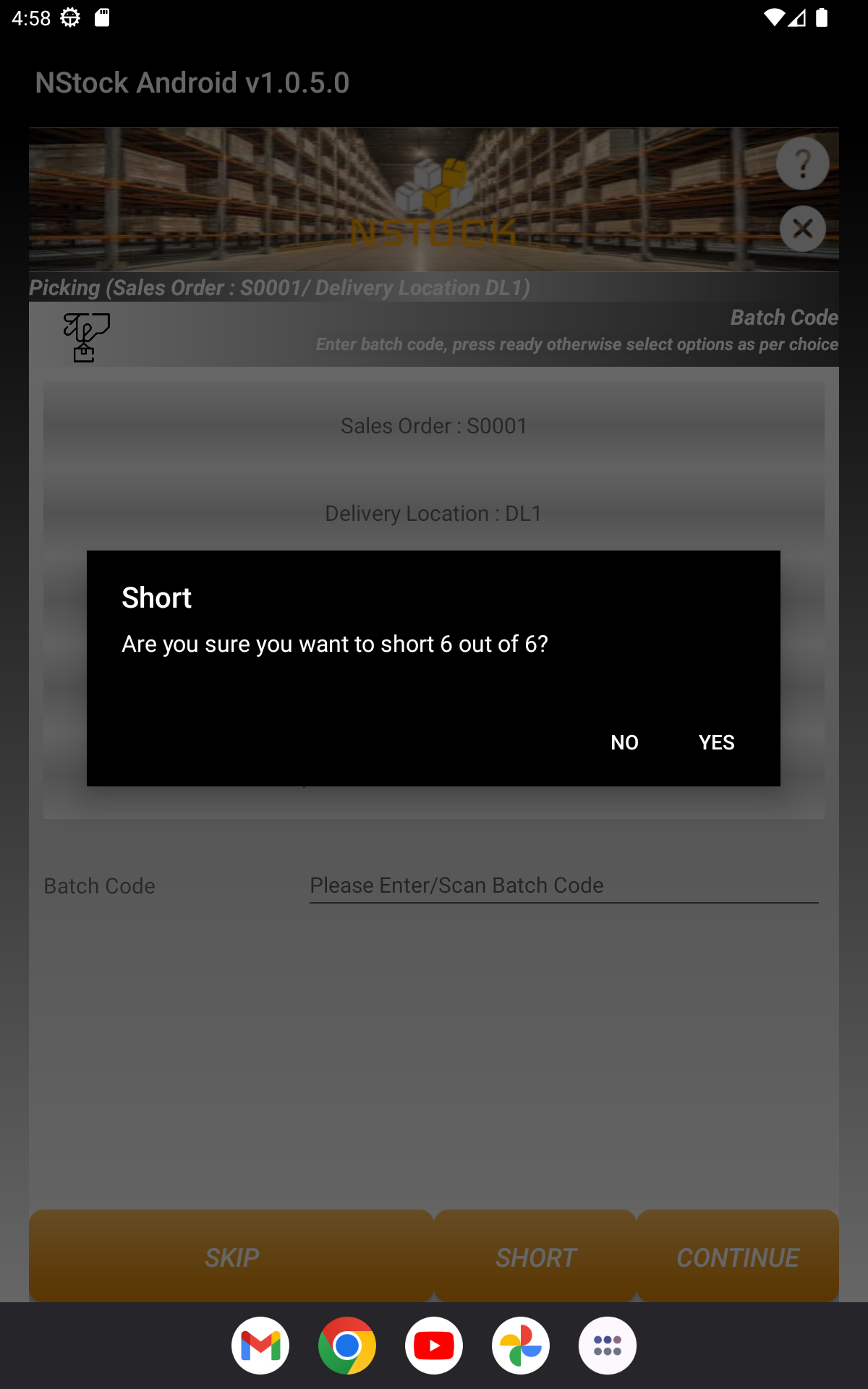
Batch Code Picking

- This screen displays some information related to item, to Pick this item you need to enter Batch Code.
- Sales Order : This display Sales Order Number.
- Delivery Location : This display Delivery Location.
- Pick Container Number : This display Pick Container Number.
- Pick / Remaining : This display Number of Items Picker and Remaining.
- Item Description : You have to enter Item Description.

- Skip : If you select SKIP button, your picking process skip this item.

- Short : If you select SHORT button, your picking process SHORT this item.